Uizard Review 2026: Can AI Really Design Your App in Minutes?
The honest answer to the headline question is: yes, but with significant caveats about what “design” means in that sentence.
Uizard can take a text description like “a fitness tracking app with a dashboard, workout log, and progress charts” and generate a multi-screen clickable prototype in under a minute. The screens will have logical navigation structure, UI components in roughly the right places, and enough visual coherence to make the concept immediately communicable to a developer or stakeholder. That is genuinely useful when the alternative is waiting for a designer appointment or spending an afternoon in Figma learning keyboard shortcuts.
What Uizard will not do is deliver production-ready design files. The AI output is generic in ways that experienced reviewers describe as “fine for a first draft, not close to a finished product.” Texts sometimes overlap. Component contrast is inconsistent. The most complex prompts produce the most misaligned layouts. And the free plan, with only 3 AI generations per month and the older Autodesigner 1.5 model, understates what the paid tiers can actually do.
Acquired by Miro Labs in May 2024, Uizard has expanded its AI feature set significantly since that acquisition. In 2026 it is the most accessible AI UI design tool for non-designers, product managers, and early-stage founders who need to visualize and communicate product ideas quickly without a design background.
Plan Comparison Table
| Plan | Best For | Starting Price | Free Plan |
|---|---|---|---|
| Free | Platform evaluation and simple single-project prototypes | $0 (2 projects, 3 AI generations/month, Autodesigner 1.5) | Yes |
| Pro | Individual founders, PMs, and designers needing full AI generation and developer handoff | $12/month (annual) / $19/month (monthly) | No |
| Business | Teams needing unlimited projects, 5,000 AI generations, and custom brand kits | $39/month (annual) / $49/month (monthly) | No |
| Enterprise | Organizations needing SSO, dedicated support, and design system setup | Custom pricing | No |
“Pricing is subject to change. Always verify current pricing directly at uizard.io before purchasing.”
What Uizard Is
Uizard is a browser-based AI UI design and prototyping platform launched in 2018. It sits in the gap between “I have a product idea” and “I have something a developer can build from,” enabling users with no design background to produce clickable prototypes at a speed that no traditional design tool matches for the non-designer workflow.
The platform is primarily aimed at product managers who need to communicate UI concepts without involving a designer at every ideation step, startup founders validating product concepts before investing in development, developers who want to communicate screen-level requirements visually, and designers using Uizard for rapid wireframing before moving to Figma for final production.
Key Features
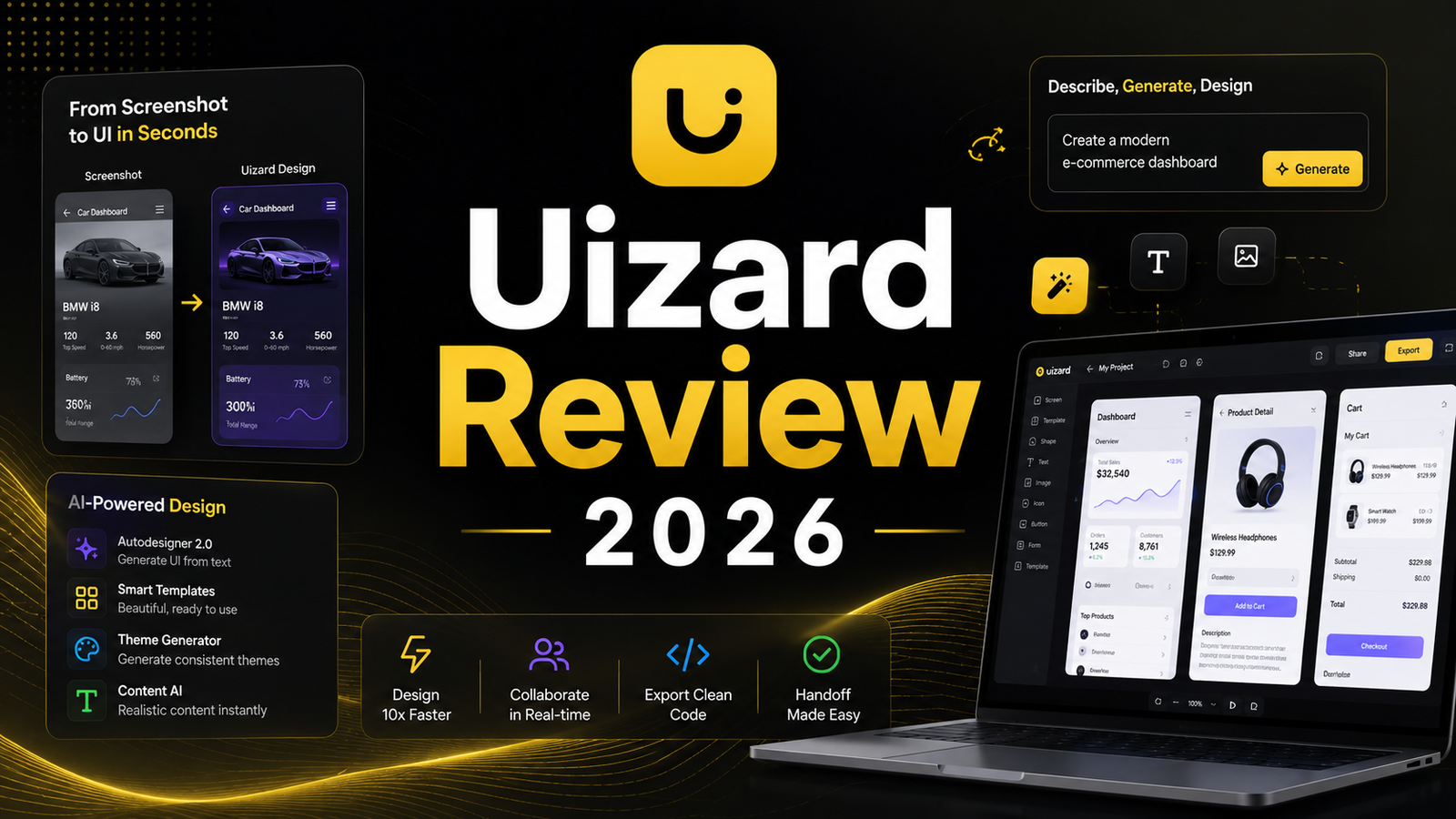
Autodesigner 2.0 (text-to-UI generation). Autodesigner is the headline capability. Describe a product in natural language, select a device type (mobile, tablet, or desktop), and the AI generates a multi-screen prototype with interactive navigation between screens. In independent testing, a six-screen e-commerce app flow was generated in under 40 seconds from a prompt describing “an e-commerce app for handmade jewelry with product listings, a cart, checkout, and order tracking.” The product grid, cart summary, and checkout form fields were structurally correct. The order tracking screen was the weakest output and required significant manual fixing. Three of five screens in a fitness app test had logical layouts; two needed rearranging.
The critical version distinction: the free plan provides Autodesigner 1.5, which produces noticeably lower-fidelity output. If you are evaluating Uizard based on the free plan alone, you are seeing a weaker version of what the tool can do. Autodesigner 2.0, available from the Pro plan upward, handles more complex prompts and lets you edit designs section by section through a conversational AI interface.
Screenshot-to-design. Upload a screenshot of any existing app or website and Uizard reverse-engineers it into editable design components. In independent testing, uploading a Spotify mobile home screen produced an editable mockup that captured approximately 75 percent of the layout accurately. The card grid, search bar, and navigation tabs translated correctly. The horizontal scroll carousel became a static grid and required manual correction. For founders who want to reference a competitor’s UI pattern as a starting point, this capability compresses the reconstruction work significantly compared to rebuilding from scratch.
Sketch-to-wireframe (wireframe scanning). Photograph a hand-drawn sketch on paper and Uizard converts it into a clean digital wireframe. Reviewers consistently describe this as useful for brainstorming sessions and design sprints where the goal is rapid exploration rather than pixel accuracy. The AI interpretation of hand-drawn layouts is imperfect, with misaligned elements and occasional random components appearing in the digital output, but the starting point for refinement is significantly further along than a blank canvas.
AI theme generation. Describe a visual style or paste brand colors and Uizard generates a complete design theme covering fonts, color palettes, and button styles, applied across all screens in the project simultaneously. For non-designers who want visual consistency across a prototype without hand-selecting every design token, this is the most accessible path to a coherent visual language.
Focus predictor and attention heatmaps. AI generates an attention heatmap predicting where users’ eyes will land on a given screen, providing a quick usability validation checkpoint before formal user testing. For PMs and founders who want to identify obvious layout problems in prototypes before sharing with stakeholders, this is a lightweight UX research tool that professional design software typically requires separate plugin configurations to access.
Developer handoff (React and CSS export). Pro plan includes React and CSS code export for individual components, enabling the transition from prototype to development without a full Figma production design cycle. The export is component-by-component rather than full screens, which creates friction on larger projects. One G2 reviewer specifically noted: “Only being able to get the react and css code for individual components on a screen slows down the process when turning the wireframe into a functioning app. If you could export an entire screen that would be a complete game changer.”
Pros and Cons
Pros:
- Fastest path from product concept to clickable multi-screen prototype for non-designers; independent testing confirms 40 to 60 seconds from prompt to navigable prototype
- Screenshot-to-design capability converts competitor UI patterns into editable starting points without manual reconstruction
- Sketch-to-wireframe digitizes hand-drawn concepts from brainstorming sessions into editable digital layouts
- Autodesigner 2.0 on Pro handles conversational editing, allowing section-by-section refinement through natural language
- Attention heatmap provides quick usability validation without a separate research tool
- Free plan includes unlimited viewers and commenters for sharing prototypes without requiring stakeholders to create accounts
Cons:
- Some reviewers on Product Hunt describe the Autodesigner as producing repetitive designs with minor variations and generating pages that were irrelevant to the provided prompt, particularly on complex or abstract prompts
- Free plan’s 3 AI generations per month and Autodesigner 1.5 understates the paid tier capability, making accurate free evaluation difficult
- 500 AI generation cap on Pro depletes quickly for iterative workflows where multiple design variations are needed before selecting a direction
- No viewport switching after initial generation: changing a mobile design to desktop requires starting a new project with the same prompt
- Developer handoff is component-by-component rather than full-screen, creating friction for larger development handoffs
- No native Figma integration for designers who want to refine Uizard output in their primary design environment
- One Product Hunt reviewer documents a serious billing concern with weak support response, which is consistent with G2 notes about subscription notification
Pricing Breakdown
Free: $0. 2 projects, 5 screens per project, 10 templates, 3 AI generations per month, Autodesigner 1.5 only, unlimited viewers and commenters, Uizard branding on exports. This plan is sufficient for evaluating the platform and producing simple single-project prototypes for internal sharing. It is not sufficient for iterative design work where 3 monthly generations depletes in a single session.
Pro: $12/month (annual) or $19/month (monthly). 100 projects, unlimited screens, 500 AI generations per month, Autodesigner 2.0, wireframe mode, team asset libraries, developer handoff (React and CSS), SVG export, no Uizard branding. This is the minimum plan for any serious prototyping work. The 500 monthly generation cap is adequate for most individual workflows but can deplete quickly for users who iterate heavily through many design variations before settling on a direction.
Business: $39/month (annual) or $49/month (monthly), annual billing only. Unlimited projects, 5,000 AI generations per month, faster AI processing, custom brand kit, priority support, and private projects. For teams producing prototypes across multiple clients or product lines, the 5,000 generation cap provides genuine headroom. The custom brand kit is the feature that justifies Business for agencies: applying consistent visual identity across all client prototypes without per-project theme setup.
Enterprise: Custom pricing. Design system setup, SSO, dedicated support, and tailored solutions. Contact Uizard for current rates.
How It Compares to Figma and Other AI Design Tools
Uizard vs Figma
The comparison to Figma is a category mismatch more than a direct competition. Figma is a professional design tool where production-ready UI design happens: pixel-precise layouts, complete design systems, developer-ready component specifications, and the full fidelity that production apps require. The learning curve, while manageable for designers, is a meaningful barrier for product managers and founders who need design communication tools rather than design production tools.
Uizard is a prototyping speed tool for non-designers. The output is not Figma-quality and is not intended to be. It is a communicable starting point that moves from text description to clickable prototype in the time a Figma tutorial would take to configure the workspace. For design communication, stakeholder validation, and developer briefing on early-stage concepts, Uizard covers those functions faster than Figma for the non-designer profile. For production design, Figma is the appropriate tool and Uizard is not a substitute.
The meaningful relationship between the two is sequential: Uizard for rapid concept exploration, Figma for production refinement of the concept that passes validation. Many professional product teams use both in that order rather than choosing one over the other.
Uizard vs Framer AI
Framer AI generates complete, deployable websites from AI prompts with production-quality visual design and an animation layer that Uizard does not offer. Framer’s output is a real website that can be published and shared as a live URL. Uizard’s output is a clickable mockup that illustrates how an interface should work. For web products where the output is a real hosted website, Framer covers that use case at higher quality. For app prototyping, multi-platform design (mobile, tablet, desktop), and non-designer product workflows, Uizard covers a different scope that Framer’s website-first architecture does not serve as directly.
Uizard vs v0.dev and Bolt
v0.dev and Bolt generate working React and Next.js code from prompts rather than visual mockups. For founders or developers who want a working codebase rather than a design mockup, these AI coding tools produce a more technically complete output. Uizard’s React code export is component-by-component and not a substitute for a full working app. For product managers and non-technical founders who need to communicate design intent before any code is written, Uizard’s visual prototype is the more appropriate format.
Frequently Asked Questions
Is Uizard good enough to use as the only design tool for an early-stage startup?
For the concept validation and stakeholder communication stages, yes. For handing a developer a complete, production-ready design specification, no. The appropriate usage model for an early-stage startup is: use Uizard to generate and iterate on product concepts quickly, validate those concepts with potential users and investors using the clickable prototype, then invest in Figma or a designer for the production design phase once the concept is validated. This workflow avoids spending design budget on concepts that will not survive user feedback while still enabling visual communication from day one of the product process.
How useful is the free plan for genuinely evaluating Uizard?
Only partially. Three AI generations per month with Autodesigner 1.5 is enough to form an opinion on the platform’s workflow and interface, but it is not enough to assess the quality that Autodesigner 2.0 on the Pro plan produces. Multiple independent reviewers note that the free plan understates the paid tier’s capability and that evaluating based on free plan output alone produces a lower quality assessment than actual Pro usage. The most accurate evaluation approach is to test two or three concepts on the free plan to verify the workflow feels appropriate, then subscribe to Pro for one month to evaluate Autodesigner 2.0 quality before committing to annual billing.
Can non-designers replace a UX designer with Uizard?
For certain tasks at certain stages, yes. For complete UX design coverage, no. Uizard replaces the need for a designer at the rapid prototype and concept visualization stage, which is often the most expensive part of the early product development cycle for pre-seed startups without a design co-founder. It does not replace the expertise a UX designer brings to information architecture decisions, accessibility requirements, usability testing methodology, or production design system construction. The most accurate framing is that Uizard extends the stage at which a non-designer can work independently before requiring professional design involvement, rather than replacing that involvement entirely.
Final Verdict
Uizard in 2026 earns a clear recommendation for its target audience: product managers, startup founders, and developers who need to move from product concept to communicable prototype faster than any alternative tool allows. The 40 to 60 second generation time for multi-screen prototypes, the screenshot-to-design capability for competitor reference, and the sketch digitization for brainstorming sessions provide genuine workflow value that justifies the Pro plan at $12 per month.
The limitations are real and should shape how the tool is positioned in any workflow. Autodesigner output requires manual refinement on 20 to 40 percent of screens for complex prompts. The free plan genuinely understates what Pro provides. The component-by-component code export creates friction on production handoffs. And there are documented reviewer concerns about billing transparency that are worth reading before committing to annual pricing.
Start on the free plan with two or three real product concepts to evaluate the workflow. If the gap between free plan output and what reviewers describe for Pro is too significant to evaluate accurately, a single month on Pro is a more informative investment than extended free tier use. For product teams already using Figma for production design, Uizard fits cleanly in the ideation layer before Figma without replacing it.
Rating: 4.0 / 5 — Best AI UI prototyping tool for non-designers and rapid concept validation. Not a Figma replacement for production design work.
Disclosure: This article may contain affiliate links. OnyxRanked may earn a commission on qualifying purchases or subscriptions made through links on this page. This does not affect our editorial recommendations or ratings.