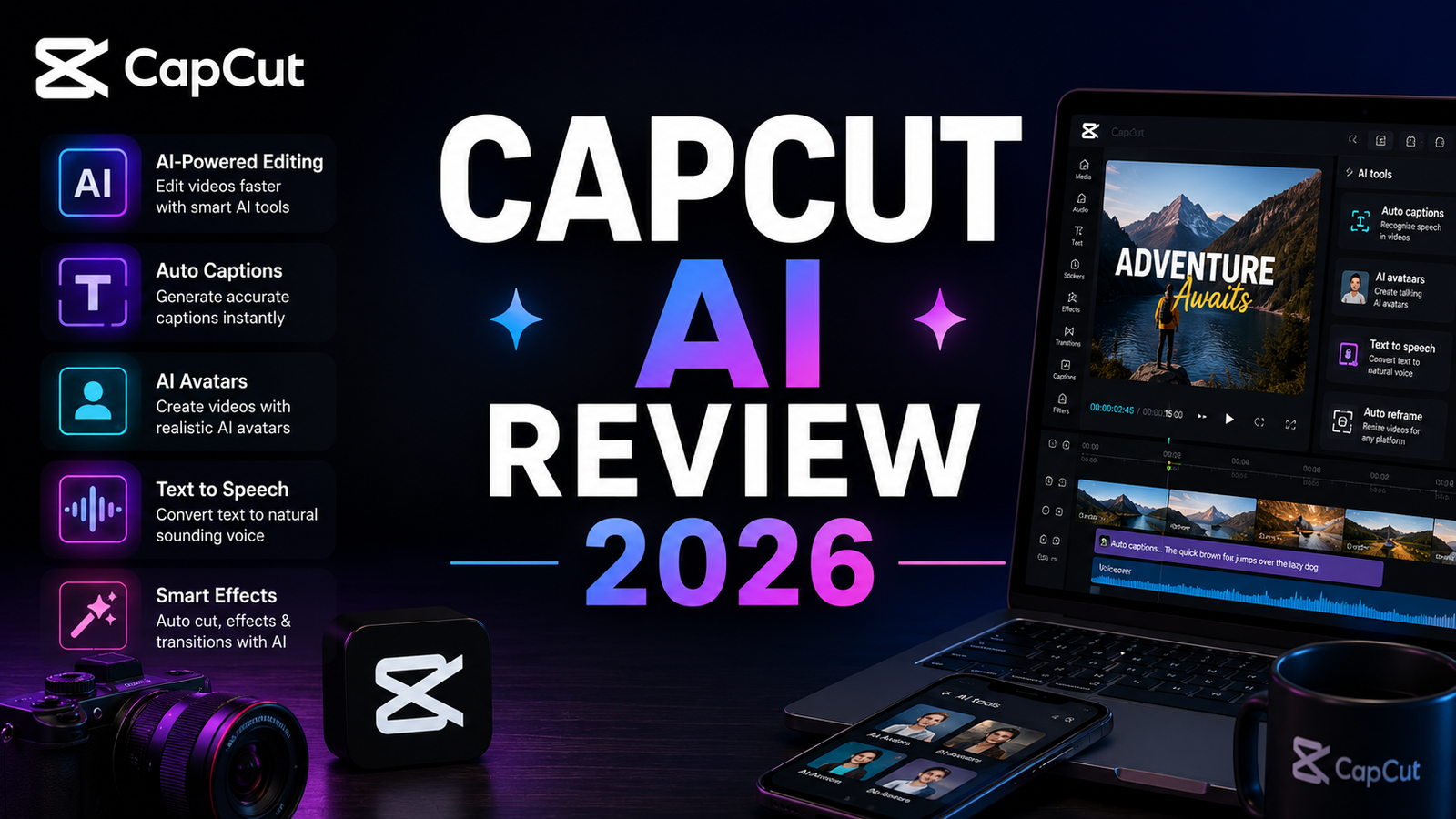
CapCut AI Review 2026: Is the Free Video Editor Still the Best Deal?
CapCut built its reputation on one thing: giving creators access to powerful video editing tools for free. Auto-captions, background removal, templates, AI effects, and a TikTok-native template ecosystem that no competitor has matched, all without a subscription. At its peak, CapCut was the most downloaded video editing app in the world with over 500 million users.
In 2026, both the “free” part and the “always available” part have gotten complicated.
The pricing restructure in early 2026 moved most of the AI features that made CapCut worth recommending behind a $19.99 per month Pro subscription. Dynamic captions, advanced AI effects, cloud storage, and high-quality text-to-speech all require the paid tier. The free tier still exists but what remains is a genuinely limited manual editing tool rather than the comprehensive AI-powered editor that built the platform’s reputation.
The US availability situation has also evolved. CapCut was briefly removed from US app stores on January 19, 2025, under the PAFACA legislation requiring ByteDance to divest US operations. Access was restored within approximately 24 hours following President Trump’s executive order halting enforcement. As of May 2026, CapCut is available for download in US app stores and functions without restriction. However, the structural requirements of PAFACA have not been fully satisfied, meaning the regulatory situation remains technically unresolved.
This review covers what CapCut actually is in 2026, what you get on the free versus paid tier, and whether it is still the best deal for video creators.
Plan Comparison Table
| Plan | Best For | Starting Price | Free Plan |
|---|---|---|---|
| Free | Manual editing, basic templates, and creators who do not need AI features | $0 | Yes |
| Standard | Creators who primarily need watermark removal without the full AI feature set | ~$9.99/month | No |
| Pro | Active creators who need AI captions, effects, and 1TB cloud storage | ~$19.99/month | No |
“Pricing is subject to change. CapCut’s pricing structure has changed multiple times in 2025 and 2026. Always verify current pricing at capcut.com before purchasing.”
What CapCut AI Is
CapCut is a video editing application owned by ByteDance, the same company behind TikTok. It is available on iOS, Android, Windows, Mac, and as a web application at capcut.com. The AI features are not a separate product; they are a collection of artificial intelligence capabilities layered on top of CapCut’s regular editing interface covering auto-captions, background removal, smart cut for silence removal, AI effects, voice changers, and text-to-video for short clips.
The important framing for 2026: CapCut is an AI-augmented manual video editor. You bring existing footage, recordings, or raw content, and CapCut provides the editing toolkit plus AI effects and generation assistance. There is no AI highlight detection, no Virality Score, and no automated clip generation from long-form video. You select what to clip manually. CapCut makes the editing-after-selection process faster and more accessible, but the creative selection decisions remain entirely with the creator.
This is a meaningful distinction from tools like Opus Clip, which automates clip selection, or Descript, which makes editing a text-based workflow. CapCut is a general-purpose editor with AI tools. Understanding that category distinction prevents the most common frustration with the platform: expecting automated clip intelligence and receiving a manual editing suite.
Key Features
Auto-captions with multi-language support. CapCut’s auto-captioning is among the strongest in the free tier of any editing app, with support for 25-plus languages and animated caption styles that match the visual standard of viral short-form content. On the Pro plan, dynamic caption effects and more advanced styling options are available. Caption accuracy is strong on clean audio and degrades predictably with background noise or overlapping speakers.
Background Remover. One-click background removal from video footage using AI object detection. Quality is adequate for standard creator use cases including talking-head videos on a solid background. Complex backgrounds with fine hair detail or glass objects produce inconsistent results comparable to other consumer-tier tools.
Smart Cut (silence removal). AI automatically identifies and removes pauses and silences from recordings. For creators who record in natural conversational pauses, Smart Cut compresses the edit time that manual pause removal would require. This feature works without timeline-level precision but produces acceptably natural-sounding results for short-form content.
AI Effects and Templates. The template ecosystem is the strongest argument for CapCut over alternatives. The TikTok-native template library, which reflects what is actually trending on the platform, is unmatched by any competitor. Templates adapt to uploaded footage and provide a rapid path from raw recording to stylized output without manual design decisions.
Text-to-Speech. Free plan text-to-speech produces audibly robotic voice output. Natural-sounding AI voices require Pro. The quality gap between free and Pro TTS is significant enough that the free tier TTS is not suitable for any content where voiceover quality matters.
AI Clip Generation (limited). Text-to-video generates short clips from text prompts within CapCut. The output quality is suitable for B-roll and social content rather than primary video content. No AI system within CapCut automatically identifies highlight moments from long-form video uploads; this is the function that tools like Opus Clip specifically address.
1TB Cloud Storage on Pro. Cross-device sync with 1TB cloud storage on a single Pro subscription is useful for creators who edit across mobile and desktop. Projects, assets, and templates sync seamlessly across devices.
Pros and Cons
Pros:
- 500 million-plus user base with the most comprehensive TikTok-native template ecosystem of any editing tool
- Auto-captions on the free tier in 25-plus languages maintain quality that paid alternatives charge for
- Smart Cut silence removal compresses recording cleanup time meaningfully without manual frame-level editing
- Background removal available on the free tier for standard creator use cases
- Cross-platform availability across iOS, Android, Windows, Mac, and web at capcut.com
- TikTok template integration provides trend-aware starting points that competitors do not have
- The web version at capcut.com is accessible to all users regardless of app store availability
Cons:
- Most valuable AI features moved behind a $19.99 per month Pro paywall in early 2026, eliminating CapCut’s primary value proposition for creators who relied on a fully-featured free tier
- No AI highlight detection or automated clip generation from long-form video; manual clip selection is required for all content
- June 2025 Terms of Service grant ByteDance perpetual, irrevocable, royalty-free rights to all uploaded content. For creators doing commercial work or handling client assets, this is a material legal consideration before uploading
- Biometric data collection through face-based and voice-based AI features falls under sensitive data categories. A US court has allowed privacy claims against ByteDance over CapCut data collection to proceed as of 2026
- US regulatory situation remains technically unresolved; PAFACA structural requirements have not been fully satisfied and the 19.9 percent ByteDance ownership cap under the USDS Joint Venture deal has not received formal CFIUS approval
- AI credits on Pro deplete faster than the monthly allocation suggests for heavy AI feature users
- Text-to-speech quality on the free tier is robotic and unsuitable for voiceover-dependent content
Pricing Breakdown
CapCut’s pricing has changed multiple times in 2025 and 2026. The structure below reflects May 2026 reported pricing, but the platform has a documented history of undisclosed pricing changes. Always verify at capcut.com before purchasing.
Free: $0. Basic editing tools, templates, standard captions, background removal, Smart Cut for silence removal, standard text-to-speech (robotic quality), and access to the template library with usage limitations. Most AI effects, dynamic captions, natural-sounding text-to-speech, and cloud storage now require Pro. The free tier in 2026 is a functional manual editing tool with basic AI assistance, not the comprehensive AI-powered editor that built CapCut’s reputation.
Standard: Approximately $9.99/month. The Standard plan removes watermarks and provides a middle tier between Free and Pro. Based on user reports, the primary value of Standard over Free is watermark removal rather than a meaningful addition of AI features. For creators who need watermark-free exports but do not need the full AI capability set, Standard covers that specific requirement.
Pro: Approximately $19.99/month. Dynamic captions with advanced styling, natural-sounding AI voices for text-to-speech, the full AI effects library, 1TB cloud storage, 1,200 AI points per month for AI-intensive features like avatar generation and AI video clip generation, and priority processing. This is the tier where CapCut’s AI feature set is meaningfully complete. The 1,200 monthly AI points deplete quickly for heavy AI users; avatar generation and AI clip generation are credit-intensive.
How It Compares to Opus Clip and Descript
CapCut vs Opus Clip
The comparison between CapCut and Opus Clip is the one that produces the most buyer confusion because they are often mentioned in the same short-form content context. They solve different problems. Opus Clip automatically detects highlight moments from long-form video, generates clip candidates with Virality Scores, and produces vertical clips with AI B-Roll and social scheduling. CapCut is a general editing tool where you select what to edit and then use AI to make the editing faster. CapCut is the best free option if you do not mind manual editing. Opus Clip is specifically designed to turn long-form content into short clips at scale without manual clip selection.
For a creator who has already identified which moments to clip and wants the most capable free tool to edit those clips into publishable Shorts and Reels, CapCut’s free tier remains the best zero-cost option in the market. For a creator with a backlog of long-form videos who wants to automate the discovery and generation of short clips, Opus Clip is the appropriate tool and CapCut is not a substitute.
CapCut vs Descript
Descript approaches editing from a fundamentally different direction: instead of a timeline, you edit video by editing a text transcript. Delete a sentence in the transcript and it disappears from the video. Remove every instance of a filler word in one click and they are gone from the recording. For talking-head creators and podcasters who post to YouTube, this transcript-based workflow is demonstrably faster than CapCut’s timeline-based approach for the specific task of cleaning up conversational recordings.
The practical distinction for budget decisions: Descript Creator at $24 per month provides the transcript-editing workflow that compresses editing time most significantly for interview and podcast-style content. CapCut Pro at $19.99 per month provides the template ecosystem, TikTok-native effects, and general editing capability that short-form creators need. They are complementary rather than substitutes: Descript for precision transcript editing, CapCut for stylized short-form output. Creators who produce both long-form and short-form content sometimes use both without overlap.
Frequently Asked Questions
Is CapCut safe to use for commercial client work in 2026?
The June 2025 Terms of Service update is the relevant consideration for commercial use. CapCut’s current terms grant ByteDance perpetual, irrevocable, royalty-free rights to all uploaded content, including private drafts. For personal social media content, this is unlikely to create practical problems. For commercial client work, branded content, or any content where a client owns the IP and expects exclusivity, uploading that content to CapCut creates a legal exposure where ByteDance claims rights to the material. Professional creators and agencies doing client work should read the current terms at capcut.com before uploading client assets, and should consider whether those terms are compatible with their client contracts and NDAs.
Is CapCut actually available in the US, or is it banned?
As of May 2026, CapCut is available for download in US app stores and functions without restriction. It is not currently banned. The regulatory situation is more complex: CapCut was briefly removed from US app stores on January 19, 2025, under the PAFACA law, but access was restored within approximately 24 hours following a presidential executive order. The USDS Joint Venture deal covering CapCut explicitly caps ByteDance ownership at 19.9 percent, but the structural requirements of PAFACA have not received final CFIUS approval. The honest characterization is: CapCut is currently available, the regulatory situation is technically unresolved, and the risk of future enforcement disruption is real but not imminent. Creators who build workflows around CapCut should export and back up project files locally on a regular schedule given this environment.
Was CapCut’s free tier really better before, or is this revisionism?
The pricing restructure is documented and material. Free tier features that made CapCut the most-downloaded video editing app in the world, including auto-captions, audio extraction, background removal, and AI effects, had quietly moved behind a Pro subscription that jumped from $9.99 to $19.99 per month during 2025 and 2026. This is not perception; it is a documented pricing change that multiple independent sources describe specifically. The free tier in 2026 is a functional basic editing tool, not the comprehensive AI feature set that built CapCut’s reputation. For creators who adopted CapCut specifically because the AI features were free, the current free tier is a materially reduced product compared to what they originally used.
Final Verdict
CapCut in 2026 is still the best free general-purpose video editor for short-form content creators who select clips manually and want access to the TikTok-native template ecosystem. The auto-captions in 25-plus languages, Smart Cut for silence removal, and background removal on the free tier remain competitive with paid alternatives that charge for equivalent features. For personal social media content production where neither commercial IP nor ByteDance data rights are concerns, the free tier continues to offer genuine value.
The “best deal” framing that defined CapCut’s reputation has eroded, and the caveats are real. The most valuable AI features now cost $19.99 per month, matching or exceeding the price of tools with stronger specialized capabilities. The ByteDance Terms of Service and data collection concerns are material for professional and commercial use cases. The US regulatory situation, while not immediately restrictive, justifies regular local backups and consideration of alternatives for workflow-critical projects.
For creators who need automated clip detection from long-form video, Opus Clip is the appropriate tool. For creators who need transcript-based precision editing, see our Descript Review 2026 for the workflow that compresses editing time most meaningfully for conversational content. For creators who need professional voiceover without ByteDance data concerns, ElevenLabs covers that use case at a lower effective cost than CapCut Pro for voiceover-primary workflows.
For everything else, particularly stylized short-form content using TikTok templates where the creator’s footage is personal rather than commercial, CapCut’s free tier at zero cost remains the most accessible starting point in the market despite its reduced feature set.
Rating: 3.8 / 5 — Still useful for manual short-form editing at zero cost. Materially weakened free tier, ByteDance data rights concerns, and unresolved US regulatory status reduce the recommendation strength compared to 2024.
Disclosure: This article may contain affiliate links. OnyxRanked may earn a commission on qualifying purchases or subscriptions made through links on this page. This does not affect our editorial recommendations or ratings.