Best AI Tools for YouTube Automation 2026: Faceless Channels Made Easy
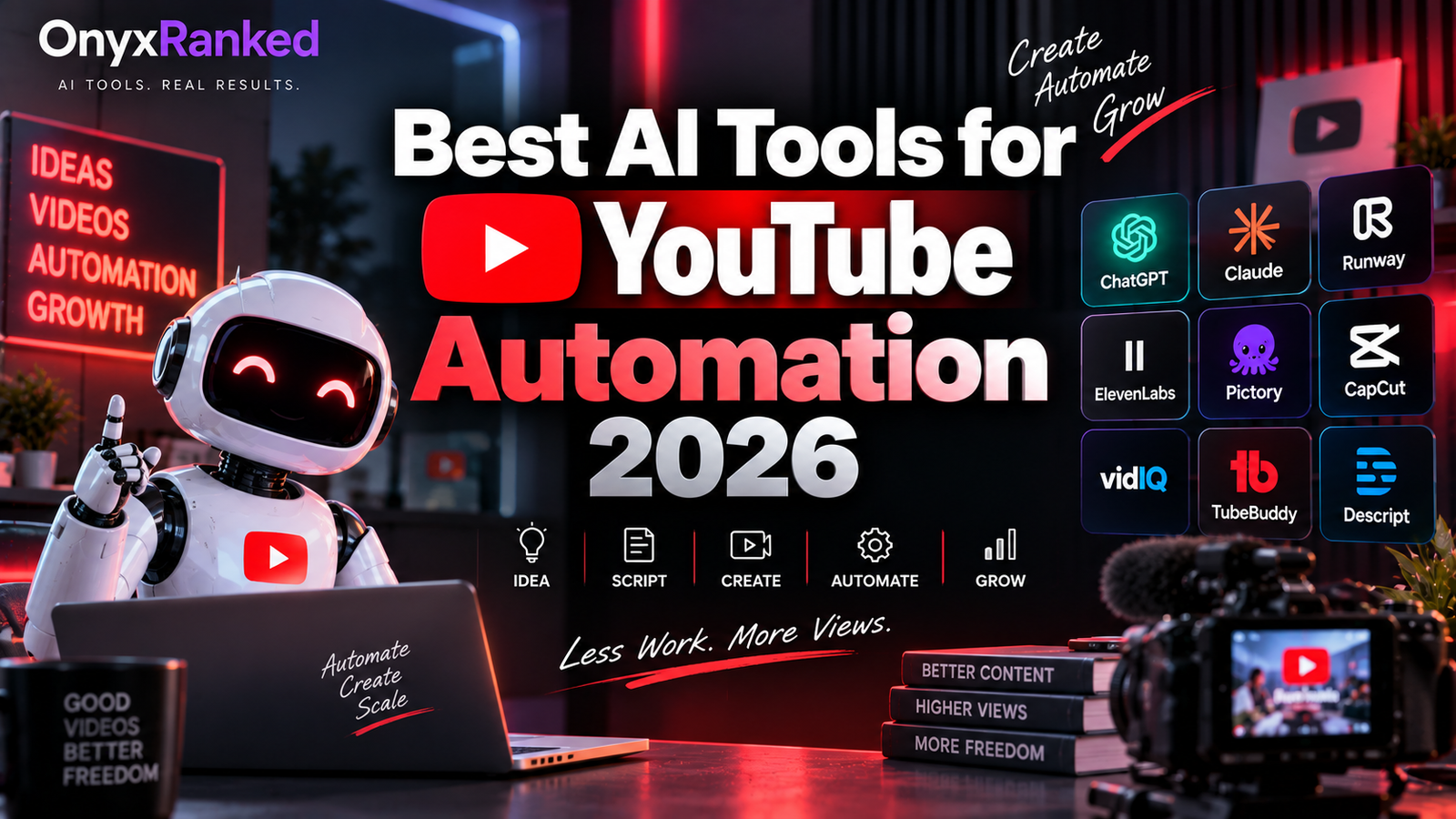
The faceless YouTube channel is no longer a fringe strategy. Entire categories of the platform, true crime recaps, history explainers, motivational compilations, top ten lists, Reddit story narrations, run on channels where nobody has ever appeared on camera, and in many cases nobody involved has recorded their own voice either. What used to require a script, a microphone, editing software, and hours of manual work per video now runs through a chain of AI tools that each handle one piece of the pipeline: script generation, voice narration, an AI presenter if the format calls for one, editing and pacing, and finally repurposing the finished video into Shorts for a second wave of distribution.
None of this means faceless automation is free or effortless. The channels that actually grow are the ones where a real person is still making the creative decisions, picking topics, writing tight hooks, choosing which AI voice actually sounds right for the niche, rather than treating the whole stack as a set-and-forget content machine. What AI has genuinely done is remove the production bottleneck that used to make consistent daily uploads impossible for a solo creator with no crew and no budget.
This guide covers eight tools across the full faceless production pipeline, with honest notes on where each one actually earns its subscription cost.
Comparison Table: Best AI Tools for YouTube Automation 2026
| Tool | Best For | Starting Price | Free Plan |
|---|---|---|---|
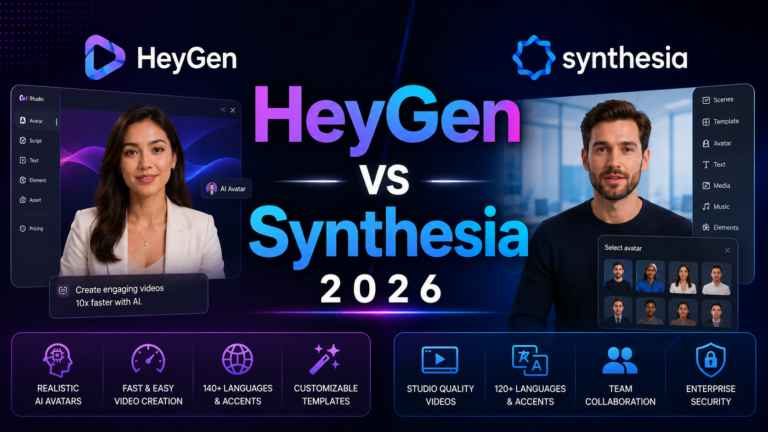
| HeyGen | AI presenter avatars for faceless channels that still want a face | $29/month (Creator, credit-based) | Yes (limited) |
| Synthesia | Polished avatar narration for explainer and educational faceless content | $14/month (annual, Starter) | Yes (10 min/month) |
| ElevenLabs | Professional AI voiceover without an avatar, the backbone of most faceless channels | $5/month (Starter) | Yes (10K chars/month) |
| Pictory | Converting scripts or blog posts into stock-footage video automatically | $23/month (Starter, annual) | No (trial) |
| ChatGPT / Claude | Script and hook writing for the video that drives everything downstream | $20/month (Plus/Pro) | Yes |
| Canva | Thumbnails that actually get clicks, plus channel art and Shorts covers | Free / $15/month (Pro) | Yes |
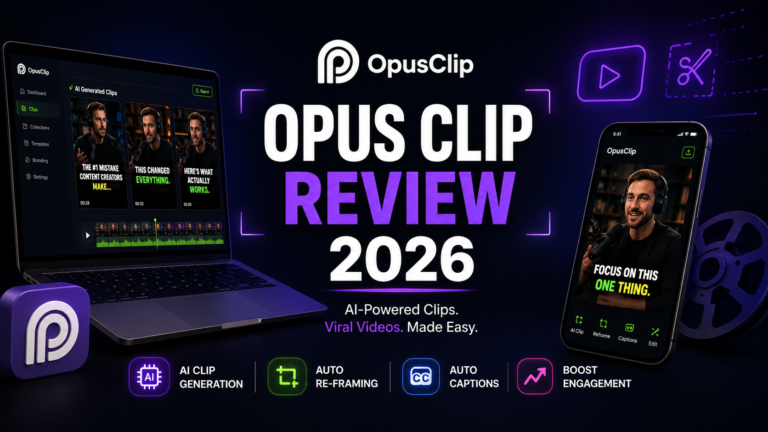
| Opus Clip | Turning long-form videos into Shorts automatically for a second traffic source | Free (60 min/month) / $29/month (Pro) | Yes |
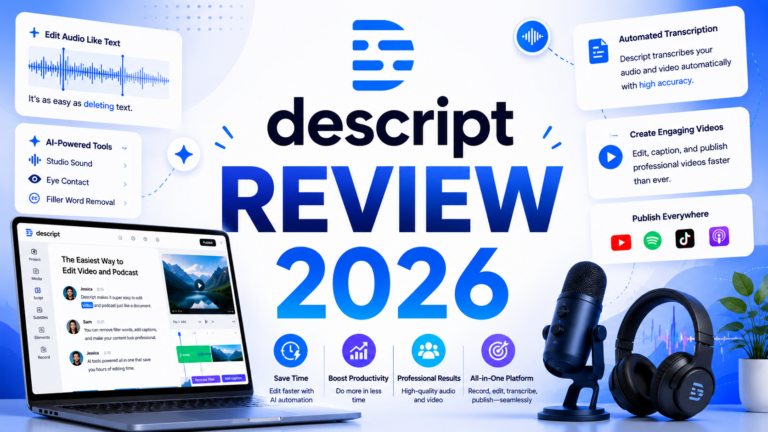
| Descript | Transcript-based editing to clean up narration and cut dead air fast | $24/month (Creator) | Yes (1 hr/month) |
“Pricing is subject to change. HeyGen retired unlimited plans in 2026 and moved to credit-based pricing; always verify current pricing at each platform’s official pricing page before purchasing.”
Detailed Reviews
1. HeyGen
Best for faceless channels that want a consistent AI presenter without ever appearing on camera themselves.
HeyGen is the most expressive AI avatar platform currently available, and for channels in the explainer, tutorial, or news-recap space where viewers respond better to a talking presenter than to stock footage and a voiceover, it is the tool that closes that gap. Avatar IV produces natural micro-expressions and body language that hold up under close viewing, and Instant Avatar lets a creator build a custom avatar from their own short clip if they want a consistent recurring presenter without recording every single video.
The 2026 pricing shift matters here: HeyGen moved from unlimited plans to a credit-based model, and the Creator plan’s 600 monthly credits produce roughly four premium avatar videos per month in practice. For a channel publishing daily, that credit ceiling is a real planning constraint.
Key features: Avatar IV expressive stock and custom avatars, Instant Avatar creation from a short clip, 175-plus languages with lip-synced translation, voice cloning, and direct export for YouTube upload.
Pros: Most natural-looking avatar presenter in the category; custom avatar creation is fast; language translation opens international repurposing of the same script.
Cons: Credit model change significantly limits monthly video volume on the Creator plan; avatar-led content is a specific format choice, not a fit for every faceless niche.
Pricing: Creator $29/month (600 credits, rollover); Team and Enterprise higher.
2. Synthesia
Best for structured, educational faceless content where a calm, professional presenter delivers information clearly.
Synthesia built its reputation on enterprise training video, and that same design philosophy translates well to educational and explainer-style faceless YouTube content: consistent, neutral, repeatable delivery across a large library of videos rather than an avatar optimized for emotional expressiveness. For channels producing tutorial series, finance explainers, or history content where clarity matters more than personality, Synthesia’s presenter style fits naturally.
The 2026 addition of a custom personal avatar to the $14 per month annual Starter plan is the development worth knowing about. What was previously an expensive enterprise add-on is now the cheapest way into the category for a creator who wants their own recurring digital presenter without ever filming themselves.
Key features: 230-plus stock avatars, custom personal avatar on Starter, 140-plus languages, structured slide-based editor, and SCORM export for repurposing content into course platforms alongside YouTube.
Pros: Most affordable entry point for a custom avatar in the category; structured editor makes batch production of similar-format videos fast; strong multilingual narration for international audience expansion.
Cons: Avatar expressiveness is more neutral than HeyGen, which suits some niches and undersells others; not built for fast-paced entertainment or reaction-style formats.
Pricing: Starter $14/month (annual, 120 min/year); Creator $29/month (annual).
3. ElevenLabs
Best for the voiceover layer that underpins the majority of faceless channels, whether or not an avatar is involved.
ElevenLabs is the standard for AI voice quality in 2026, used by 41 percent of Fortune 500 companies, and for faceless YouTube specifically it is the tool that determines whether a channel sounds professional or immediately reads as AI-generated to a skeptical viewer. Most faceless channels covering finance, history, true crime, or Reddit story narration run entirely on an ElevenLabs voice over stock footage or simple visuals, with no avatar at all.
The Creator plan at $22 per month unlocks Professional Voice Cloning, letting a creator clone their own voice from a short recording and then generate unlimited narration in that voice without ever sitting down to record a full script. For channel operators running multiple videos per week, this is the single highest-leverage upgrade in the entire faceless stack.
Key features: Natural multilingual text-to-speech, Professional Voice Cloning on Creator, AI dubbing for translating existing videos into new languages, and an API for scripting automated narration pipelines.
Pros: Most natural-sounding AI voice available, which directly affects watch time and viewer trust; voice cloning lets a channel maintain a consistent narrator voice at scale; multilingual dubbing opens repurposing an English-language channel into other markets.
Cons: Commercial rights require at least the Starter plan; non-English voice quality varies by language, so testing before committing a channel’s identity to a specific voice matters.
Pricing: Free (10K chars/month, no commercial rights); Starter $5/month; Creator $22/month (Professional Voice Cloning).
4. Pictory
Best for turning an existing script or blog post directly into a stock-footage video without filming anything.
Pictory occupies a specific and useful niche in the faceless pipeline: paste in a script, or even a blog post URL, and it generates a structured video using stock footage matched to the content, combined with AI voiceover and auto-captions. For channels that repurpose written content, a newsletter, a blog, a set of talking points, into video form at volume, Pictory compresses what would otherwise be hours of manual stock footage selection into a single generation step.
The honest limitation, and it is a significant one for channel growth specifically, is that Pictory’s output has a recognizably generic stock-footage aesthetic. For pure information-delivery content that is acceptable. For channels competing for algorithm favor against creators using more original or stylized visuals, that aesthetic can work against retention.
Key features: Script-to-video and URL-to-video generation, AI voiceover integrated via ElevenLabs technology, auto-captions, and a large stock footage and image library.
Pros: Fastest path from written content to a finished video; integrated ElevenLabs voice quality is a step above generic text-to-speech; genuinely useful for repurposing a blog or newsletter into a YouTube channel.
Cons: Stock footage aesthetic is a real retention risk against more original-looking competitors; monthly video caps on lower plans limit high-volume channels; less suited to entertainment-style faceless formats.
Pricing: Starter $23/month (annual, 30 videos/month); Professional $47/month (annual).
5. ChatGPT or Claude
Best for the script and hook writing that determines whether the finished video actually holds a viewer’s attention.
No tool further down the pipeline matters if the script is weak, and this is the step faceless channel operators most often try to skip or automate too aggressively. ChatGPT Plus and Claude Pro, both at $20 per month, are the two strongest general-purpose writing tools for faceless script development: structuring a hook in the first five seconds, pacing information delivery to match narration speed, and adapting tone to a channel’s specific niche.
The practical workflow most successful faceless operators describe is not fully automated script generation from a bare topic. It is using the AI to draft against a detailed brief, specific angle, specific sources, specific tone notes, and then editing that draft before it goes anywhere near the voice or avatar generation step. Channels that skip the editing step and publish raw AI script output at scale are the ones most visibly struggling with retention and algorithm performance in 2026.
Key features: Long-context research synthesis for fact-heavy niches (history, true crime, finance), tone and style matching to an established channel voice, and iterative script refinement through conversation rather than one-shot generation.
Pros: Highest-quality raw writing of any tool in this stack; genuinely useful for research synthesis on fact-based niches; iterative editing produces scripts that read naturally when narrated rather than sounding robotic.
Cons: Requires active editorial involvement to produce genuinely good scripts, not a walk-away automation step; neither tool is purpose-built for YouTube scripting specifically, so structure and pacing require deliberate prompting.
Pricing: ChatGPT Plus $20/month; Claude Pro $20/month.
Visit ChatGPT → or Visit Claude →
6. Canva
Best for thumbnails, channel art, and Shorts covers that actually drive click-through rate on a faceless channel.
Canva AI is the visual production layer that faceless channels often underinvest in relative to how much it actually affects growth. Thumbnail design is arguably the single highest-leverage visual decision a faceless channel makes, since without a recognizable creator face driving recognition, the thumbnail is doing all the work of earning the click. Canva’s proven thumbnail templates, text hierarchy tools, and Background Remover for composite thumbnails cover that need without requiring design skill.
Magic Resize is the specific feature that matters most for a channel also running Shorts alongside long-form content: one thumbnail design adapts to every required aspect ratio and platform without manual rework, which matters when a channel is publishing across YouTube long-form, Shorts, and often cross-posting to TikTok and Reels simultaneously.
Key features: Thumbnail templates with proven contrast and text hierarchy patterns, Background Remover for composite images, Magic Resize for multi-format adaptation, and Brand Kit for consistent channel visual identity across every upload.
Pros: Best accessible thumbnail design tool for non-designers; Magic Resize saves real time for channels publishing across multiple formats; free plan covers basic needs for a channel just starting out.
Cons: Not a video editor, so it covers only the visual and thumbnail layer of the pipeline; advanced AI image generation trails specialized tools for highly stylized thumbnail concepts.
Pricing: Free; Pro $15/month.
7. Opus Clip
Best for automatically repurposing long-form faceless videos into a stream of Shorts for a second distribution channel.
Opus Clip solves a specific problem that faceless channels producing longer videos consistently underuse: a 15-minute explainer video contains multiple standalone moments that could each become a Short, but manually identifying and cutting those moments takes hours most solo creators do not have. Opus Clip’s AI scans a long-form video, identifies the strongest segments using its Virality Score system, and generates ready-to-post vertical clips with captions automatically.
For faceless channels specifically, this is a genuine growth lever rather than a nice-to-have, since Shorts distribution operates on a largely separate discovery algorithm from long-form YouTube, giving a channel a second independent path to new viewers from content that was already produced.
Key features: AI clip detection with Virality Score ranking, animated auto-captions, automatic vertical reframing, and direct social scheduling on Pro.
Pros: Converts existing long-form production into additional Shorts output with minimal extra work; Virality Score helps prioritize which clips to actually publish; direct scheduling removes a manual export step.
Cons: Free plan is watermarked and capped at 60 minutes of source video monthly; the Starter plan lacks the scheduler that makes the tool most useful operationally.
Pricing: Free (60 min/month, watermarked); Starter $15/month; Pro $29/month (~$14.50/month annual).
8. Descript
Best for cleaning up AI-narrated audio and cutting dead air quickly using transcript-based editing.
Descript approaches editing differently from a traditional timeline tool: instead of scrubbing through footage manually, you edit by editing the text transcript, and the corresponding audio and video update automatically. For a faceless channel running AI-generated narration, this is specifically useful for removing awkward pauses, tightening pacing after an AI voice reads a script slightly differently than intended, and cutting any sections that do not land on a first listen.
Studio Sound, Descript’s audio cleanup feature, also matters for channels combining an AI voice with any recorded human elements, intros, outros, or reaction clips, since it can meaningfully improve inconsistent audio quality across mixed sources within a single edit session.
Key features: Transcript-based editing where text changes modify the underlying video, one-click filler word and dead air removal, Studio Sound for audio quality correction, and direct export in YouTube-ready formats.
Pros: Fastest editing workflow for narration-heavy faceless content specifically; Studio Sound meaningfully improves inconsistent audio; transcript editing has a much shorter learning curve than traditional timeline editors.
Cons: Does not auto-generate Shorts or identify highlight moments the way Opus Clip does; less suited to heavily produced, effects-driven video styles.
Pricing: Free (1 hr transcription/month); Creator $24/month.
Frequently Asked Questions
What is the minimum viable AI stack to actually launch a faceless YouTube channel?
The most functional starting stack covers four roles at a combined cost of roughly $45 to $65 per month: a script tool (ChatGPT Plus or Claude Pro at $20), a voice tool (ElevenLabs Starter at $5, or Creator at $22 if voice cloning matters from day one), a visual layer (Pictory at $23 for stock-footage video, or Canva free plus manually sourced footage for a leaner budget), and an editing tool (Descript’s free tier covers early-stage volume before upgrading). Avatar tools like HeyGen and Synthesia are not required for every faceless niche; many of the most successful faceless channels use voiceover over visuals with no on-screen presenter at all, avatar or otherwise. Add an avatar tool specifically when the format calls for a talking presenter, not by default.
Does using AI-generated scripts, voice, and visuals hurt a channel’s ability to rank or get recommended by YouTube’s algorithm?
YouTube’s public guidance has been consistent on this point: the origin of content, AI-assisted or entirely human-made, is not itself a ranking factor. What determines performance is viewer retention, watch time, and engagement, the same signals that have always mattered. The practical risk with AI-heavy faceless production is not a platform penalty for using AI tools; it is that fully automated, unedited AI output tends to produce generic, low-retention content that underperforms on those same signals regardless of how it was made. Channels that treat the AI stack as an acceleration tool, with a real person still making editorial decisions about topic selection, script quality, and pacing, consistently outperform channels that attempt to fully automate the entire pipeline end to end.
Which single tool in this stack makes the biggest difference to a channel’s actual growth?
Independent creator feedback and channel case studies consistently point to two answers depending on format. For voice-only faceless channels, which represent the majority of the category, voice quality from a tool like ElevenLabs is the single factor most directly tied to watch time, since an obviously robotic voice causes viewers to click away within the first fifteen seconds regardless of how good the underlying script or visuals are. For avatar-led explainer and tutorial channels, thumbnail quality from a tool like Canva tends to matter more, since without a recognizable creator face building subscriber loyalty, the thumbnail is doing most of the work of earning each individual click. Script quality underlies both cases as the foundation neither voice nor thumbnail can fully compensate for if it is weak.
Final Recommendation
The right faceless YouTube stack in 2026 depends on which specific format a channel is pursuing, but a few starting points cover most cases.
For voice-only channels without an on-screen presenter, the highest-leverage combination is ElevenLabs for narration, ChatGPT or Claude for scripting, and Canva for thumbnails, covering the three factors that most directly determine retention and click-through at roughly $40 to $60 per month combined.
For avatar-led explainer and tutorial content, add HeyGen if expressive, natural presenter delivery matters most to the format, or Synthesia if a lower-cost custom avatar with a more neutral, structured delivery style fits the niche better, particularly for educational and tutorial-style content.
For channels producing longer videos who want a second distribution channel through Shorts, adding Opus Clip once a backlog of long-form content exists is the clearest incremental growth lever in this entire stack.
Start with the free tiers across the board, particularly ElevenLabs, Canva, and Descript, and build one complete video end to end before subscribing to anything. The workflow friction points will be obvious after a single real attempt, and that is the most reliable guide to which paid upgrades actually matter for your specific channel.
Disclosure: This article contains affiliate links.