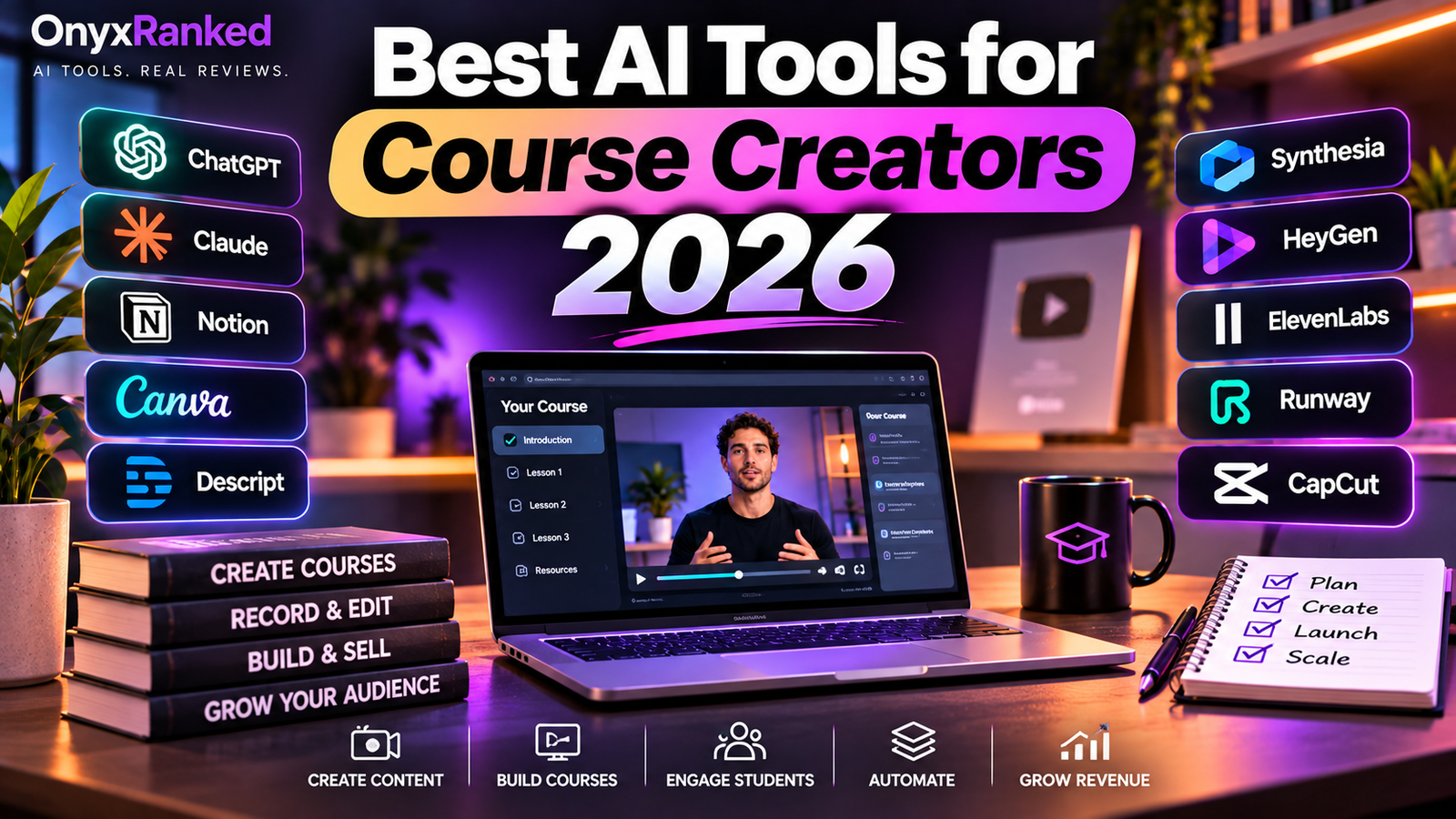
Best AI Tools for Course Creators 2026: Build and Sell Online Courses Faster
Online courses have become one of the most accessible ways to turn expertise into income. Coaches, consultants, teachers, and subject experts are packaging what they know into structured programs and selling them to a global audience. The old obstacle was production. Writing a curriculum, scripting every lesson, recording video, editing audio, designing slides, and building quizzes could eat months before a single student enrolled.
In 2026, AI handles most of that heavy lifting. Scripting assistants turn an outline into a lesson draft in minutes. Avatar tools produce presenter-led video without a camera. Voice generators narrate lessons in natural audio. Interactive platforms add quizzes and branching scenarios. Research tools convert your source material into study guides and summaries. A solo creator can now assemble a polished, multi-module course in a few weeks instead of a few months.
Below are the eight tools we think matter most for course creators, with honest notes on where each one shines and where it falls short.
Quick Comparison
| Tool | Best For | Starting Price | Free Plan |
|---|---|---|---|
| Synthesia | Avatar-led course video | Around $18/month (annual) | Yes, limited |
| HeyGen | Multilingual course video | Around $29/month | Yes, limited |
| ElevenLabs | Lesson narration and voiceover | $6/month | Yes |
| Colossyan | Interactive lessons with quizzes | Around $27/month | Trial only |
| Descript | Editing and screen recording | $16/month (annual) | Yes |
| Canva | Slides and course graphics | About $15/month | Yes |
| Claude or ChatGPT | Scripting and curriculum design | About $20/month | Yes, limited |
| Google NotebookLM | Turning source material into lessons | Free to start | Yes |
Pricing changes frequently. Always confirm current plans and limits on each provider’s official site before subscribing.
1. Synthesia: Best for Avatar-Led Course Video
Synthesia lets you produce presenter-style video from a script, with no camera, lighting, or retakes. It is built for training content, which makes it a natural fit for structured courses where consistency across dozens of lessons matters. Our Synthesia Review 2026 goes deeper.
Key features:
- Large library of stock avatars plus custom avatar options
- Slide-style editor with templates, brand kits, and screen recording
- Text-to-video in many languages
- Easy scene updates, so fixing one lesson does not mean re-recording it
Pros:
- Consistent, professional look across a whole course
- Updating a lesson takes minutes, not a reshoot
- Great for creators who dislike being on camera
Cons:
- Avatars feel a little reserved for high-energy marketing
- Minute limits can get tight on large courses
Pricing: Free plan with a few minutes per month. Paid Starter plans are reported at around $29 per month, or about $18 per month billed annually. Higher tiers add minutes and features.
Best for: Creators building structured, instructional courses who want a steady presenter.
2. HeyGen: Best for Multilingual Course Video
HeyGen offers some of the most realistic avatars on the market, plus strong video translation. If you want to sell your course in several languages without re-recording, this is the tool. See our HeyGen Review 2026 for the full breakdown.
Key features:
- Highly natural avatars with expressive motion
- Custom avatars from a short recording of yourself
- Video translation that keeps the speaker’s voice and syncs lips
- Support for 175+ languages and dialects
Pros:
- Best-in-class realism, which builds student trust
- Opens your course to international buyers quickly
- Fast iteration for promo clips and lesson updates
Cons:
- Credit-based plans can run out faster than expected
- Less structured for long training libraries than Synthesia
Pricing: Free plan available. Creator is about $29 per month with roughly 600 credits, which covers around 30 minutes of top-quality avatar video. Higher tiers add credits and team features.
Best for: Creators who want realistic presenters and an easy path into new language markets.
3. ElevenLabs: Best for Lesson Narration
ElevenLabs produces the most lifelike AI voices available, which makes it ideal for narrating slide-based lessons, audio versions of your course, and bonus audio content. Read our ElevenLabs Review 2026 for details.
Key features:
- Natural, expressive voices with strong long-form pacing
- Voice cloning, so you can narrate in your own voice without recording every lesson
- Pronunciation controls for technical terms and names
- Dubbing tools for translating lessons while keeping the voice character
Pros:
- Voices that students rarely mistake for robotic
- Cloning your own voice saves hours of recording
- Works well with slides, screen recordings, and avatar video
Cons:
- Credits can burn quickly on a full course
- Fine-tuning pacing takes some patience
Pricing: Free plan available. Starter is $6 per month ($5 billed annually), with Creator around $22 per month and higher tiers above that. A full course usually fits Creator.
Best for: Creators who want professional narration without a microphone or a studio.
4. Colossyan: Best for Interactive Lessons With Quizzes
Colossyan combines avatar video with interactive elements such as quizzes, branching scenarios, and knowledge checks. For course creators who care about engagement and completion rates, those features are a real advantage. Our Colossyan Review 2026 covers it in depth.
Key features:
- AI avatars with a scene-based editor
- Built-in quizzes and branching, interactive scenarios
- Document-to-video, which turns a PDF or slide deck into a draft lesson
- SCORM export for learning management systems
Pros:
- Interactivity improves learner engagement
- Document-to-video speeds up first drafts
- SCORM support helps if you sell through an LMS
Cons:
- Starting price is higher than some alternatives
- Avatars are slightly less realistic than HeyGen
Pricing: Paid plans start around $27 per month, with higher tiers for more minutes and team use. A free trial is available.
Best for: Creators and training teams that want built-in quizzes and LMS compatibility.
5. Descript: Best for Editing and Screen Recording
Descript lets you edit video and audio by editing a transcript. It is especially strong for screen-recorded lessons, software tutorials, and any course where you appear on camera or record your own voice. See our Descript Review 2026 for more.
Key features:
- Transcript-based editing: delete a word and it disappears from the recording
- Screen and webcam recording
- Filler-word removal and Studio Sound audio cleanup
- Automatic captions and multi-track editing
Pros:
- Dramatically faster editing for talking-head and screen content
- Easy to remove mistakes and filler words
- Captions help accessibility and engagement
Cons:
- Heavy projects can feel slow on older computers
- Advanced features sit on higher tiers
Pricing: Free plan with limited transcription. Hobbyist is about $16 per month, Creator about $24, and Business about $50 on annual billing.
Best for: Creators who record themselves or their screen and want fast, painless editing.
6. Canva: Best for Slides and Graphics
Canva covers the visual side of a course: slide decks, workbooks, thumbnails, social posts, and sales page graphics. Its AI features speed up design, and its templates make a professional look easy. See our Canva AI Review 2026.
Key features:
- Huge template library for presentations, worksheets, and ebooks
- AI tools for text-to-image, background removal, and layout suggestions
- Brand kit for consistent colors and fonts across materials
- Easy export for video tools and PDFs
Pros:
- Extremely easy to learn
- One tool for lessons, workbooks, and marketing graphics
- Generous free plan
Cons:
- Advanced AI features are limited to paid tiers
- Templates can look generic without customization
Pricing: Free plan available. Canva Pro is about $15 per month, or roughly $120 per year.
Best for: Creators who want attractive slides and course materials without hiring a designer.
7. Claude or ChatGPT: Best for Scripting and Curriculum Design
General-purpose AI assistants such as Claude and ChatGPT are the backbone of a fast course workflow. They help you turn a topic into a curriculum, outline each module, write lesson scripts, draft quizzes, and produce worksheets and email sequences. Every other tool on this list works better when it starts with a strong script.
Key features:
- Curriculum and module outline generation
- Lesson scripts written in your voice when you provide samples
- Quiz questions, answer keys, and assignment ideas
- Sales page copy and launch email drafts
Pros:
- Cuts planning and writing time dramatically
- Flexible enough to support every stage of the course
- Free tiers are useful for getting started
Cons:
- Drafts need your expertise and fact-checking
- Output can sound generic without strong prompts and examples
Pricing: Both offer limited free plans. Paid plans for each are about $20 per month, with higher tiers for heavy use.
Best for: Every course creator, as the starting point for curriculum and scripts.
8. Google NotebookLM: Best for Turning Source Material Into Lessons
Google NotebookLM lets you upload documents, notes, transcripts, and links, then ask questions and generate summaries, study guides, FAQs, and audio overviews grounded in your own sources. For creators who already have webinars, ebooks, or years of notes, it is a fast way to turn raw material into course content.
Key features:
- Answers grounded in the documents you upload
- Study guides, briefing documents, and timelines
- Audio overviews that summarize your material as a conversation
- Source citations that make fact-checking easier
Pros:
- Great for repurposing existing content
- Keeps outputs tied to your own material
- Free to start
Cons:
- Not a video or voice production tool
- Output still needs editing to match your teaching style
Pricing: Free to use, with expanded limits available through Google’s paid AI plans, which start around $20 per month.
Best for: Creators with existing content who want to convert it into lesson outlines and study materials.
Frequently Asked Questions
Can one person really build a full course with AI?
Yes. A typical workflow is to outline the curriculum with a writing assistant, convert your notes into lessons with NotebookLM, script each lesson, generate video with Synthesia or HeyGen, add narration with ElevenLabs where needed, design slides in Canva, and polish recordings in Descript. A solo creator can often complete a short course in a few weeks. Your expertise still drives quality, because AI drafts need review and personality.
Will students accept AI-generated video and voices?
Most students care about whether the course helps them, not how it was produced. Quality and clarity matter more than novelty. Be transparent where required by the platforms you sell on, and check each marketplace’s policy on AI-generated content. Many creators blend formats, using an avatar for structured lessons and personal video for introductions and community moments.
How much does it cost to build a course with these tools?
You can start nearly free, because most tools offer free plans or trials. A practical paid stack, such as a writing assistant, ElevenLabs Starter, Canva Pro, and one avatar tool, typically lands between $60 and $100 per month. That is far below the cost of a studio, camera crew, and editor, and you can cancel tools once your course is built.
Final Recommendation
If we had to build a course from scratch today, we would start with a writing assistant for the curriculum and scripts, then pick one avatar tool for video. For structured, instructional lessons, Synthesia is the steadiest choice, and our Synthesia Review 2026 explains why. If you want the most realistic presenter or plan to sell in multiple languages, HeyGen is the better pick, covered in our HeyGen Review 2026. Add ElevenLabs for narration and voice cloning, and see our ElevenLabs Review 2026. Use Colossyan if quizzes and LMS export matter, Descript for editing, Canva for slides, and NotebookLM to turn existing material into lessons.
Disclosure: This article contains affiliate links.