Tripo AI Review 2026: I Tested It on 50 Models. Here’s the Truth
Tripo AI is one of the fastest growing AI 3D generation platforms, but speed alone is not what makes the tool interesting. In 2026, Tripo AI has positioned itself as a workflow focused platform for rapid asset generation, targeting creators who need usable 3D models without the complexity of traditional modeling software.
That is the core promise, and in 2026, it is largely delivering on it. Tripo AI has grown from an experimental AI 3D tool to one of the most adopted platforms in its category, serving over 6.5 million creators and 90,000 developers who have collectively generated nearly 100 million 3D models. Backed by $50 million in funding from Alibaba and Baidu Ventures, the platform has reached a level of maturity where the question is no longer whether AI 3D generation works but whether Tripo’s specific approach is the right fit for your workflow.
This review answers that question directly.
Our Take: Genuinely impressive for rapid 3D prototyping. Not ready to replace a real 3D artist. Best for creators who need fast concept models, not final production assets.
Want to try it yourself? Tripo has a free tier to test the 3D generation before paying.
Visit Tripo AI →
What Tripo AI Is and Who It Is For
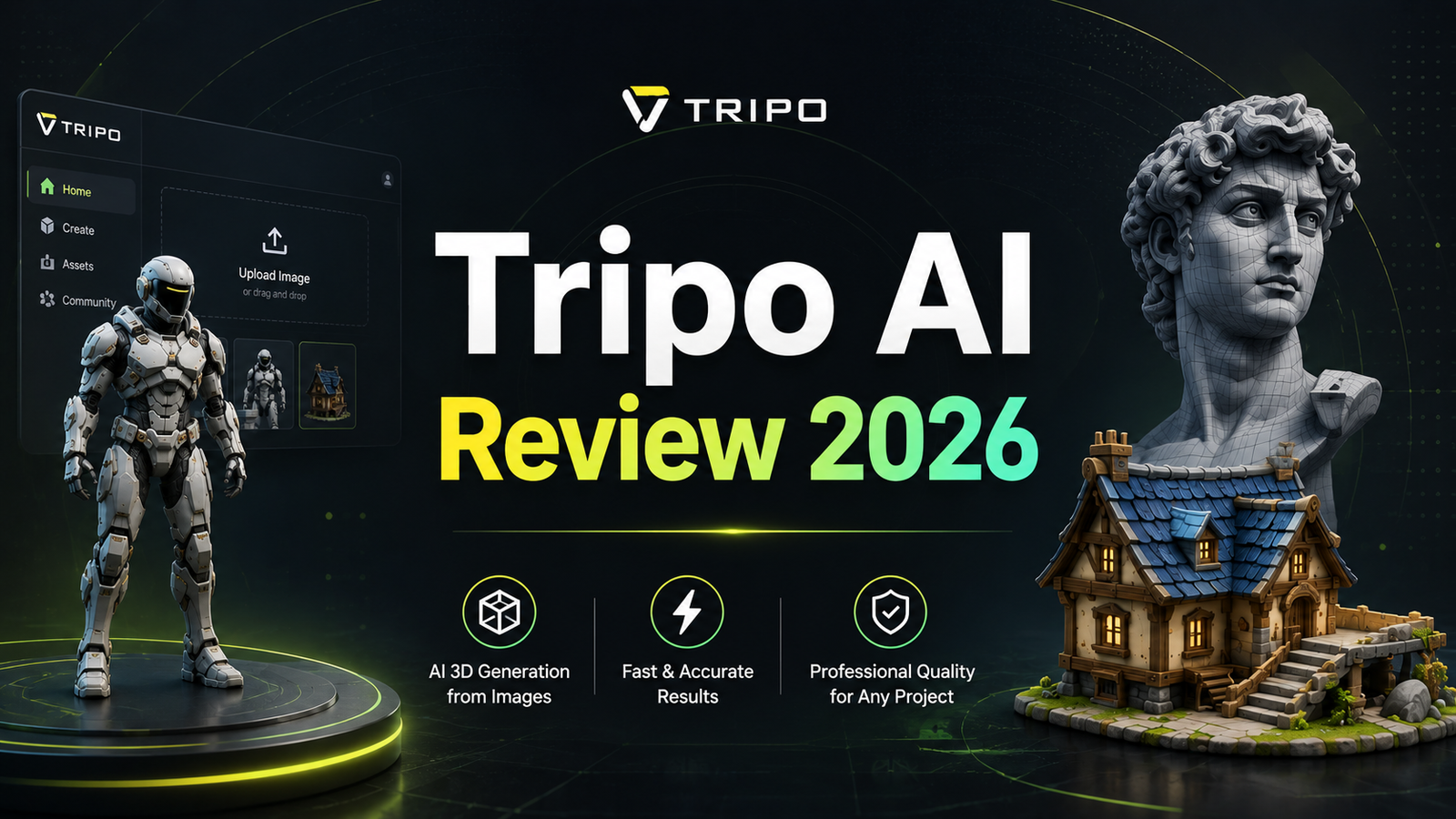
Tripo AI is a browser-based AI 3D model generation platform that converts text prompts and images into exportable 3D assets. Built around Tripo Studio, the web interface handles text-to-3D generation, image-to-3D conversion, AI texturing, auto-rigging, model segmentation, and style transformation without requiring any software installation. The entire workflow from input to exportable file runs in the browser.
The platform runs on the Tripo 3.0 model, a 20-billion-parameter AI engine that produces significantly cleaner geometry than earlier versions. In March 2026, Tripo introduced Smart Mesh P1.0 at GDC, a clean topology generation feature that outputs game-ready meshes in approximately two seconds, which Tripo positions as the beginning of what it calls the AI 3D 2.0 era. Generation times for standard models run approximately 8 to 10 seconds for initial output.
Tripo serves four distinct user types:
Indie game developers who need a steady volume of props, characters, weapons, environments, and assets without the budget for a full 3D art team. Tripo’s clean quad-based topology and auto-rigging features are specifically optimized for this workflow. A character that would require manual rigging can be exported with a skeleton ready for animation in Unity or Unreal Engine.
3D printing enthusiasts and product designers who need geometry files ready for slicing software. Tripo exports STL and 3MF formats directly, making it one of the more complete print-ready pipelines among AI 3D tools.
Digital artists and content creators working in VR, AR, metaverse environments, or visual effects who need to prototype and iterate quickly without manual modeling bottlenecks.
Developers and studios who need 3D generation at volume through the Tripo API, with automation support for batch production pipelines and integration into existing development environments via plugins for Blender, Unity, Unreal Engine, Godot, and ComfyUI.
Tripo is not the right tool for users who need photorealistic hero assets for cinematic quality renders, specialized character avatars with precise likeness accuracy, or any workflow where granular manual topology control matters more than generation speed.
Key Features
Text-to-3D generation. Type a natural language description and receive a fully textured 3D mesh in approximately 8 to 10 seconds. Tripo 3.0 produces sharper edges, cleaner surfaces, and coherent structures compared to earlier versions, which were prone to the blobby geometry that characterized first-generation AI 3D tools. Prompts like “medieval castle with turrets, arched windows, and a clock tower” or “ornate battle axe with bronze dragon motif blade” return recognizable, detailed models with PBR materials ready for rendering.
Image-to-3D conversion. Upload a single photo, concept art sketch, or product image and Tripo generates a 3D model with accurate proportions and inferred geometry. Multi-view image input is supported for higher fidelity results when multiple reference angles are available. For product designers and e-commerce teams, this feature converts existing photography into 3D assets for web viewers and AR product experiences without any manual modeling.
Auto-rigging and animation. One of the most technically valuable features in the platform is automatic skeleton generation for characters. Tripo attaches a rigged skeleton to generated characters in a T-pose, ready for motion capture data or manual animation in any major game engine. This is a genuinely rare capability among AI 3D tools, and it is the feature most frequently cited by game developers as the primary reason to choose Tripo over alternatives.
AI texturing with Magic Brush. Tripo applies high-resolution 4K PBR textures to generated models in a single step. The Magic Brush tool allows local repainting of specific areas without regenerating the entire model, enabling targeted texture adjustments for precise detail control. This reduces iteration time significantly compared to tools that require full regeneration to change surface details.
Model segmentation. The AI Segmentation feature splits generated models into independently editable labeled parts. A character model divides into head, body, and individual limbs. A vehicle separates into chassis, doors, wheels, and windows. This segmentation makes post-generation editing, individual part re-texturing, and animation targeting significantly cleaner than working with an unsegmented mesh.
Style transformation. Tripo applies artistic style filters including clay, voxel, low-poly, cartoon, and hologram modes to any generated model in a single click. During testing, clay and voxel styles in particular produce clean, consistent results useful for game asset prototyping in stylized genres.
Export breadth and engine integration. Tripo exports models in STL, OBJ, FBX, GLB, GLTF, USD, USDZ, and 3MF formats, covering game engines, 3D printing, web viewers, and Apple AR workflows. Plugins exist for Blender, Unity, Unreal Engine, Godot, ComfyUI, and Cocos, with a DCC Bridge for Blender that preserves UV layouts, pivot points, and geometry during transfer.
Pros and Cons
Pros:
- Generation speed of approximately 8 to 10 seconds for standard models is among the fastest in the AI 3D market
- Auto-rigging for characters is one of the only automated skeleton generation systems available in this category
- Smart Mesh P1.0 (launched March 2026) produces clean quad topology suitable for direct use in game engines without retopology cleanup
- Broadest export format support in the category: 8 formats covering games, printing, web, and AR workflows
- Free tier with 300 credits per month allows meaningful experimentation without commitment
- Plugin ecosystem for all major 3D software and game engines reduces friction in professional pipelines
- 6.5 million users and 100 million models generated reflects genuine adoption beyond marketing claims
- Magic Brush targeted texture editing enables iteration without full model regeneration
Cons:
- Complex or unusual objects with non-standard geometry (abstract sculptures, intricate mechanical assemblies, highly specific product designs) can produce inconsistent results
- Quality variance between generation attempts on the same prompt requires iterating through multiple outputs for optimal results
- Free tier assets are licensed under Creative Commons CC BY 4.0, requiring attribution; commercial licensing requires a paid plan
- Credit costs for Ultra quality modes are significantly higher than standard generation, limiting high-quality generation volume on lower-tier plans
- API documentation is less comprehensive than competitors like Meshy, creating friction for developer integrations
- No offline processing: fully cloud-dependent, requiring reliable internet throughout any production session
Pricing Breakdown
Tripo AI uses a credit-based pricing model across multiple subscription tiers. Credits are consumed per generation, with cost varying based on generation mode (Standard versus Ultra), output resolution, and specific features used. The most current pricing information is available directly on tripo3d.ai/pricing, as Tripo adjusts credit values and tier structures periodically.
Free / Basic Plan: Approximately 300 credits per month at no cost, with no credit card required to sign up. At standard generation rates, this supports roughly 24 to 30 complete 3D model generations per month. Free tier models are licensed under Creative Commons CC BY 4.0, which requires attribution when used in public projects. Export options and output quality are more limited than paid tiers, and free users are placed in a slower generation queue.
Pro Plan: Approximately $19.90/month, providing 3,000 credits per month. This tier removes attribution requirements, unlocks higher-quality texture generation, faster queue priority, and expands export format access. For indie developers producing assets consistently throughout the month, this is the appropriate entry point for commercial use.
Advanced Plan: Approximately $49.90/month, providing higher credit volume along with access to Ultra quality generation modes, full commercial licensing, and API access for developers building automated pipelines.
Premium Plan: Approximately $139.90/month for highest credit volume, maximum generation priority, and full enterprise feature access. Annual billing discounts are available across all tiers, with savings up to 50 percent on the monthly rate.
API pricing is separate from studio subscription plans, structured around credit purchases at $0.01 per credit with 2,000 free credits provided on signup for developer testing.
“Pricing is subject to change. Always verify current pricing on the tool’s official website before purchasing.”
How It Compares to Other 3D AI Tools
Tripo AI vs Meshy AI
Meshy is the other primary consumer-facing AI 3D tool, and the comparison is genuinely close. Both produce game-quality outputs with reasonable topology and PBR textures. Meshy’s main advantages are a more established plugin ecosystem with tighter Blender and Unity integration, and stronger API documentation that makes developer implementation more straightforward. Tripo’s advantages are auto-rigging (which Meshy lacks), slightly faster generation speeds, and what game developers consistently describe as cleaner quad-based topology for characters specifically. For indie developers who need animatable characters, Tripo’s auto-rigging is a decisive advantage. For developers who need deep engine plugin integration with established documentation, Meshy has the edge.
Tripo AI vs Rodin AI (Hyper3D)
Rodin and Tripo target different quality tiers. Rodin specializes in photorealistic 4K PBR quality, running a 10-billion-parameter model and producing outputs suited for hero assets, product visualization, and cinematic renders. The quality ceiling is higher than Tripo’s. The cost ceiling is also significantly higher, and Rodin is optimized for character avatars rather than the broad asset variety (weapons, props, environments, vehicles) that Tripo handles. If photorealistic quality for a small number of premium assets is the priority, Rodin is the stronger tool. For volume production of game-ready assets across diverse categories, Tripo delivers better practical value.
Tripo AI vs Luma AI
Luma AI takes a fundamentally different approach to 3D generation, using NeRF-based video capture to reconstruct real-world objects rather than generating from text or images. Luma is the right tool when you have a physical object and want to digitize it through video capture. Tripo is the right tool when you want to create something that does not yet exist. The two tools are largely complementary rather than directly competing, addressing different points in a production pipeline.
Tripo AI vs Trellis / Open-Source Alternatives
Open-source 3D generation models including TripoSR (which Tripo itself open-sourced) provide generative capability without subscription costs but require technical setup, lack Tripo Studio’s editing suite, and produce lower quality outputs than the current Tripo 3.0 commercial model. Trellis 2 is available with an MIT license and produces competitive quality in testing, making it a viable option for developers comfortable with self-hosted infrastructure who want to avoid ongoing subscription costs.
Frequently Asked Questions
Can I use Tripo AI models commercially without paying?
Not freely. Free tier models are licensed under Creative Commons CC BY 4.0, which permits commercial use but requires attribution in the project, publication, or release where the model appears. For commercial projects where you cannot or do not want to provide attribution, a paid plan is required. Paid plans from Pro tier upward include full commercial licensing with no attribution requirement. If you are creating assets for a commercial game, client project, or product that you intend to sell, verify the licensing terms on your specific plan tier before using generated models. The commercial rights question is one of the most common sources of confusion with AI-generated assets, and Tripo’s policy is clearly stated but requires reading the terms for your specific plan.
How does Tripo AI handle complex or organic shapes?
Standard hard-surface objects such as weapons, vehicles, furniture, architecture, and geometric shapes consistently produce clean, usable results. Organic shapes including characters, creatures, plants, and natural forms produce more variable output. The AI interprets organic prompts reasonably well for prototyping purposes, but complex organic topology may require post-processing cleanup in Blender or ZBrush before it meets production standards. Highly specific or unusual objects, particularly those with fine mechanical detail, overlapping components, or non-standard structural geometry, are more likely to require multiple generation attempts and potentially manual refinement. The Smart Mesh P1.0 update has improved topology quality significantly for 2026, but the gap between AI 3D generation and manually modeled organic forms remains meaningful for hero-quality organic assets.
Does Tripo AI work with major game engines and 3D software?
Yes, with varying levels of integration depth. GLB and FBX exports work directly with Unity and Unreal Engine with no additional configuration. Blender has a dedicated DCC Bridge plugin that preserves UV layouts and pivot points during import, which is notably better than a raw OBJ import. Unity, Unreal, Godot, ComfyUI, and Cocos all have Tripo plugins available. The practical limitation is that plugin documentation is less comprehensive than some users would prefer, and newer engine versions occasionally require plugin updates that may lag behind engine release schedules. For most standard game development workflows, Tripo’s engine compatibility is sufficient. For highly specialized or custom pipeline integrations, developer teams should test their specific configuration during the free trial period before committing to a paid plan.
Final Verdict
Tripo AI earns its position as one of the most practically useful AI 3D tools available in 2026. The combination of generation speed, clean topology, auto-rigging for characters, Magic Brush texture editing, and the broadest export format support in the category makes it the strongest general-purpose AI 3D platform for game developers and digital artists who need production-ready assets without the traditional modeling pipeline.
The free tier is genuinely usable for exploration and prototyping, providing approximately 24 to 30 complete model generations per month without a credit card. The Pro plan at approximately $19.90 per month covers most indie developer production needs with commercial licensing included.
The honest limitations are worth stating clearly. Complex organic shapes require iteration and sometimes manual cleanup. Quality variance between generation attempts is real. Free tier attribution requirements make it unsuitable for commercial projects without paid access. And for users who need photorealistic cinematic quality rather than game-ready assets, Rodin AI’s specialized approach produces higher fidelity outputs at a higher price point.
For the largest segment of the market, indie game developers, digital artists, product designers, and 3D printing enthusiasts who need fast, affordable, exportable 3D assets, Tripo AI is the most complete tool available at a price point that makes regular use practical.
If you want to test Tripo’s 3D generation yourself, you can try Tripo AI free and upgrade only if it fits your workflow.
Rating: 4.3 / 5
Disclosure: This article may contain affiliate links. OnyxRanked may earn a commission on qualifying purchases made through links on this page. This includes any Amazon Associates links. Prices and availability are subject to change.