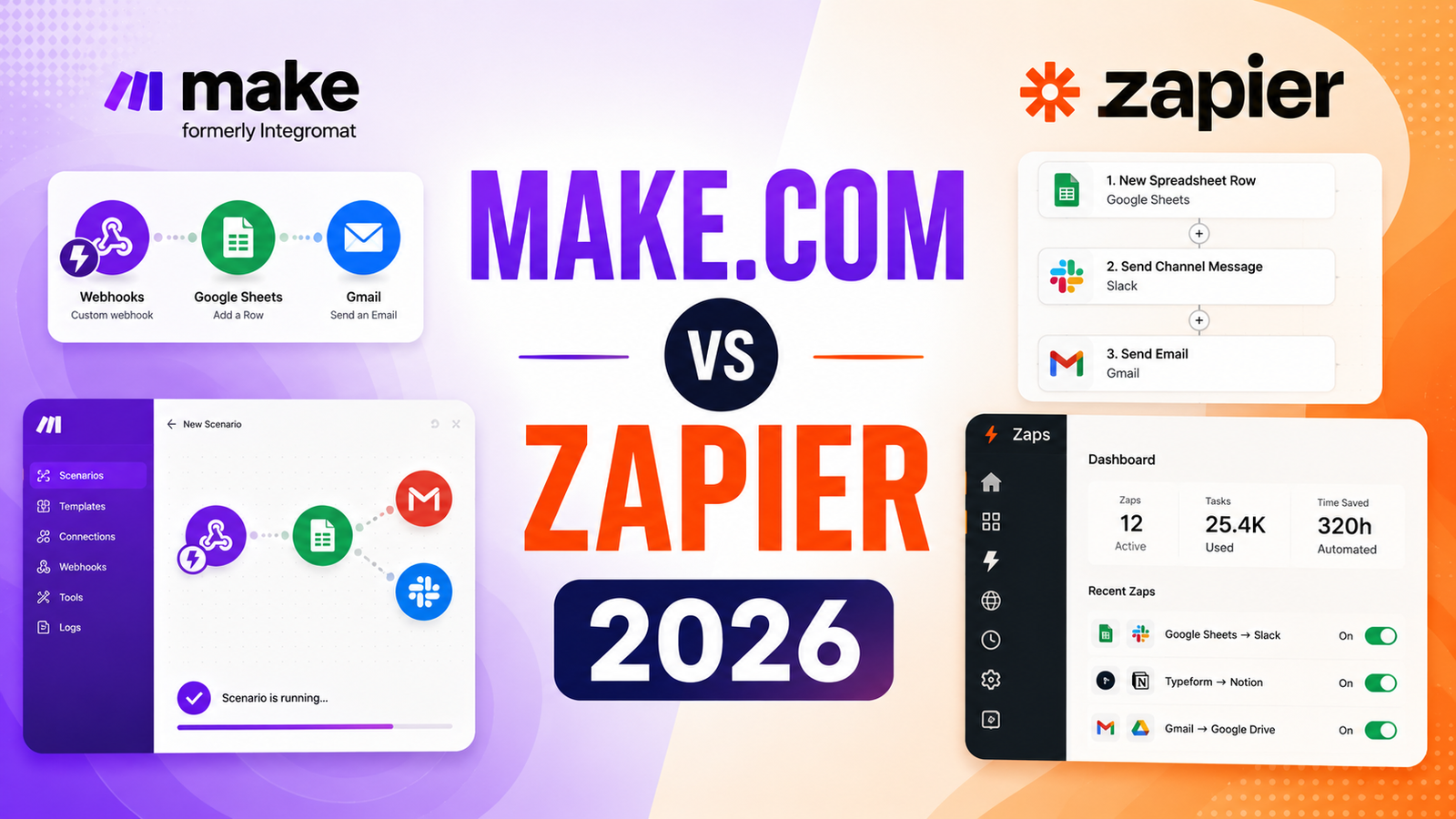
Make.com vs Zapier 2026: Which Automation Tool Is Actually Worth It?
The headline price comparison seems clear: Make starts at $9 per month, Zapier starts at $19.99 per month. Most people shopping on monthly sticker price pick Make. Most power users who start on Zapier, hit its limits, and migrate to Make eventually wonder whether they could have just started with Make and saved the transition cost. And some teams that start with Make’s cheaper-looking plans discover that the credit system burns through budget faster than expected, pushing the effective cost higher than Zapier’s more predictable model.
Both platforms are genuine, capable automation tools used by millions of teams. The right choice depends on three things that are more specific than “which is cheaper”: who will be building the workflows, how complex those workflows need to be, and whether the 7,000-plus app library matters more than visual workflow power and lower-cost operations at high volume.
This comparison covers both platforms as they stand in 2026, with specific attention to the credit model details that produce the most common buyer regret.
Side-by-Side Comparison Table
| Feature | Make.com | Zapier |
|---|---|---|
| Free tier | 1,000 ops/month, complex workflows allowed | 100 tasks/month, single-step only |
| Starting paid price | $9/month (Core, 10,000 ops) | $19.99/month (Professional, 750 tasks) |
| App integrations | ~2,400 | 7,000-plus |
| Interface style | Visual canvas, drag-and-drop modules | Linear step-by-step builder |
| Learning curve | Moderate to steep | Low, beginner-accessible |
| Complex logic | Built-in: routers, iterators, aggregators, error handlers | Paths (higher tiers), less native complexity |
| AI features | AI scenarios, OpenAI/Claude steps | AI Zap creation, Copilot, AI steps, Tables |
| Billing unit | Operations (every module execution, including failures) | Tasks (successful completed actions only) |
| Failed run billing | Yes, failed operations still count | No, failed tasks do not consume quota |
| MCP support | Yes (runs existing Make scenarios) | Yes (connects AI to apps) |
| Built-in database | No | Yes (Tables, included on all plans) |
| Forms builder | No | Yes |
| Enterprise governance | SSO, SOC 2, GDPR, admin roles (user-discipline dependent) | SSO/SAML/SCIM, SOC 2, GDPR, centralized admin, granular permissions |
| Data residency | EU and US regions | US primary |
| Error handling | Native error routes and replay within scenario | Zap history and retry; less visual |
| Best for | Technical users and ops teams with complex workflows needing cost-efficient volume | Non-technical teams, broad app library needs, enterprise governance |
“Pricing is subject to change. Always verify current pricing on the tool’s official website before purchasing.”
Make.com: Detailed Breakdown
What It Is
Make.com, formerly Integromat, is a visual workflow automation platform built around a canvas-based scenario editor. Where Zapier presents automations as a linear list of steps, Make displays the entire workflow on a canvas where modules connect visually, branching paths are represented graphically, and the flow of data between systems is immediately readable at a glance. This visual architecture makes complex multi-step automations with branching logic, loops, and error handling more manageable than equivalent configurations in linear builders.
Make rebranded from Integromat in 2022 and has grown rapidly, particularly among operations teams and technical users who find Zapier’s linear interface constraining for advanced workflow logic.
Key Features
Canvas-based visual editor. The scenario canvas shows the complete workflow structure with modules connected by lines representing data flow. Routers branch workflows into parallel paths. Iterators loop through lists. Aggregators combine outputs from multiple branches. Error handlers catch failures and define what happens next. For workflows with this kind of structural complexity, the canvas makes the logic immediately visible rather than hidden in a sequence of steps.
Deep per-app actions. Make’s connectors often expose more granular actions and triggers per supported app than Zapier’s equivalents. Where Zapier offers standard triggers and common actions, Make frequently provides access to more obscure API endpoints within the same app, enabling automations that Zapier cannot reach.
Scenario replay and error handling. When a Make scenario fails, the failed execution is stored and can be replayed from the failure point after the issue is resolved. This makes debugging and recovery from errors more systematic than manually recreating the conditions that caused a failure.
AI modules and agentic capabilities. OpenAI, Claude, and other AI services are available as native modules within scenarios, allowing AI processing to be embedded in multi-step workflows without external tools. AI scenarios with agent-style decision-making are available for teams building more autonomous automation workflows.
Pros
- Free tier at 1,000 operations per month allows building complex, multi-step workflows for genuine evaluation before payment
- Most cost-efficient per-operation pricing for high-volume automations: $9 per month covers 10,000 operations versus Zapier’s 750 tasks
- Canvas editor makes complex multi-step logic with branching and iteration more readable and maintainable
- Deeper per-app actions expose more granular API endpoints than Zapier covers for the same apps
- Scenario replay and native error handling reduce debugging overhead for production workflows
- EU data processing option is relevant for European teams with GDPR compliance requirements
Cons
- Make charges for every module execution including failed runs; polling triggers can burn thousands of operations per month checking for new data even when no new data exists
- Steeper learning curve than Zapier; beginners building their first workflow typically need more time to reach productive use
- Fewer native integrations at approximately 2,400 versus Zapier’s 7,000-plus; some less common apps only exist in Zapier’s library
- No built-in database (Tables), forms builder, or process mapping tools that Zapier includes on all paid plans
- Enterprise governance relies more on user discipline than centralized administration; large organizations with many departments building automations can develop inconsistent practices
Pricing
- Free: 1,000 ops/month, unlimited scenarios, 2 active scenarios
- Core: $9/month (annual) or $10.59/month (monthly), 10,000 ops, unlimited active scenarios
- Pro: $16/month (annual), 10,000 ops, priority execution, custom variables
- Teams: $29/month (annual), team collaboration, higher op volume
- Enterprise: Custom pricing, SSO, dedicated support
Zapier: Detailed Breakdown
What It Is
Zapier is the automation platform that defined the category. Founded in 2011, it pioneered accessible no-code automation and built a library of 7,000-plus app integrations that no competitor has matched on breadth. The workflow builder (Zaps) follows a linear trigger-and-action model that anyone can understand within minutes. For non-technical team members who need to build automations without developer support, Zapier’s guided interface and extensive documentation provide the lowest barrier to entry in the category.
The 2025 and 2026 product updates have added AI Zap creation from natural language, Copilot for automation suggestions, Tables as a built-in database on all plans, and AI steps as native nodes within any Zap. These additions make Zapier genuinely more capable than it was while preserving the simplicity that is its core competitive advantage.
Key Features
7,000-plus app integrations. Zapier’s integration library is the primary reason many teams choose it. For organizations using less common or newer apps that Make has not yet integrated, Zapier often provides the only automated connection available. This breadth also means most Zapier workflows can be built without any HTTP/API configuration; the native connector handles the connection.
AI Zap creation from natural language. Describe the automation you want in plain English and Zapier’s AI Copilot builds the Zap structure. For non-technical users who know what they want to automate but not how to configure it, this reduces setup from a technical task to a description task.
Tables (built-in database) on all plans. Zapier Tables provides a built-in database that can store automation outputs, trigger Zaps when records change, and provide a data layer for workflows that need to reference or update stored information. This capability is included on all paid plans and has no Make equivalent.
Predictable task billing. Zapier charges only for successfully completed tasks, not for failed runs, filter evaluations, or trigger checks. For teams who want automation costs to be predictable and proportional to actual work completed, this billing model removes the credit optimization game that Make’s operation-based billing creates.
Enterprise governance. Zapier Enterprise provides centralized admin with SSO, SAML, SCIM provisioning, granular role-based permissions, detailed audit logs, and workspace separation across departments. For enterprise IT teams that need visibility and control over who is automating what, Zapier’s managed governance model requires less ongoing user discipline than Make’s enterprise tier.
Pros
- Most accessible workflow builder in the category; non-technical users can build production Zaps without developer help
- 7,000-plus integrations cover apps that Make has not integrated; broadest catalog in the category
- Tables included on all plans provides a built-in database without a separate tool
- Predictable billing on completed tasks only removes the credit consumption surprises that Make’s model creates
- Enterprise governance with centralized admin, SSO, and audit logs is more managed than Make’s equivalents
- Zapier Copilot and AI Zap creation make AI automation accessible without requiring workflow configuration knowledge
Cons
- Most expensive per-task cost in the category: $19.99 per month covers 750 tasks versus Make’s 10,000 operations at $9
- Free tier at 100 tasks per month with single-step limitations is the most restrictive in the comparison
- Complex logic with branching, loops, and iterators requires more steps and higher-tier plans in Zapier’s linear builder compared to Make’s native canvas tools
- Paths (branching logic) are available but less visually expressive than Make’s router-based branching
- Some power users find the linear builder constraining for complex multi-step workflows once they have outgrown basic automations
Pricing
- Free: 100 tasks/month, single-step Zaps only
- Professional: $19.99/month (annual), 750 tasks, multi-step Zaps, Paths, AI features
- Team: $69/month (annual), 2,000 tasks, collaboration features
- Enterprise: Custom pricing, SSO/SAML/SCIM, audit logs, advanced governance
Head-to-Head Comparison
Free Tier Value Make wins significantly. 1,000 operations per month with complex workflows allowed versus Zapier’s 100 tasks with single-step-only limitation is a 10x volume advantage for evaluating what the platform can actually do. Zapier’s free tier is barely sufficient for one simple automation; Make’s free tier allows genuinely complex workflow evaluation.
Pricing at Scale Make wins on headline operations-to-dollar ratio but with an important caveat. At $9 per month for 10,000 operations versus $19.99 per month for 750 tasks, Make provides more automation volume per dollar in theory. In practice, Make’s operation count includes every module execution, every filter evaluation, and every failed run. A polling trigger that checks for new data every 15 minutes burns approximately 2,900 operations per month without completing a single useful task. Teams that run polling-heavy workflows or have frequent failures may find Make’s effective cost higher than the headline suggests. Zapier’s task billing on completed actions only produces more predictable costs for teams that cannot manage credit optimization actively.
Ease of Use Zapier wins. Most sources agree that Zapier is easier to start with and connect to more apps, while Make gives more control and better pricing for complex workflows. A beginner can build a production Zap in five minutes. Make’s canvas requires more setup time before reaching that first successful scenario.
Complex Workflow Handling Make wins. Routers, iterators, aggregators, and error handlers are all first-class canvas elements in Make. The visual representation of branching logic makes complex multi-step automations more readable and maintainable than Zapier’s linear equivalent with Paths configured across multiple steps.
App Coverage Zapier wins decisively. 7,000-plus versus approximately 2,400 native integrations is not a close comparison. For organizations that use less common or newer applications, Zapier frequently has the native connector that Make does not.
Enterprise Governance Zapier wins for large organizations. Centralized admin, SSO/SAML/SCIM provisioning, granular permissions, and managed audit logs provide IT teams with the oversight infrastructure that Make’s governance requires user discipline to maintain consistently across departments.
Who Should Choose Each Tool
Choose Make.com if:
- You have technical staff who will build and maintain workflows; the canvas editor rewards expertise
- Your workflows involve complex branching, loops, iteration, or multi-path logic
- Volume is high enough that Zapier’s task pricing creates a significant cost differential
- You want the deepest per-app actions for the specific apps Make supports
- EU data processing is a compliance requirement for your workflows
- You can actively monitor and optimize operation consumption to avoid polling trigger waste
Choose Zapier if:
- Non-technical team members will build and maintain automations without developer support
- The 7,000-plus integration library is needed for specific apps that Make does not support
- Predictable, task-based billing without credit optimization is important for budget management
- Tables, forms builder, and process mapping tools are useful additions to the automation platform
- Enterprise governance with centralized admin and managed SSO is an IT requirement
- You want AI-assisted workflow creation from natural language for non-technical builders
Frequently Asked Questions
How does the operation versus task billing difference actually affect what I pay?
This is the most important practical question before choosing Make over Zapier based on headline price. Zapier charges per successfully completed task, meaning only actions that actually run count against your quota. Make charges per operation, which includes every module execution regardless of outcome, filter evaluations, and failed runs. A Make scenario that checks a Google Sheet for new rows every 15 minutes consumes 96 poll operations per day, or approximately 2,900 per month, just to check for data, even if no new rows exist. If that scenario processes ten rows per day, Make charges roughly 2,910 operations for ten useful tasks. Zapier charges ten tasks for the same result. For automations that trigger frequently on new data, Zapier’s task model often produces lower effective cost than Make’s operation model despite the higher headline price. The practical guidance: estimate your expected trigger frequency and operation consumption before modeling Make’s effective monthly cost, not just its plan’s nominal operation limit.
Can I migrate my existing Zapier workflows to Make, and how much work is that?
There is no automated migration tool between platforms. Moving from Zapier to Make requires manually rebuilding every workflow in Make’s canvas interface, which typically takes 30 to 60 minutes per simple workflow and several hours per complex one. Budget 2 to 4 times the original build time for migration, and test thoroughly in Make before deactivating Zapier Zaps to avoid breaking critical automations during the transition. Most teams who have migrated describe the process as more work than expected, particularly for workflows with multiple conditional paths. The migration cost is a real sunk cost that should factor into the total cost of ownership comparison, not just the ongoing monthly rate differential.
Is Make’s cheaper pricing always better for startups and small teams on tight budgets?
Not always, and the answer depends on workflow complexity and how actively the team monitors credit consumption. For startups running 5 to 10 straightforward automations with low trigger frequency, Make’s Core plan at $9 per month provides better volume than Zapier’s Professional at $19.99 per month for the same workflows. For startups running polling-heavy workflows or automations that frequently encounter errors and failed runs, Make’s credit model can produce costs that approach or exceed Zapier’s predictable task pricing. The safest evaluation approach for any budget-conscious team: run both on the free tier for the actual workflows you plan to automate, track the operation and task consumption over two weeks, and project the annual cost at each platform’s paid tier rates before committing to a subscription.
Final Verdict
The clearest framing for this decision in 2026: Zapier is easier to start and more expensive to run at volume. Make is cheaper to run at volume and harder to start.
For non-technical teams, small businesses, and organizations where the widest app library and accessible workflow creation matter more than operational cost optimization, Zapier is the more practical default. The 7,000-plus integrations, predictable billing, built-in Tables, and accessible AI Zap creation justify the price premium against Make for users who would otherwise spend developer time on maintenance and credit monitoring.
For operations teams, technical users, and organizations with high automation volume where the Make versus Zapier cost differential is measurable in hundreds of dollars annually, Make’s canvas editor and lower per-operation cost at scale earn the investment in the learning curve. The caveat about polling triggers and failed run billing requires active management to capture the cost advantage in practice.
Most power users start on Zapier, hit its limits, and migrate to Make. Starting directly on Make if you already know your workflows will be complex saves that migration cost. For a deeper look at where both tools fit in the broader automation market and when n8n, Relay.app, or other alternatives are worth evaluating, see our Best AI Automation Tools 2026.
Make.com Rating: 4.3 / 5 — Best for technical teams with complex workflows at high volume.
Zapier Rating: 4.2 / 5 — Best for non-technical teams, broad app library needs, and predictable billing.