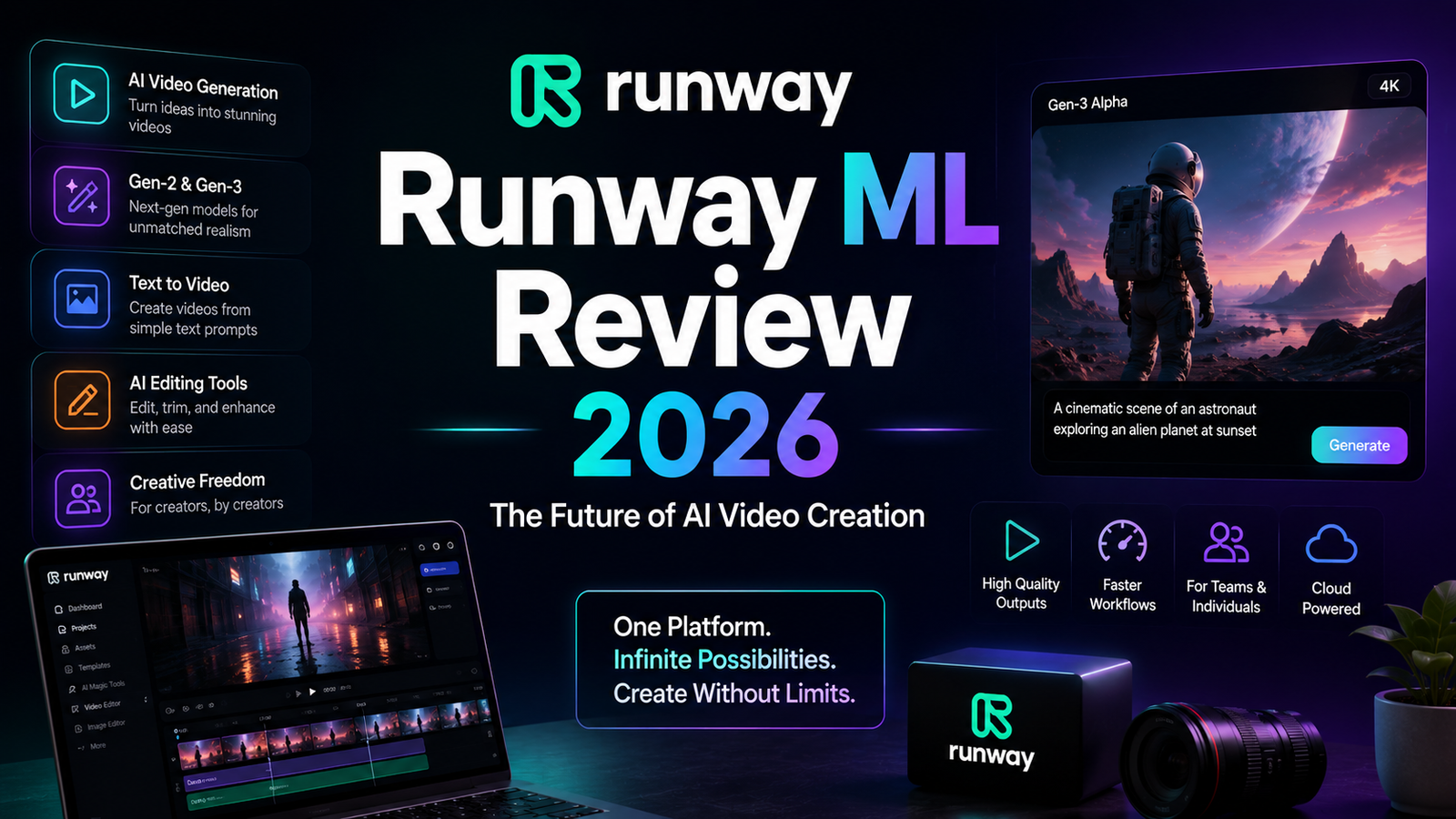
Runway ML Review 2026: The Professional’s AI Video Tool
AI video generation has moved from novelty to production tool remarkably fast. What looked like a research demonstration two years ago is now being used by marketing teams, independent filmmakers, and production houses to generate B-roll, concept footage, product visuals, and cinematic sequences that would have required significant budgets and crew time to capture conventionally.
Runway is the platform that sits at the center of that shift. Founded in 2018 and recognized by the Academy of Motion Picture Arts and Sciences with a Scientific and Technical Achievement Award, it was one of the first AI video tools to reach quality levels that working professionals could actually use. Its Gen-4 and Gen-4.5 models power a comprehensive production environment that includes text-to-video, image-to-video, motion brush controls, AI-powered editing tools, and a timeline editor for assembling multi-shot sequences. Unlike tools built purely for quick social content generation, Runway is designed to behave like part of a production workflow.
That positioning comes with tradeoffs in price, complexity, and credit consumption that are worth understanding clearly before subscribing. This review covers everything you need to make the right call.
Our Take: Runway remains the benchmark for AI video quality in 2026. While tools like Kling and Pika often prioritize speed and simplicity, Runway consistently delivers the strongest balance of cinematic output, creative control, and professional workflows for serious creators.
What Runway ML Is and Who It Is For
Runway is a browser-based creative AI platform for video generation and editing. It generates video from text prompts, images, or existing footage, and wraps those generation capabilities inside a suite of AI editing tools including background removal, object inpainting, motion tracking, style transfer, and lip sync. A built-in timeline editor allows generated clips to be assembled and refined within the platform rather than requiring immediate export to external software.
The platform currently runs on the Gen-4.5, Gen-4, and Gen-3 Alpha model family, with different models offering different tradeoffs between quality, speed, and credit cost. Gen-4.5 produces the highest quality output at the highest credit cost. Gen-4 Turbo offers faster generation at lower cost per second for lighter tasks.
Runway serves a specific type of user well and a different type poorly. The tool is built for:
Video production professionals and agencies who need AI to accelerate existing workflows rather than replace them. Runway integrates with Adobe Premiere, Final Cut Pro, and After Effects, meaning generated footage slots into professional editing pipelines without friction.
Marketing teams and brand content creators producing product visuals, ad concepts, campaign B-roll, and branded video content at volumes that would otherwise require full production budgets. At $12 to $28 per month, Runway compresses costs dramatically for this use case.
Filmmakers and creative directors using AI for previsualisation, concept development, and VFX elements. Runway’s character consistency features across the Gen-4 model make it viable for multi-shot sequences in ways that earlier AI video tools were not.
Social media creators are better served by Pika or Kling for pure speed and accessibility. Runway has a steeper learning curve, a credit system that punishes iteration, and interface depth that exceeds what most social content workflows require. That is not a criticism of Runway; it is a recognition that tools optimized for different jobs have different strengths.
Key Features
Gen-4 and Gen-4.5 text-to-video and image-to-video generation. Runway’s flagship generation models produce video clips from text prompts or image inputs with what reviewers consistently describe as the strongest character and scene consistency available in the consumer AI video market. The reference image system maintains character appearance, clothing, and facial features across multiple shots with different camera angles and lighting, which solves one of the most persistent problems in AI video generation. A 10-second clip at 1080p using Gen-4 costs approximately 50 credits, producing output in the 20-minute range under normal load.
Aleph AI video editing. Aleph is Runway’s directed editing tool: describe a change in natural language and the AI executes it on the existing clip. Remove an object from the frame, add fog to the background, change the lighting from midday to golden hour, generate a new camera angle for an existing shot. This capability is what most distinguishes Runway from pure generation tools. Rather than starting over when an output is close but not right, users describe the specific adjustment and let Aleph implement it.
Act-Two motion capture and lip sync. Act-Two allows users to transfer motion from a reference video to a generated character, enabling realistic body movement and facial animation without actors or physical production. Combined with the Custom Voices feature on the Pro plan, this creates a complete character animation pipeline within the Runway environment.
Motion Brush. Users select regions of an image and paint directional motion vectors to define how specific elements move in the generated clip. This provides significantly more precise control over camera movement, object animation, and scene dynamics than prompt-only generation. A slow camera push through a fog-filled corridor can be built by painting the motion direction across the scene rather than hoping a text prompt produces the desired camera behavior.
Full suite of AI editing tools. Beyond generation, Runway includes Green Screen background removal without physical green screen equipment, Super Slow Motion for smooth frame interpolation, Inpainting for removing or replacing objects within existing footage, video upscaling, color correction, and direct integration of AI features within the timeline editor. This breadth makes Runway function as an AI production platform rather than a generation endpoint.
Team collaboration and workspaces. Standard plan supports up to 5 editors per workspace. Pro and Unlimited support up to 10. Additional editors can be added at $15 per month per seat. Enterprise plans provide custom workspace configurations, SSO, compliance controls, and workspace analytics for larger organizations.
Pros and Cons
Pros:
- Best character consistency across multi-shot sequences of any consumer AI video tool currently available
- Aleph directed editing reduces iteration time by allowing targeted adjustments to existing clips rather than full regeneration
- Comprehensive production suite covering generation, editing, lip sync, motion capture, and timeline assembly in one platform
- Native integration with Adobe Premiere, Final Cut Pro, and After Effects fits professional post-production workflows
- 4K export available on Standard and above, highest output resolution among major AI video tools
- Academy of Motion Picture Arts and Sciences recognition reflects genuine professional adoption
- Browser-based with no local GPU requirements; works from any modern computer
- Free tier with 125 one-time credits allows genuine evaluation before purchasing
Cons:
- Credits do not roll over between billing periods; unused monthly credits are lost at reset
- Generation speed is slower than competitors: typically 20 minutes per clip versus under 2 minutes for Pika and 50-plus minutes for Sora before its discontinuation
- Individual clip generation caps at 16 to 18 seconds, requiring chaining for longer sequences with associated consistency risk
- The credit system punishes heavy iteration; 625 credits on the Standard plan equates to roughly 12 standard video generations per month, which depletes quickly during exploratory workflows
- Steeper learning curve than Pika or CapCut; reaching competent use takes 2 to 3 hours of hands-on experimentation, advanced workflows 10 to 15 hours
- AI credit costs are not uniform across features: Inpainting operations consume 25 to 45 credits per attempt, making editing-heavy workflows expensive on lower tiers
- Watermarked exports on the free plan; paid subscription required for clean output
Pricing Breakdown
Runway uses a credit-based model across four tiers. Every generation draws from the credit pool, and credits reset monthly with no rollover. The amount consumed per generation varies by model, output length, and resolution.
Free: $0. 125 one-time credits (not monthly, not replenishing). Access to Gen-4 Turbo image-to-video and Gen-4 text-to-image. 3 video editor projects. 5GB asset storage. Watermarked exports. No access to Gen-4 video or Gen-4.5. Sufficient for platform evaluation; not functional for ongoing production.
Standard: $12/month (annual billing) or $15/month (monthly billing). 625 credits per month. Watermark-free exports. Access to Gen-4 and Gen-4.5 models. Up to 5 editors per workspace. 100GB asset storage. Commercial usage rights for content generated while subscribed. At typical Gen-4 credit costs, 625 credits equates to approximately 12 standard 10-second clip generations per month. Sufficient for occasional production; will frustrate users iterating heavily on multiple concepts.
Pro: $28/month (annual billing) or $35/month (monthly billing). 2,250 credits per month. Everything in Standard plus Custom Voices for lip sync and text-to-speech, Act-Two motion capture, higher storage allocation, and up to 10 editors per workspace. This is the most appropriate starting plan for freelancers and working creatives using Runway as a primary production tool. 2,250 credits covers meaningful weekly output without the constant credit anxiety of the Standard plan.
Unlimited: $76/month (annual billing) or $95/month (monthly billing). 2,250 credits per month plus Explore Mode, which enables unlimited generations of Gen-4 Turbo, Gen-4, Act-Two, and Gen-3 Alpha Turbo at a relaxed queue rate. This plan is built for high-volume production pipelines where credit metering would otherwise interrupt workflow. Important caveat: even on Unlimited, some high-end features and maximum-resolution long-form generations consume additional credits. Read the Runway credit documentation before assuming every feature is uncapped.
Enterprise: Custom pricing. All Pro features plus SSO, compliance controls, workspace analytics, custom credit allocations, and dedicated support.
“Pricing is subject to change. Always verify current pricing on the tool’s official website before purchasing.”
How It Compares to Pika and Sora
Runway vs Pika
Pika is built for speed, accessibility, and social media content creation. Its generation times are among the fastest in the market, with Pika Turbo averaging around 12 seconds for a 5-second clip. Its interface is intentionally simple, and its signature Pikaffects features (transform, inflate, melt, explode) produce dramatic creative results from straightforward inputs. The Pro tier starts at $8 per month, making it the most affordable professional AI video subscription currently available.
Runway is not trying to compete with Pika on speed or simplicity, and it wins on quality, editing depth, and professional workflow integration. Side-by-side prompt comparisons consistently show Runway’s output as more cinematic, more consistent across multi-shot sequences, and more controllable when specific camera behavior or character continuity is required. Runway’s Aleph editing, Act-Two motion capture, and timeline editor have no Pika equivalents.
The practical split: Pika for high-volume social content where generation speed and creative effects matter more than photorealism or editing precision. Runway for professional production where quality, character consistency, and post-generation editing justify the higher cost and slower pace.
Runway vs Sora
This comparison requires important context. OpenAI announced on March 30, 2026 that Sora will be fully discontinued, with the app shutting down on April 26, 2026 and the API on September 24, 2026. Sora is no longer a tool to build a workflow around.
Before the discontinuation announcement, Sora 2 was widely recognized as the leader in photorealistic quality and physics accuracy, producing footage that looked genuinely shot on camera in favorable conditions. Its text prompt interpretation was the strongest of any video model tested, handling complex cinematic descriptions with greater consistency than Runway.
Runway’s answer to Sora’s quality lead was its editing and workflow depth. Where Sora generated clips and largely required you to accept what you got, Runway’s Aleph editing, Motion Brush, and reference system gave users the ability to shape and refine output rather than regenerate from scratch. For production work requiring multiple rounds of refinement, Runway was already the more practical tool.
With Sora’s discontinuation, Runway inherits its position as the strongest Western-market AI video tool for professional production workflows. The comparison now sits between Runway and Google Flow, which is building on Google’s Veo model and targeting a similar professional audience. For teams that had built Sora into their pipelines, Runway is the most direct replacement.
Frequently Asked Questions
How many videos can I actually make per month on each plan?
The credit math is less generous than the headline numbers suggest, and it varies by model and output length. On the Standard plan at 625 credits per month: at standard Gen-4 rates of approximately 5 credits per second, 625 credits produces about 125 seconds of total video, or roughly 12 to 25 clips depending on length. On the Pro plan at 2,250 credits: approximately 450 seconds of Gen-4 video, or 45 to 90 clips. Heavy use of Inpainting and other AI editing tools depletes credits faster. Runway provides a credit cost breakdown in account settings for the specific features and models you plan to use; check that before selecting a plan.
Does Runway work for complete beginners with no video editing experience?
Runway is more accessible than traditional video production tools, but it is not designed for zero-learning-curve use. The interface will feel unfamiliar to someone with no video background, and reaching competent use requires 2 to 3 hours of hands-on practice. The credit system also means learning mistakes cost real money on paid plans. For beginners who want to explore AI video without investment risk, starting on the free tier with 125 one-time credits allows genuine evaluation. If you want to produce social media content quickly without a learning curve, Pika at $8 per month is the more accessible starting point. Runway becomes the right tool once you have specific production requirements that Pika’s feature set cannot address.
Do commercial rights apply to everything I generate on paid plans?
Commercial rights are plan-dependent and subscription-dependent. Paid subscribers (Standard, Pro, and Unlimited) receive commercial usage rights for content generated while their subscription is active. If you cancel, commercial rights are retained for content already generated under the active subscription, but new generations on the free tier do not carry commercial rights. Runway’s Terms of Use (last updated February 11, 2026) are the definitive source for commercial use terms. For content used in advertising, client deliverables, or any revenue-generating context, verify current licensing terms directly on the Runway website before committing to a project.
Final Verdict
Runway ML earns its position as the leading professional AI video platform in 2026. The combination of Gen-4.5 generation quality, Aleph directed editing, Act-Two motion capture, Motion Brush control, and native professional software integrations creates a production environment that no other consumer AI video tool currently matches in depth.
With Sora’s discontinuation announced for April 2026, Runway has consolidated its position as the most complete AI video production tool in the Western market for creative professionals, filmmakers, and marketing teams producing content where quality and editing control justify a higher subscription cost and steeper learning curve.
The honest caveats matter: credits do not roll over, generation is slower than competitors, and the Standard plan’s 625 monthly credits will frustrate anyone iterating heavily. The Pro plan at $28 per month is the appropriate entry point for working professionals who plan to use Runway as a production tool rather than a casual experiment. At that price point, the combination of 2,250 credits, Act-Two, Custom Voices, and commercial rights delivers genuine professional value.
For social content creators who prioritize generation speed over editing depth, Pika at $8 per month remains the more practical and affordable tool. For teams that can justify the Unlimited plan at $76 per month, Runway’s Explore Mode removes credit anxiety and enables the kind of iterative generation that produces the best professional output.
Rating: 4.5 / 5
“Pricing is subject to change. Always verify current pricing on the tool’s official website before purchasing.”