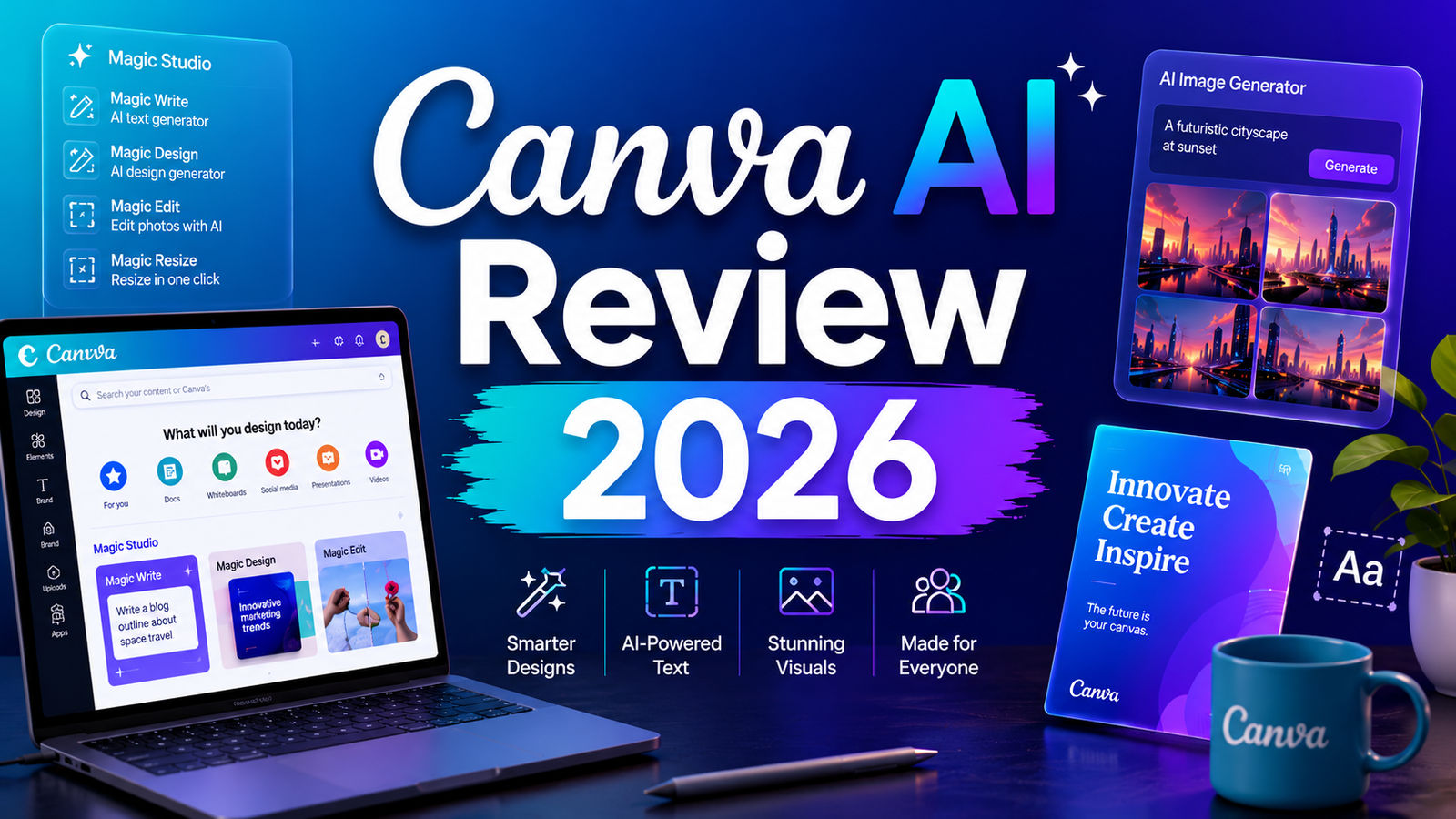
Canva AI Review 2026: Is Magic Studio Worth It?
Canva has never been a tool for professional designers. It was built for the 99 percent of people who need to produce professional-looking visual content without the years of training that Adobe Photoshop or Illustrator demands. For a decade, it delivered on that promise through an enormous library of templates and a drag-and-drop editor that anyone could learn in minutes.
In 2026, the ambition is significantly larger. Under the Magic Studio umbrella, Canva has layered more than 25 AI-powered tools directly into the editor: image generation, text-to-video, AI writing assistance, background removal, photo editing, design automation, AI-powered presentations, and more. These tools do not replace Canva’s core value proposition. They accelerate it.
With over 260 million users in 190 countries and AI tools that have been used more than 10 billion times, Canva AI has become the most widely adopted AI design platform in the world, not because it is the most powerful, but because it is integrated into a workflow that hundreds of millions of people already use every day.
This review examines the core AI features in depth, weighs the honest tradeoffs, and answers the question that actually matters: is upgrading to Canva Pro for Magic Studio worth the money?
Our Take: The AI features are genuinely useful for non designers. Magic Write is hit or miss. Background Remover works every time. Worth it if you’re already paying for Canva Pro, not worth upgrading just for the AI.
What Canva AI Is and Who It Is For
Canva AI is not a standalone product. It is a collection of AI features called Magic Studio bundled into the standard Canva editor on both free and paid plans. When you hear Magic Studio, you are hearing about a suite that includes text generation, image generation, photo editing, video creation, design automation, and translation tools, all accessible without leaving the design canvas.
The platform is built for users who are not professional designers and do not want to become one. That framing covers an enormous range:
Marketing teams and social media managers who produce high volumes of branded content across multiple platforms and need tools that maintain brand consistency while compressing production time. Canva’s Brand Kit integration with AI is a particular strength here.
Small business owners and solopreneurs who handle their own marketing, social media, and promotional materials without a design budget or dedicated designer. Canva AI makes professional-looking output achievable without professional skill.
Educators and nonprofit organizations who get most premium Canva features free through verified education and nonprofit programs, making the AI suite accessible at no cost to institutions with budget constraints.
Content creators and freelancers managing multiple client accounts who need to produce diverse, on-brand content quickly across formats without switching between multiple tools.
Canva AI is not the right tool for professional photographers, illustrators, or graphic designers who need pixel-level precision, layered compositing, vector scalability for print, or the output quality ceiling of specialized tools like Midjourney or Photoshop. For those use cases, Adobe Creative Suite remains the professional standard.
Key AI Features
Magic Media: Text-to-Image and Text-to-Video
Magic Media is Canva’s generative AI engine for creating original visual assets directly inside the editor. The text-to-image feature generates images from written prompts using Leonardo.ai’s Phoenix model. Results are adequate for social media backgrounds, concept sketches, and contextual imagery, though independent testing consistently finds them a generation behind what dedicated image generators like Midjourney or DALL-E produce. The integrated workflow is the real value: you generate an image and it lands directly in your design without export, download, or re-upload.
Text-to-video within Magic Media generates short video clips from text prompts or existing images. In 2026, Canva integrated Google’s Veo 3 model for video generation, accessible to Pro subscribers. Video clips are capped at 8 seconds, and free users receive only 5 lifetime video generations. For short social media clips and animated product visuals, the quality is adequate. For anything requiring cinematic precision or longer sequences, Runway or Pika are more capable tools.
Magic Write: In-Editor AI Copywriting
Magic Write is Canva’s AI text assistant, generating headlines, captions, body copy, taglines, and presentation text directly within any design. Its primary advantage over switching to ChatGPT or Claude is convenience: no tab-switching, no copy-pasting, no reformatting. You highlight a text element, invoke Magic Write, and generate or refine copy without leaving the editor.
The quality is functional but not exceptional. Magic Write understands the design context (Instagram post versus LinkedIn banner versus presentation slide) and adjusts tone accordingly, but output is often generic and lacks the depth that a dedicated AI writing tool produces with more detailed prompting. For quick caption generation, headline variations, and initial copy drafts that get refined before publishing, it earns its place. For long-form or strategically important copywriting, ChatGPT or Claude is the stronger tool.
Magic Eraser: Object Removal
Magic Eraser removes unwanted elements from photos with a brush tool. You paint over the object you want to remove and Canva’s AI fills in the background seamlessly. The feature works reliably on simple, clean backgrounds: removing a distracting object from a flat or uniform surface produces clean results in most cases. Complex backgrounds with varied textures, patterns, or depth create visible artifacts more frequently.
For marketing photos, social media images, and product visuals where a clean background is the goal, Magic Eraser saves significant time compared to manual masking in Photoshop. For precise professional retouching where the result will be scrutinized closely, Adobe’s Generative Remove tool in Photoshop produces more reliable high-quality output.
Background Remover
Background Remover is one of Canva’s oldest and most reliable AI features. It detects the subject of an image automatically and removes the background in a single click, producing a cleanly cut subject element that can be placed on any new background within the design. The feature works well on human subjects, products, and clearly defined objects. Hair, fur, and complex transparent edges (like glass or mesh) can produce imperfect edges that require manual cleanup.
For product photography, portrait headshots, social media graphics, and e-commerce imagery where placing a subject on a designed background is a regular workflow step, Background Remover is a genuine time-saver. It is available on the free plan in limited capacity and fully unlocked on Pro.
Magic Expand: AI-Powered Image Outpainting
Magic Expand extends images beyond their original borders using generative AI to fill in what does not exist in the source photo. This is Canva’s equivalent of Adobe Photoshop’s Generative Expand. The primary use cases are fixing awkward framing on otherwise good photos, converting portrait-oriented images to landscape format for different platform requirements, and extending a background to fit a design layout without cropping.
Output quality depends heavily on the complexity of the original image. Open landscapes, sky backgrounds, and simple environmental scenes extend convincingly. Images with complex foreground subjects near the edges of the frame can produce inconsistent results where the AI invents implausible extensions. For social media teams needing to adapt images across vertical and horizontal formats, Magic Expand works well on the majority of standard photography.
Pros and Cons
Pros:
- All AI tools live within the design editor: no switching apps, no re-importing assets, no workflow friction
- Brand Kit integration applies brand colors, fonts, and logos to AI-generated content automatically, maintaining consistency across team outputs
- Free plan includes meaningful AI functionality including limited Background Remover, Magic Write access, and basic Magic Media
- 260 million users means extensive community resources, template libraries, and tutorial support
- Magic Design generates complete design sets from a text prompt or uploaded file, dramatically compressing the brief-to-design timeline for non-designers
- Canva for Education and Canva for Nonprofits provide premium features including AI tools at no cost to qualifying institutions
- Magic Switch converts any design to a different format (turning a blog post into an Instagram carousel, for example) instantly
- Real-time collaboration for teams is class-leading, with live multi-user editing and Brand Kit guardrails that enforce consistency without policing
Cons:
- Image generation quality from Magic Media sits below dedicated generators like Midjourney, DALL-E, and Adobe Firefly for output requiring precision or strong artistic direction
- The shared 500 AI credit pool on Pro depletes across all AI features simultaneously, and heavy users can exhaust the monthly allocation by mid-month
- Free plan AI credits are limited and confusingly communicated: the free tier provides approximately 50 lifetime image generations, not a monthly replenishing amount
- No negative prompts, guidance scale adjustment, seed control, or model selection for image generation: what Canva generates is what you get without technical refinement options
- Video generation is capped at 8 seconds per clip, making it unsuitable for anything beyond short social media clips or animated intros
- Style consistency across multiple image generations in the same project is weak: Canva’s AI does not carry style memory between prompts
- Magic Write output quality is generic for professional copywriting applications; better suited for drafting than finishing
Pricing Breakdown
Free: Core Canva editor, 2 million-plus templates, limited Background Remover, approximately 50 lifetime AI image generations, 5 lifetime video generations, limited Magic Write access. Sufficient for exploring the platform; credit limits make sustained AI use impractical.
Canva Pro: $14.99/month (approximately $9.99 to $10/month on annual billing at $119.99/year). Full Magic Studio suite access, 500 AI credits per month shared across all AI features, unlimited background removal, full Magic Write, Magic Eraser, Magic Expand, Dream Lab image generation, Brand Kit with up to 1,000 brand kits, 1TB of storage, 140 million-plus premium templates and assets, and commercial rights for AI-generated content. This is the plan where Canva AI becomes functionally complete for most individual creators and small business users.
Canva Teams: $14.99/month per person (minimum 3 people) or approximately $10/person/month annually. Everything in Pro plus team brand controls, shared content libraries, approval workflows, and centralized asset management. For marketing teams and agencies managing multiple brand identities, the team-level Brand Kit controls justify the per-person cost.
Canva Enterprise: Custom pricing. Advanced security and access controls, dedicated account management, custom integrations, and enterprise-level collaboration features for large organizations.
Education and Nonprofit: Most premium Canva features including Magic Studio are free for verified K-12 educational institutions and accredited educational organizations. Nonprofits receive the same access through Canva’s verified program.
“Pricing is subject to change. Always verify current pricing on the tool’s official website before purchasing.”
How It Compares to Adobe Firefly
Adobe Firefly is the AI engine powering Adobe’s creative suite: Photoshop, Illustrator, and the beginner-friendly Adobe Express. The comparison between Canva AI and Adobe Firefly reflects two fundamentally different product philosophies.
Image generation quality: Adobe Firefly produces noticeably higher-quality images than Canva’s Magic Media, particularly for photorealistic content, vector-compatible illustrations, and images requiring precise composition control. Firefly Image 5 outputs at native 4-megapixel resolution and handles complex details including hands and faces more reliably than Canva’s generator. Adobe Express allows users to choose between Firefly, Gemini, Imagen, OpenAI, and Flux models for different generation needs. Canva uses a fixed model with no user selection.
Commercial safety: Adobe Firefly was trained exclusively on Adobe Stock images, licensed content, and public domain material, giving paid users commercially safe outputs with a clear legal basis. Canva has been less transparent about its training data, which matters for businesses with strict legal requirements around AI-generated commercial content.
Workflow integration: Canva wins decisively for non-designers. The all-in-one editor, massive template library, and integrated AI tools create a complete design-to-publish workflow without switching applications. Adobe’s power is distributed across Photoshop, Illustrator, and Express, requiring more navigation between tools for complete projects. The upside of Adobe’s architecture is depth: Generative Fill in Photoshop, vector generation in Illustrator, and text effects in Express each exceed what Canva offers in the equivalent function.
Pricing: Adobe Express Premium starts at $9.99 per month with 250 AI credits, approximately 33 percent cheaper than Canva Pro at $14.99 per month. For users already paying for Creative Cloud, Adobe Express is effectively included. Canva Pro provides more value as a standalone all-in-one platform for users outside the Adobe ecosystem.
Verdict on the comparison: If you are already in the Adobe Creative Cloud ecosystem, Firefly and Adobe Express provide better image generation quality and commercial safety at lower standalone cost. If you are not in the Adobe ecosystem and want a single platform for design, social media content, presentations, and AI tools without a steep learning curve, Canva Pro is the more practical and better-integrated choice.
Frequently Asked Questions
Are Canva AI-generated images safe to use commercially?
On Pro, Teams, and Enterprise plans, yes. Canva grants commercial usage rights for AI-generated content on paid plans. However, Canva notes that it does not guarantee AI-generated images are fully cleared for commercial use, particularly where outputs resemble existing copyrighted works. Canva also states it cannot guarantee exclusivity: because the same prompt could generate similar images for multiple users, you may not have a unique design. For critical commercial applications where absolute copyright certainty is required, Adobe Firefly’s trained-on-licensed-content model provides stronger legal grounding. For social media, marketing materials, and general business use, Canva Pro’s commercial rights are sufficient for the vast majority of practical applications.
How many AI credits does Canva Pro actually give you per month?
Canva Pro includes 500 AI credits per month shared across all Magic Studio features. A batch of Dream Lab image generations might consume 100 to 150 credits. Magic Write uses credits. Magic Eraser, Magic Expand, and video generation all draw from the same pool. In March 2026, Canva added a real-time credit tracker to the app so users can monitor usage before hitting limits. For individual users with moderate AI use across a monthly content schedule, 500 credits is typically sufficient. For teams producing high-volume content daily or users relying heavily on image generation, the shared pool can deplete before month end, requiring the Teams plan or reduced usage cadence. The safest approach is to monitor credit consumption during the first billing month to establish your typical usage pattern.
How does Canva AI compare to just using ChatGPT and Midjourney separately?
The honest answer is that Midjourney produces better images and ChatGPT produces better copy than Canva’s equivalents. The tradeoff is workflow friction. Using Midjourney for image generation requires generating in Midjourney, downloading the image, uploading to Canva, and placing it in your design. Using ChatGPT for copy requires generating in ChatGPT, copying the text, and pasting it into Canva. Canva AI eliminates those steps: generation happens inside the editor, the output lands directly in the design, and iteration happens without leaving the canvas. For users who generate images and write copy occasionally as part of a larger design workflow, the integration saves enough time to justify the quality tradeoff. For users who produce a large number of standalone images or need publication-quality writing, the dedicated specialist tools are worth the extra workflow steps.
Final Verdict
Canva AI’s Magic Studio is the most accessible AI design suite available in 2026. It does not produce the best AI-generated images, the most insightful AI-written copy, or the longest AI-generated video. What it produces is good-enough output across all of those categories inside a design workflow that 260 million people already use, without requiring any additional tools, subscriptions, or learning curves.
For the users Canva was built for, that integration is the product. A small business owner producing their own social media graphics does not need Midjourney-quality image generation. They need images that work, delivered into a design that can be completed and published in the same session. Magic Studio delivers that reliably.
The free plan is genuinely useful for exploring the platform, but the 50 lifetime image generation limit makes it inadequate for ongoing AI-powered workflows. Canva Pro at $14.99 per month, or approximately $10 per month on annual billing, is the meaningful entry point for regular AI use. The 500 monthly credits cover a realistic content production schedule, and the Brand Kit integration is among the most underrated features on the platform for teams needing consistent branded output at volume.
If you already pay for Adobe Creative Cloud, Adobe Firefly and Express offer better image generation quality and stronger commercial safety guarantees at lower standalone cost. If you do not, Canva Pro is one of the most defensible all-in-one creative subscriptions available at its price point in 2026.
Rating: 4.4 / 5
Visit Canva here.
“Pricing is subject to change. Always verify current pricing on the tool’s official website before purchasing.”