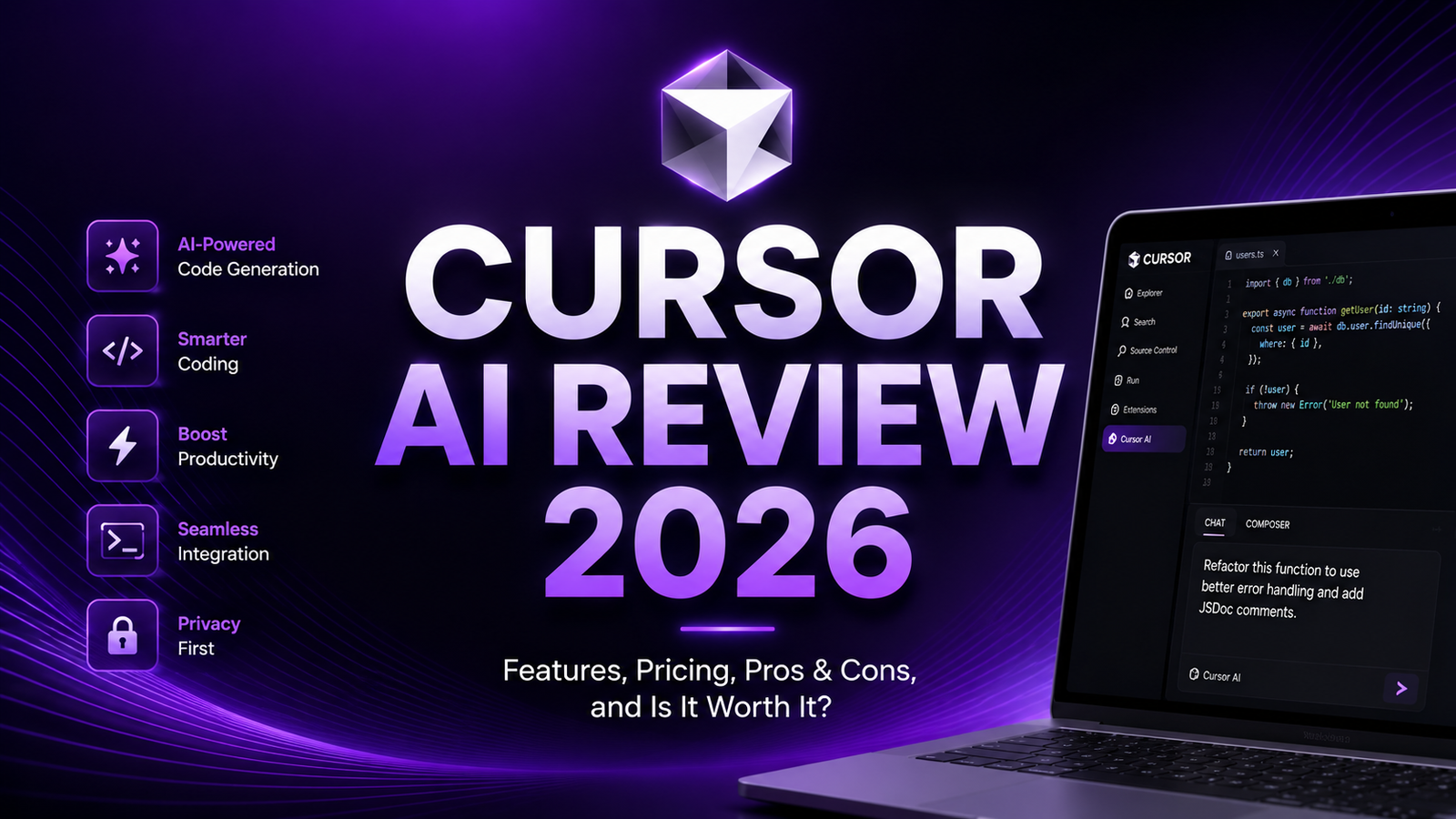
Cursor AI Review 2026: Is It the Best AI Code Editor?
Cursor started as a curiosity in 2023. A VS Code fork with AI built in, built by a small team called Anysphere. In 2026, it is a $50 billion company in preliminary talks for a new funding round after closing a $2.3 billion round in November 2025 at a $29.3 billion valuation. GitHub Copilot has 4.7 million paid subscribers and represents a larger business than GitHub itself was at acquisition. The AI code editor market has become one of the fastest-growing categories in developer tooling, and Cursor sits at the center of it.
The question for developers in 2026 is not whether AI coding tools are worth using. Nearly 70 percent of development teams now leverage AI tools for coding tasks. The question is whether Cursor’s AI-native IDE approach justifies its premium over GitHub Copilot at half the price, and whether either is worth replacing the privacy-first, enterprise-grade Tabnine.
This review covers what makes Cursor genuinely different, where it falls short, and how it compares to the two most significant competitors.
Plan Comparison Table
| Plan | Best For | Starting Price | Free Trial |
|---|---|---|---|
| Hobby | Developers wanting to evaluate Cursor with limited AI usage | Free | Yes (permanent) |
| Pro | Individual developers who use Cursor daily for professional work | $20/month ($16/month annual) | 14-day Pro trial |
| Business | Teams needing admin controls, usage analytics, and centralized billing | $40/user/month | Contact sales |
| Enterprise | Organizations requiring SSO, compliance controls, and dedicated support | Custom pricing | Contact sales |
“Pricing is subject to change. Always verify current pricing on the tool’s official website before purchasing.”
What Cursor AI Is
Cursor is an AI-native code editor built as a fork of VS Code by Anysphere. Unlike GitHub Copilot, which operates as an extension inside your existing IDE, Cursor replaces the IDE entirely. You run Cursor instead of VS Code. That architectural difference is both the source of its primary advantage and its primary limitation.
Because the AI is built directly into the editor rather than attached as a plugin, Cursor can observe and manipulate the full editor context at a level that plugin-based tools cannot reach. Multi-file editing, codebase-wide refactoring, and agent-style task execution that spans multiple steps are significantly more capable in Cursor than in comparable plugin-based tools. This is not a subtle difference; in independent benchmarks and real-world developer feedback, Cursor consistently demonstrates faster and more coherent multi-file operations than GitHub Copilot on equivalent tasks.
Cursor resolves SWE-bench tasks approximately 30 percent faster than Copilot, averaging 62.95 seconds per task compared to Copilot’s 89.91 seconds according to March 2026 benchmarks. GitHub Copilot holds a narrow edge on raw accuracy at 56.0 percent versus Cursor’s 51.7 percent on SWE-bench Verified. The trade-off is clear: Cursor is faster, Copilot is slightly more accurate on standardized benchmarks.
Key Features
Tab Autocomplete
Cursor’s Tab completion system, powered by the Supermaven model acquired in late 2024, is consistently described by developers as qualitatively different from standard autocomplete. Rather than completing the current line, Tab predicts the next logical edit across the file based on the full context of what you are building. Developers report that after a few minutes in a session, Cursor starts to predict not just what they are typing but what they are about to do next.
GitHub’s Q1 2026 data reports a 38 percent acceptance rate for Copilot’s inline suggestions. Cursor’s Tab acceptance rate is not publicly benchmarked but developer feedback consistently describes it as higher for multi-line completions where the context model produces coherent block-level predictions rather than token-level guesses.
Chat
Cursor’s Chat sidebar allows asking questions about the current file or the entire codebase using natural language. You can highlight specific code and ask “why does this function behave this way” or ask broader questions like “where is session authentication handled in this project.” The AI has access to the actual file content and codebase index, so answers are grounded in your specific code rather than generic documentation.
Multi-model support means developers can switch between Claude Opus 4.7, GPT-5.4, Gemini 3.1 Pro, and other frontier models within the same Chat session based on the task. This flexibility is a meaningful advantage over tools locked to a single underlying model.
Composer
Composer is Cursor’s most powerful and most discussed feature in 2026. It is an agentic workflow interface where you describe a task in plain English, point it at relevant files or the entire project, and Cursor plans the edits, runs them, iterates based on errors, and runs tests. Composer 2, released in early 2026 with an autonomy slider, allows developers to set how much execution autonomy the agent takes before pausing for human review.
Independent testing across real development scenarios reports that Composer produces a 70 percent reduction in PR review comments when using properly configured .cursorrules files that establish project conventions. For repository-wide refactoring and multi-file feature implementation, Composer compresses tasks that previously took hours of implementation time into sessions that take minutes to configure and hours to execute autonomously.
The cost caveat matters: Composer 2 usage compounds fast once developers start delegating significant work to agents. The Pro plan handles steady daily use. Pro+ and Ultra tiers exist because heavy Composer users exhaust Pro plan limits and need higher usage allowances for autonomous task execution.
Codebase Indexing
Cursor automatically indexes the entire codebase in the background, building a semantic understanding of the project structure that enables coherent answers to questions about any part of the code without manually providing context. The index updates incrementally as files change. For large codebases where relevant context could exist across hundreds of files, this indexing makes Chat and Composer answers coherent in a way that context-window-limited tools cannot match.
The indexing approach means that asking “find all places in this codebase where authentication tokens are validated” returns accurate results across the entire project rather than only the currently open files. This is the capability that most clearly differentiates Cursor from Copilot for professional developers working in large, multi-module codebases.
Terminal Integration
Cursor AI is integrated directly into the terminal panel. The AI can read terminal output, suggest fixes when commands fail, and execute terminal commands as part of Composer workflows. When a build fails with a specific error, Cursor can observe the error output and suggest or automatically apply the relevant fix without requiring the developer to copy-paste between the terminal and a separate chat interface. This terminal awareness makes Cursor’s agentic workflows significantly more capable than tools that only operate within the editor panel.
Pros and Cons
Pros:
- 30 percent faster task resolution than GitHub Copilot on equivalent benchmarks; speed advantage compounds across high-volume agentic workflows
- Composer’s agentic multi-file editing capability is the most capable in the consumer AI code editor market as of April 2026
- Multi-model support across Claude Opus 4.7, GPT-5.4, Gemini, and others gives developers model flexibility without multiple subscriptions
- Full codebase indexing enables coherent answers across large projects without manual context management
- Terminal integration makes agentic workflows more capable by allowing AI to observe and respond to command-line output
- 70 percent documented reduction in PR review comments with properly configured .cursorrules files
- Familiar VS Code interface means minimal learning curve for VS Code users; all extensions, themes, and keybindings carry over
Cons:
- Single IDE dependency: Cursor replaces VS Code and does not work as a plugin in JetBrains, Visual Studio, Neovim, or Xcode where GitHub Copilot has native integration
- Slightly lower raw accuracy than Copilot on SWE-bench Verified benchmarks: 51.7 percent versus Copilot’s 56.0 percent
- Enterprise security controls are still maturing; Tabnine and GitHub Copilot have more established SOC 2 and compliance documentation for regulated industries
- Composer credit consumption escalates quickly for heavy agentic users; Pro plan limits are reached before the end of the month for intensive agent workflows
- Smaller company than Microsoft-backed GitHub Copilot; enterprise procurement teams may have higher vendor risk tolerance requirements
- The monthly cost at $20 is twice GitHub Copilot Pro at $10; for developers who do not use Composer heavily, the premium may not be justified
Pricing Breakdown
Hobby: Free. Unlimited Tab autocomplete with a slower model, 2,000 completions per month, 50 slow premium requests per month, and basic Chat access. Functional for occasional use and genuine evaluation of Cursor’s interface and basic AI features. Not sufficient for professional daily use where premium model requests are needed throughout the workday.
Pro: $20/month or $16/month on annual billing. Unlimited Tab autocomplete with the fast model, 500 premium requests per month (Claude Opus 4.7, GPT-5.4, Gemini), unlimited slow premium requests, and full Composer access. This is the standard plan for professional individual developers. For developers who use Composer heavily for agentic multi-file tasks, the 500 monthly premium requests can be depleted faster than expected; heavy Composer users should model their monthly usage before committing to annual billing.
Pro+/Ultra: Higher tiers for heavy users. These plans exist specifically for developers whose Composer usage in agentic workflows exceeds the Pro plan’s monthly allowances. Pricing for these tiers is available on the Cursor website and changes as usage patterns develop.
Business: $40/user/month. Everything in Pro plus usage analytics, team management dashboard, centralized billing, and admin controls. For teams of 5-plus developers where a development lead or engineering manager wants visibility into AI usage patterns and cost management, Business provides the oversight layer that individual Pro accounts lack.
Enterprise: Custom pricing. SSO, advanced compliance controls, dedicated support, and custom security configurations. Still maturing relative to GitHub Copilot and Tabnine for organizations with strict compliance requirements.
How It Compares to GitHub Copilot and Tabnine
Cursor vs GitHub Copilot
The comparison between Cursor and GitHub Copilot is the most consequential decision for most individual developers evaluating AI code editors in 2026. Copilot costs $10 per month versus Cursor’s $20 per month, works as a plugin across six IDEs rather than requiring a standalone editor, and holds a slightly higher benchmark accuracy score. Cursor is 30 percent faster per task and provides significantly more capable multi-file and agentic editing through Composer. For developers primarily using inline autocomplete and basic chat, GitHub Copilot Pro at $10 per month is the standout value. For developers who want to delegate real multi-step coding tasks to an AI agent, Cursor’s Composer is the reason to pay the premium. The decision depends almost entirely on how much agentic workflow usage a developer actually does.
Cursor vs Tabnine
Tabnine occupies a completely different market position: enterprise security and compliance rather than AI capability leadership. Tabnine offers air-gapped deployments, on-premises hosting, and strict data boundaries ensuring code never leaves your infrastructure. At $39 to $59 per user per month annually, Tabnine is the most expensive option and the only one specifically designed for organizations where code cannot leave the premises under any circumstances. Cursor’s enterprise controls are still maturing and do not yet match Tabnine’s compliance documentation for the most regulated industries. For most SaaS companies and technology organizations, Cursor or Copilot offers more AI capability at significantly lower cost. For financial services, defense, healthcare, and other industries with strict data residency requirements, Tabnine’s security posture justifies the premium regardless of capability comparison.
Frequently Asked Questions
Do I have to give up all my VS Code settings, extensions, and keybindings when switching to Cursor?
No. Because Cursor is built as a fork of VS Code, it imports all existing VS Code settings, extensions, themes, and keybindings during the initial setup. Most developers describe the transition as seamless from a configuration perspective. The only meaningful adjustment is adopting Cursor-specific features like Composer and the chat interface into your workflow, which occurs gradually rather than requiring an immediate workflow overhaul. Developers who rely on JetBrains products for language-specific features (IntelliJ, PyCharm, WebStorm) will find Cursor more disruptive since it does not integrate into JetBrains IDEs; GitHub Copilot’s JetBrains plugin is the appropriate choice for those developers.
How does the credit system work and is it easy to run out mid-month?
Cursor Pro includes 500 premium model requests per month, which covers steady professional daily use for most developers. Each Composer task that delegates significant multi-file work to the AI agent can consume multiple premium requests per session, depending on the complexity of the task and how many iterations the agent runs before completing it. Developers who use Composer for 3 to 5 complex agentic tasks per day are the most likely to approach monthly limits before the billing cycle resets. The Cursor interface shows a running credit total, so overage surprises are avoidable with basic monitoring. Developers who find themselves consistently hitting limits have the Pro+ and Ultra tiers as an upgrade path rather than being cut off from AI functionality.
Is Cursor safe to use with proprietary or confidential code?
Cursor uses your code as context for AI requests, which means code snippets are sent to the AI model providrers (Anthropic, OpenAI, Google) for processing. Cursor’s privacy mode, available on Pro and above, disables training on user code and enables zero data retention on AI provider servers. For most technology companies, this privacy posture is adequate. For organizations with the strictest data residency requirements, Tabnine’s on-premises deployment option is the only complete solution. Cursor’s enterprise security controls are still maturing compared to Tabnine and GitHub Copilot’s more established compliance documentation. Organizations in regulated industries should review Cursor’s current compliance certifications directly before deploying at scale.
Final Verdict
Cursor is the best AI code editor available for individual developers who want agentic multi-file coding capability in 2026. Composer’s ability to plan, execute, and iterate on complex multi-step coding tasks represents a genuine qualitative leap beyond what plugin-based tools provide. The 30 percent faster task resolution, the codebase-wide indexing, and the terminal integration collectively produce a development experience that developers describe as the most productive AI coding environment available.
The honest qualification: Cursor earns that description for developers who actively use Composer for agentic workflows. For developers whose AI usage is primarily inline autocomplete and occasional chat questions, GitHub Copilot Pro at $10 per month is the better value. Copilot costs half as much, works in six IDEs, and provides slightly higher benchmark accuracy on the tasks that autocomplete handles.
The competitive positioning that best describes Cursor in 2026 comes from independent analysis: Cursor is the benchmark for professional developers, with its Composer interface enabling complex multi-file refactors and a reported 70 percent reduction in PR review comments. GitHub Copilot holds approximately 42 percent market share and is the easiest entry point for beginners and GitHub teams, with the widest IDE support.
Choose Cursor if you want the most capable agentic coding environment and are willing to commit to it as your primary IDE. Choose Copilot if you want IDE flexibility, lower cost, and solid AI assistance without full IDE replacement. Choose Tabnine only if your compliance requirements make code-off-premises non-negotiable.
Rating: 4.5 / 5 — Best AI-native IDE for professional developers using agentic workflows; 3.5 / 5 as a pure autocomplete tool where Copilot’s value proposition is stronger.