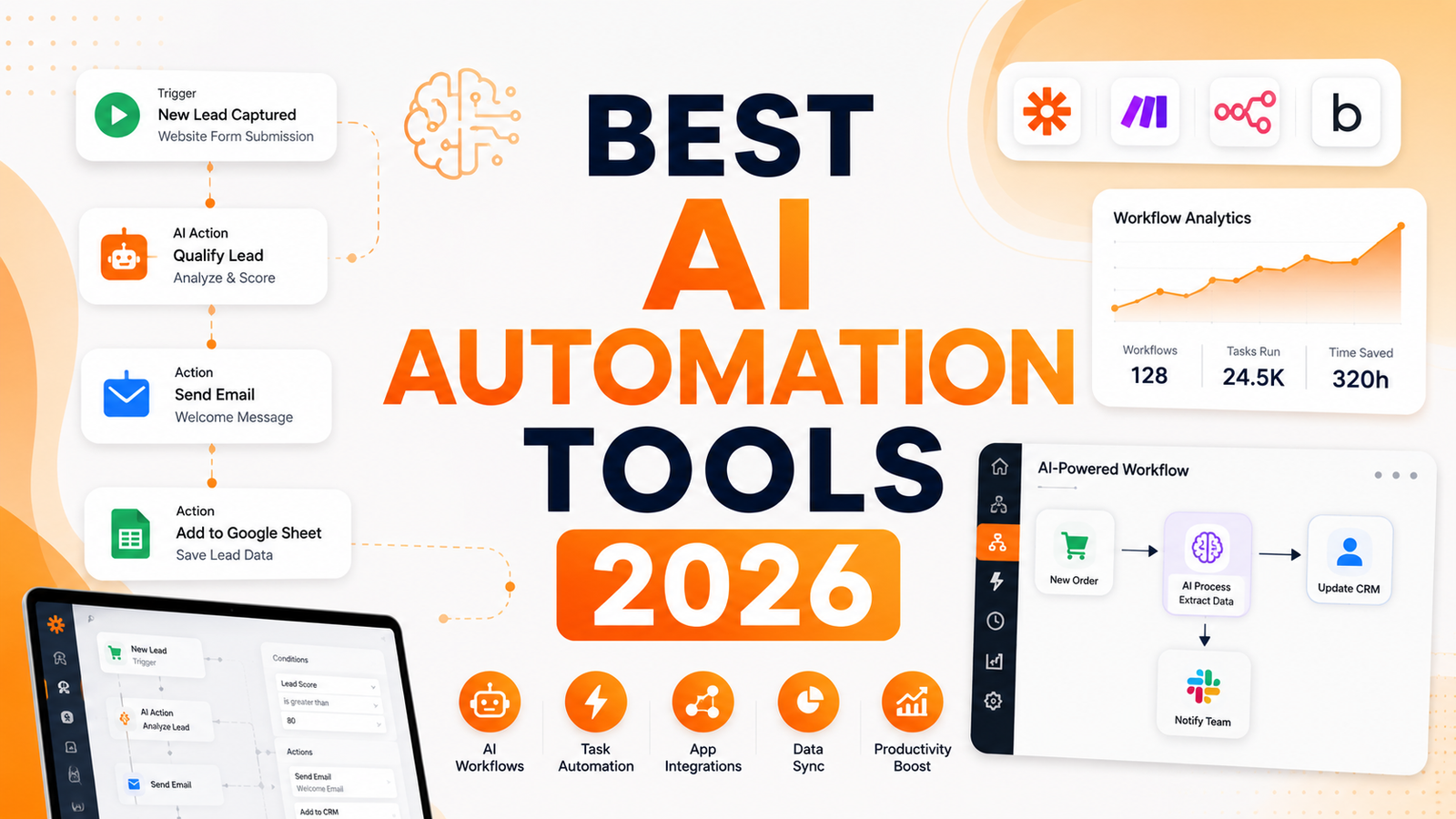
Best AI Automation Tools 2026: We Automated Real Workflows to Find Out What Actually Works
Searches for “AI automation tools” grew 900 percent year-over-year in 2025. Every vendor on this list now has “AI” somewhere in their pitch. The meaningful question is not whether a tool claims AI features. It is whether those features eliminate actual manual work in actual workflows, or whether they are a natural language wrapper around the same trigger-action logic that was always there.
The category has split in a way that matters for buyers. Traditional workflow platforms (Zapier, Make, Power Automate) connect apps through predefined triggers and actions and have added AI steps as nodes in a flowchart. AI-native tools (Bardeen, Relay.app, n8n with agents) are moving toward agents that determine steps themselves based on instructions and context rather than requiring users to map every path in advance. These are different architectures solving different problems at different price points.
The honest filter before evaluating any tool: are you trying to automate a process with defined steps that runs on a predictable trigger, or are you trying to delegate a task to an AI that figures out the steps itself? The first category is better served by Zapier, Make, or n8n. The second category is better served by Relay.app and newer agent-focused platforms. Trying to use the wrong category for the job produces expensive frustration regardless of the tool’s quality.
Comparison Table: Best AI Automation Tools 2026
| Tool | Best For | Starting Price | Free Plan |
|---|---|---|---|
| Zapier AI | Non-technical users who want the widest app library with AI steps built into flows | Free (100 tasks/month) / $19.99/month | Yes |
| Make.com | Operations teams needing complex multi-step logic at 13x better value than Zapier per task | Free (1,000 ops/month) / $9/month | Yes |
| n8n | Technical teams who want self-hostable automation with full code flexibility and AI agent nodes | Free (self-hosted) / $20/month (cloud) | Yes |
| Activepieces | Teams wanting open-source Zapier-style automation with AI agents and self-hosting option | Free tier / $5/flow/month | Yes |
| Bardeen | Sales reps and recruiters who need browser automation for prospecting workflows in Chrome | Free / $20/month (Pro) | Yes |
| Relay.app | Teams that need human-in-the-loop approval steps built into automated workflows | Free (limited) / $9/month (Starter) | Yes |
| Workato | Large enterprises needing production-grade integration at scale across complex tech stacks | $10,000+/year (enterprise) | No (demo) |
| Power Automate AI | Microsoft 365 organizations wanting AI automation embedded in their existing ecosystem | Included in M365 / $15/user/month | Yes (with M365) |
“Pricing is subject to change. Always verify current pricing on the tool’s official website before purchasing.”
Detailed Reviews
1. Zapier AI
Best for non-technical users, marketers, and small teams who want the easiest path to automated workflows across the widest app ecosystem.
Zapier is the default automation tool for a reason: 7,000-plus app integrations, the most accessible visual workflow builder in the category, and a free tier that covers 100 tasks per month without a credit card. The AI layer added through 2025 and 2026 includes AI steps as nodes inside Zaps, natural language Zap creation where you describe the automation and Zapier builds the flow, and a Copilot feature that suggests automations based on the apps in your existing stack.
The pricing comparison with Make is worth stating plainly: Make offers 10,000 operations per month at $9, which is approximately 13 times more volume than Zapier’s equivalent tier at half the price. For high-volume automations, Make is more economical. For non-technical users who need the broadest app library and the simplest builder, Zapier justifies the premium.
Key features: 7,000-plus app integrations, AI-powered Zap creation from natural language description, AI steps as nodes in any workflow, Copilot for automation suggestions, multi-step Zaps with conditional logic, and MCP support for AI orchestration.
Pros: Largest app library in the category; most accessible builder for non-technical users; free tier covers basic evaluation; AI Zap creation from natural language reduces setup time; strong documentation and support community.
Cons: Most expensive per-task cost in the category; free tier at 100 tasks per month depletes quickly for any meaningful workflow volume; AI steps are additional nodes rather than a fundamentally different architecture.
Pricing: Free (100 tasks/month); Professional $19.99/month (750 tasks); Team $69/month; Enterprise custom.
2. Make.com
Best for operations teams who need complex multi-step automation logic at the most cost-efficient task pricing in the category.
Make’s canvas-based scenario editor is the most visually expressive workflow builder available. Branching logic, iteration, error handling with replay, and complex data mapping operations are all represented visually on a canvas that makes the flow structure immediately readable. For operations teams managing complex multi-step automation scenarios where Zapier’s linear interface becomes constraining, Make’s canvas scales to that complexity naturally.
The cost advantage is significant. At $9 per month for 10,000 operations, Make provides roughly 13 times more automation volume than Zapier’s equivalent tier at half the price. For teams running high-volume workflows, this cost difference compounds to thousands of dollars annually.
Key features: Canvas-based visual workflow editor with branching and iteration, 1,000-plus app integrations with deep API access, advanced data transformation and mapping, error handling with scenario replay, AI steps including OpenAI and Claude integration, and a free tier with 1,000 monthly operations.
Pros: Most cost-efficient per-operation pricing for high-volume automations; canvas editor handles complex multi-step logic more expressively than linear builders; advanced error handling and replay reduces debugging overhead; free tier at 1,000 operations per month is sufficient for genuine evaluation.
Cons: Steeper learning curve than Zapier; fewer native integrations than Zapier’s 7,000-plus library; AI features are steps within scenarios rather than an AI-native architecture; can feel overwhelming for simple two-step automations that do not need canvas complexity.
Pricing: Free (1,000 ops/month); Core $9/month (10,000 ops); Pro $16/month; Teams $29/month.
3. n8n
Best for technical teams who want self-hostable, fully customizable automation with code nodes, AI agent capabilities, and no per-task pricing ceiling.
n8n is the power user’s automation platform. Self-hosted deployment means no per-task pricing: run 10 automations or 10 million on your own infrastructure at the same fixed cost. Code nodes allow writing JavaScript or Python directly in the workflow for any transformation that visual blocks cannot express. AI agent nodes enable building autonomous agents that decide their own next steps based on instructions and available tools, not just executing predefined trigger-action sequences.
The self-hosting advantage compounds for data compliance requirements: workflows process entirely on the organization’s own infrastructure, meeting data residency rules that cloud-only platforms cannot satisfy. For technical teams with engineering capacity to manage the deployment, n8n provides the most flexible automation foundation available.
Key features: Self-hostable with no per-task limits, code nodes for JavaScript and Python within workflows, AI agent nodes for autonomous step determination, 400-plus native integrations plus HTTP node for any API, visual workflow builder with canvas layout, and community templates for rapid starting points.
Pros: No per-task pricing ceiling on self-hosted deployment; code nodes provide unlimited customization flexibility; AI agent nodes support genuinely autonomous task execution; strong data compliance posture through on-premise deployment; cloud plan at $20 per month is competitive for moderate volume.
Cons: Requires engineering resources for self-hosted deployment and maintenance; steeper learning curve than Zapier or Make for non-technical users; fewer native connectors than Zapier’s 7,000-plus library; community support rather than dedicated account management at lower tiers.
Pricing: Free (self-hosted, unlimited); Cloud Starter $20/month (2,500 runs); Pro $50/month; Enterprise custom.
4. Activepieces
Best for teams wanting open-source Zapier-style automation with AI agent building and self-hosting at accessible pricing.
Activepieces is the open-source automation platform that most closely replicates Zapier’s trigger-action simplicity while adding AI agent building and self-hosting. With 670-plus integrations, an MIT-licensed open-source core, Docker-based self-hosting, and an AI Agent Builder with human approval steps, Activepieces covers the use cases that drive most Zapier adoption at a price point that scales more predictably.
Enterprise adoption including Sequoia, Red Bull, Rakuten, and Roblox signals that the platform is production-grade despite being newer than Zapier and Make. The AI Adoption Stack, which includes analytics, gamification, and leaderboards for tracking organizational AI usage, positions Activepieces as a tool for driving team-wide automation adoption rather than just individual workflow building.
Key features: 670-plus integrations with Zapier-familiar interface, MIT-licensed open-source core for full self-hosting, AI Agent Builder with human approval steps, MCP support for AI orchestration, AI Adoption Stack for organization-wide deployment tracking, and Docker and Helm support for enterprise deployment.
Pros: Open-source with self-hosting eliminates vendor lock-in and per-task anxiety; familiar Zapier-like interface reduces migration learning curve; AI agent builder with human approval steps is built into the core product; enterprise adoption by major companies validates production readiness.
Cons: Smaller connector library than Zapier’s 7,000-plus integrations; less mature community documentation than established platforms; some advanced features still maturing relative to Zapier and Make.
Pricing: Free tier available; paid plans from approximately $5/flow/month; Enterprise custom.
5. Bardeen
Best for sales reps and recruiters who need to automate browser-based prospecting workflows without switching applications.
Bardeen operates as a Chrome extension that automates repetitive browser tasks: scraping data from web pages, filling forms, moving information between tabs, and triggering actions based on what is currently on screen. The Magic Box feature lets you describe an automation in plain language and generates the sequence automatically. For sales prospecting specifically, the workflow is compelling: scrape a list of leads from LinkedIn, enrich them with company data, push the records to a CRM, and draft personalized outreach, all from the browser without touching a separate automation platform.
The critical limitation is the architecture: Bardeen runs in Chrome, which means it cannot execute server-side automations, it requires the browser to be open during execution, and it is not a substitute for cloud-based workflow automation for backend or system integration use cases.
Key features: Chrome extension with screen-aware automation, Magic Box natural language automation generation, web scraping and data enrichment capabilities, browser-to-CRM data push workflows, integration with LinkedIn, Salesforce, HubSpot, and major GTM tools, and AI-powered playbooks for sales and recruiting workflows.
Pros: Most accessible automation for browser-based prospecting workflows; Magic Box reduces setup from technical configuration to plain language description; sales and recruiting use cases are the strongest in the category; free tier covers basic automation evaluation.
Cons: Chrome-only with no mobile or server-side execution; browser must be open during automation runs; not suitable for backend system integration or multi-system workflows that do not involve browser interaction.
Pricing: Free for basic automations; Pro $20/month.
6. Relay.app
Best for teams that need human approval and review steps built into automated workflows rather than fully unattended execution.
Relay.app is built around the insight that not every automation should run fully unattended. Legal document routing, high-value deal approvals, sensitive customer communications, and compliance-driven processes all benefit from automation that handles routine steps but pauses for human review at decision points. Relay allows building those approval gates and manual inputs directly into the workflow, so human judgment is preserved exactly where it matters while automation handles the surrounding mechanical steps.
Natural language workflow building, similar to Zapier’s Copilot, allows describing the workflow and having Relay build the structure. The RevOps, HR, and finance teams that constitute Relay’s primary audience are precisely the teams whose workflows combine structured process with judgment-dependent exceptions.
Key features: Human-in-the-loop approval and review steps as first-class workflow components, natural language workflow creation from description, AI agent steps for autonomous sub-tasks, conditional branching based on approval decisions, integrations with HubSpot, Salesforce, Slack, Gmail, and major business tools, and audit trails for compliance.
Pros: Human approval steps are the most complete implementation of this capability in the category; natural language workflow creation is among the most capable tested; appropriate for compliance-sensitive processes where full automation creates legal or operational risk; Starter plan at $9 per month is accessible for small teams.
Cons: Less suitable than n8n or Make for fully automated high-volume workflows where human approval is not needed; smaller integration library than Zapier or Make for exotic app connections.
Pricing: Free (limited workflows); Starter $9/month; Team pricing available; Enterprise custom.
7. Workato
Best for large enterprises needing production-grade integration across complex enterprise tech stacks with IT governance and compliance requirements.
Workato is the enterprise iPaaS (Integration Platform as a Service) that handles the integration complexity that breaks simpler tools. When a company runs 50-plus enterprise applications including Salesforce, SAP, Workday, ServiceNow, and proprietary systems, and needs bidirectional data sync with IT governance, role-based access controls, and SLA-backed uptime, Workato’s architecture supports that at scale. Recipe-based automation with enterprise connectors, AI-powered automation suggestions, and an App Network of pre-built integrations cover the enterprise integration surface that Zapier and Make do not reach.
The pricing reflects the positioning: Workato is quoted on enterprise contracts starting at tens of thousands of dollars annually. It is not appropriate for most organizations below enterprise scale. For those organizations, it is the most capable option in the category.
Key features: Enterprise-grade recipe automation with bidirectional sync, 1,000-plus pre-built enterprise connectors including SAP and Workday, AI-powered automation recommendations, role-based access controls and audit logs, SLA-backed uptime for production workflows, and Workato Autopilot for AI-assisted automation building.
Pros: Handles enterprise integration complexity that simpler platforms break on; strongest compliance and governance features in the comparison; pre-built enterprise connectors reduce integration development time; production SLA appropriate for mission-critical workflows.
Cons: Enterprise pricing starting at $10,000-plus annually is inaccessible for most organizations; implementation complexity requires dedicated integration team or consulting engagement; not appropriate below enterprise scale where Make or n8n provide equivalent value at a fraction of the cost.
Pricing: Custom enterprise pricing starting at $10,000+/year; contact Workato for current rates.
8. Power Automate AI
Best for Microsoft 365 organizations wanting AI automation embedded natively across Teams, SharePoint, Outlook, and the full Microsoft ecosystem.
Microsoft Power Automate provides the deepest native integration with Microsoft 365 of any automation platform. Flows trigger from Outlook emails, SharePoint document changes, Teams messages, and OneDrive updates without configuration overhead. Copilot Studio enables building AI-powered chatbots and agents that connect to Microsoft data sources. For organizations where the majority of work happens inside Microsoft 365, the native integration eliminates the connector overhead that cross-platform tools require.
The AI Builder layer enables processing documents with AI, extracting information from PDFs and forms, and analyzing sentiment and content without code. For organizations already paying for Microsoft 365, the incremental cost for Power Automate is minimal compared to standalone automation platforms.
Key features: Native Microsoft 365 integration across Teams, SharePoint, Outlook, and OneDrive, Copilot Studio for AI chatbot and agent building, AI Builder for document processing and data extraction without code, Desktop flows for on-premises and legacy system automation via robotic process automation, 900-plus connectors including non-Microsoft services, and enterprise compliance inherent to Microsoft 365 infrastructure.
Pros: Deepest Microsoft 365 integration of any automation platform; included with Microsoft 365 plans reduces incremental cost; AI Builder handles document intelligence and data extraction natively; enterprise governance from Microsoft 365 infrastructure without separate vendor management.
Cons: Less intuitive for non-Microsoft workflows than Zapier or Make; connector quality outside the Microsoft ecosystem is inconsistent; Power Automate’s complexity scales steeply with advanced features, creating a difficult learning curve for non-technical users.
Pricing: Included in many Microsoft 365 plans; Power Automate per-user plan at $15/user/month; premium connector access requires higher tiers.
Frequently Asked Questions
When should I choose Zapier versus Make versus n8n, and what is the most honest decision framework?
The decision maps most clearly to technical capability and volume requirements. Zapier is the right choice when: non-technical team members need to build and maintain workflows without developer help, the 7,000-plus app library is needed for less common integrations, and the team will pay the task-based premium for convenience. Make is the right choice when: automation volume is high enough that Zapier’s per-task cost becomes significant (generally above 10,000 operations per month), the workflows require complex branching and data transformation, and someone on the team can handle a moderate learning curve. n8n is the right choice when: technical staff can manage self-hosted deployment, data compliance requires on-premise processing, code-level customization is needed, or unlimited automation volume without per-task pricing is required. The practical test: if a non-technical person will be the primary builder, Zapier. If an operations professional, Make. If a developer or technical team, n8n.
What is the difference between workflow automation and AI agents, and do I need the latter?
Traditional workflow automation, which covers Zapier, Make, and Power Automate, executes predefined sequences: when this trigger fires, do these specific steps in this order. Every path must be anticipated and mapped. AI agents decide their own steps based on instructions and available tools, handle unexpected inputs, and can execute tasks that do not have a predefined path. For well-defined, predictable processes, traditional automation is more reliable, faster, and cheaper than agents. For tasks involving judgment, handling variable inputs, or navigating decisions that cannot be mapped in advance, agents provide capabilities that rigid flowcharts cannot. Most organizations in 2026 benefit from traditional automation for the majority of their workflows and agents for a specific subset of tasks involving variable decision-making. Choosing an agent platform for a predictable trigger-action workflow adds complexity without benefit.
How do I avoid the most common automation project failures?
The three most consistent failure patterns in automation projects have nothing to do with tool selection. First, automating a broken process: if the manual process is poorly defined, inconsistently followed, or dependent on judgment calls that cannot be documented, automating it produces consistently wrong outputs at higher speed. Document and stabilize the manual process before automating it. Second, insufficient error handling: automations that do not handle exceptions gracefully fail silently or produce incorrect outputs that go undetected for weeks. Build error notifications and fallback paths into every workflow from the beginning, not as an afterthought. Third, no ownership: automations that nobody owns accumulate errors, fail when underlying systems change, and become undocumented technical debt. Assign every production automation a named owner who is responsible for monitoring and maintaining it as the tools it connects evolve.
Final Recommendation
The right automation tool in 2026 depends on who is building the workflows, how much volume they need to process, and whether full automation or human-in-the-loop design is appropriate for the process.
For non-technical teams who need the widest app library and the most accessible builder, Zapier at $19.99 per month is the easiest path to production automation. The 7,000-plus integrations and AI Zap creation from natural language reduce the barrier to workflow building without developer involvement.
For operations teams running high-volume workflows where per-task cost matters, Make.com at $9 per month for 10,000 operations provides 13 times more automation volume than Zapier’s comparable tier. The canvas editor scales to complex multi-step logic that linear builders constrain.
For technical teams who need self-hosted, customizable, unlimited-volume automation, n8n on self-hosted infrastructure is the most powerful foundation with no per-task ceiling and full code flexibility for complex transformation logic.
For teams whose workflows require human approval and review gates, Relay.app’s human-in-the-loop design is purpose-built for that requirement and available at $9 per month for small teams.
For sales and recruiting professionals whose automation needs are browser-based prospecting workflows, Bardeen’s Chrome-native approach is the most accessible implementation at free to $20 per month.
For Microsoft 365 organizations where the work already happens inside the Microsoft ecosystem, Power Automate’s native integration and included licensing make it the first automation investment to evaluate before any standalone platform.
For enterprise organizations with complex multi-system integration requirements and IT governance needs, Workato is the production-grade platform that handles complexity that simpler tools break on.
Start with the free tier of whichever tool matches your technical capability and primary use case. Build one real workflow before committing to a paid plan.