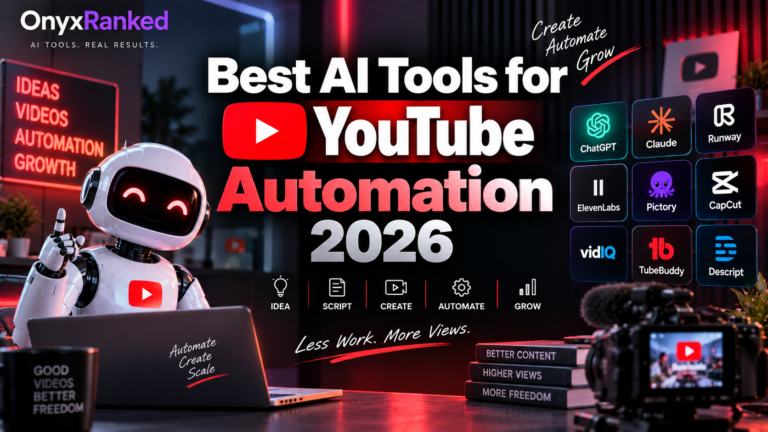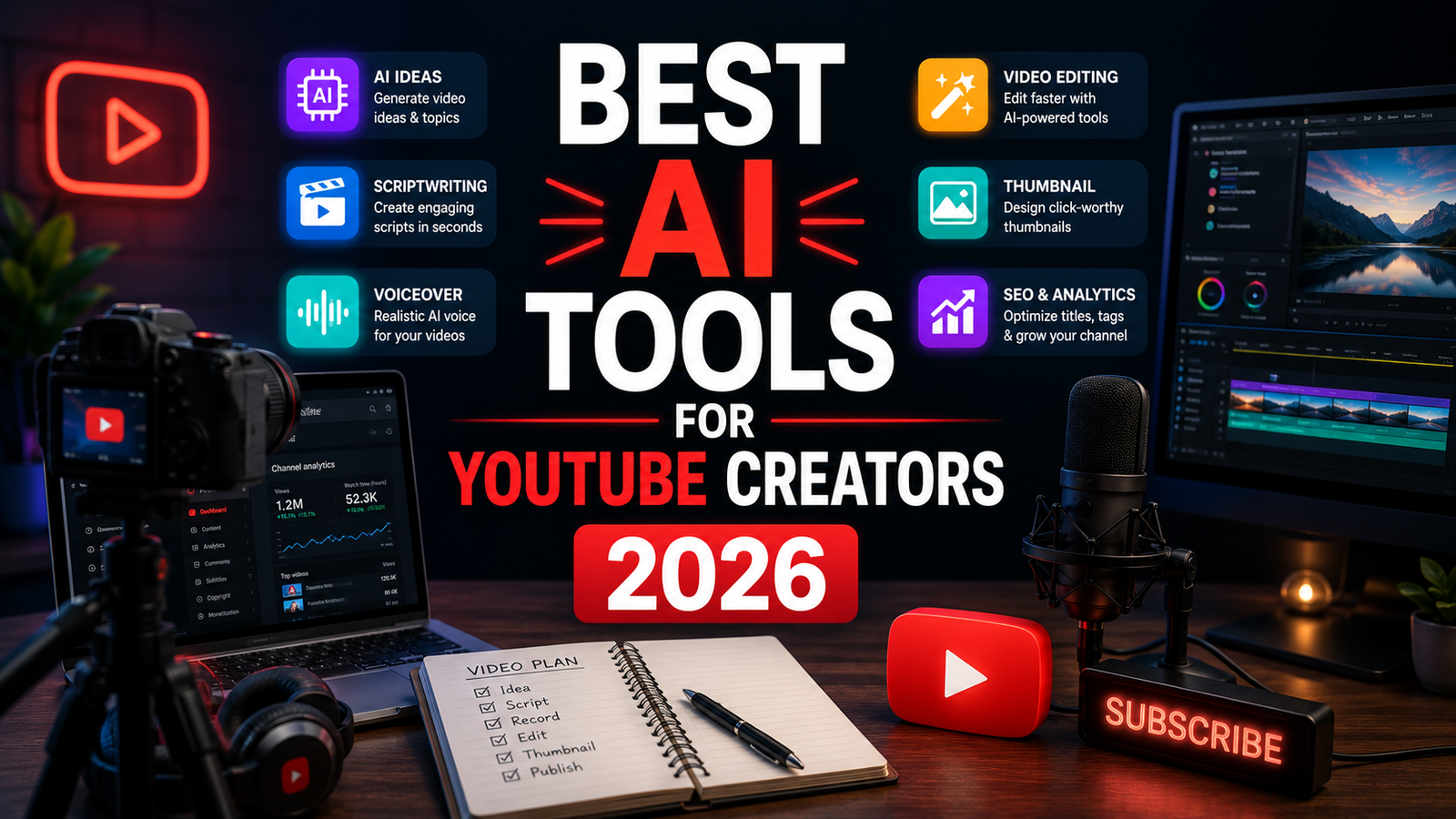
Best AI Tools for YouTube Creators 2026: The Complete Workflow Stack
The time it takes to produce a single YouTube video has not changed much. What has changed is how that time is distributed. Three years ago, a 20-minute video required 2 to 3 hours of scripting, 4 to 6 hours of editing, and another hour of thumbnail and description work. In 2026, a well-configured AI stack compresses scripting to 45 minutes, editing to 90 minutes, and short-form repurposing to nearly zero, while a good USB microphone makes the raw audio worth editing in the first place.
The AI tools have not replaced the creative work. They have largely eliminated the mechanical overhead that surrounded it. Removing filler words from a transcript takes seconds instead of an hour. Turning a 30-minute video into 12 short clips takes 20 minutes instead of a full day. Generating a thumbnail concept takes a minute instead of an hour in Photoshop. The strategic decisions, what to say, how to structure an argument, whether a concept is interesting enough to make, remain entirely human.
This guide covers eight tools across the full YouTube creation workflow. Each is reviewed against real creator use cases rather than feature lists.
Comparison Table: Best AI Tools for YouTube Creators 2026
| Tool | Best For | Starting Price | Free Plan |
|---|---|---|---|
| Opus Clip | Long-form to short-form clip generation for YouTube Shorts, TikTok, and Reels | Free (60 min/month, watermarked) / $29/month (Pro) | Yes (limited) |
| Descript | Transcript-based video editing with filler word removal and podcast-to-video workflow | Free (1 hr transcription/month) / $24/month (Creator) | Yes |
| ElevenLabs | AI voiceover for faceless channels, video narration, and multilingual content | Free (10K chars/month) / $5/month (Starter) | Yes |
| Canva AI | Thumbnail design, channel art, and social graphics without a design background | Free / $15/month (Pro) | Yes |
| TubeBuddy | Channel optimization, thumbnail A/B testing, and keyword research for established creators | Free (limited) / $4.99/month (Pro) | Yes |
| Claude | Script writing, research synthesis, and long-form video concept development | Free / $20/month (Pro) | Yes |
| Synthesia | Faceless AI presenter videos for educational content and corporate channels | Free (3 videos) / $18/month (Starter) | Yes (limited) |
| CapCut | Free mobile and desktop video editing with AI captions and effects | Free (US: web only) | Yes |
“Pricing is subject to change. Always verify current pricing on the tool’s official website before purchasing.”
Detailed Reviews
1. Opus Clip
Best for creators with long-form content libraries who want to generate YouTube Shorts, TikTok, and Reels without manually cutting every clip.
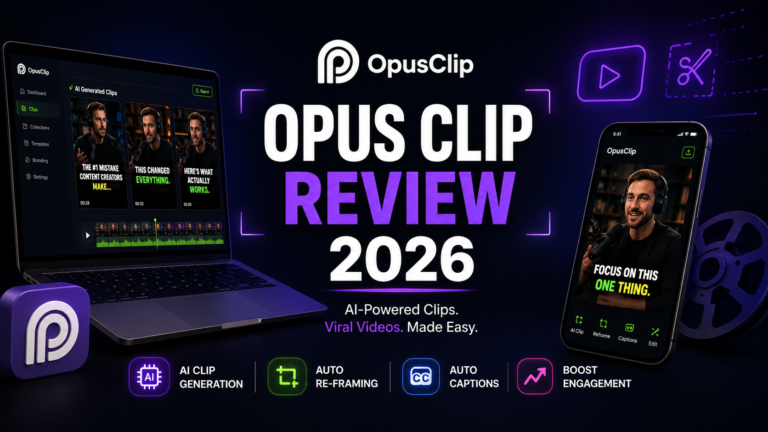
Opus Clip has grown to 16 million creators by solving a real problem: long-form video produces most of the best moments, but those moments go to waste without a short-form clip strategy. Upload a video or paste a YouTube URL, and the AI identifies the most engaging segments, adds animated captions, applies branded overlays, and scores each clip with a Virality Score. According to a 2026 creator survey by TubeBuddy, 62 percent of YouTubers repurpose content for at least two other platforms. For the majority not doing this systematically, Opus Clip provides the most polished automated solution.
The Pro annual plan works out to roughly $14.50 per month and is the genuine sweet spot for anyone publishing regularly, with 300 credits per month, AI B-Roll, the social scheduler, XML export, and team workspace.
Key features: AI clip detection with Virality Score, animated captions with multiple style options, AI B-Roll insertion on Pro, social scheduler for direct publishing, team workspace, and branded overlays.
Pros: Most polished editor with Virality Score among AI clipping tools; 16 million creators reflects genuine production-scale adoption; direct social publishing eliminates export workflow.
Cons: Cancel your subscription and your projects disappear in 3 days, even if you have credits left. Free plan is a demo at 60 minutes with watermarks and 3-day file expiry. Opus Clip is not an editor. You cannot make precise frame-level cuts, add your own music, or do anything resembling a proper timeline edit. For creators who want to tweak before publishing, plan to export and finish in CapCut or a dedicated editor.
Pricing: Free (60 min/month, watermarks, 3-day expiry); Starter $15/month; Pro $29/month (annual: ~$14.50/month).
2. Descript
Best for talking-head creators, podcasters who post to YouTube, and any creator who wants to edit video by editing a text transcript.
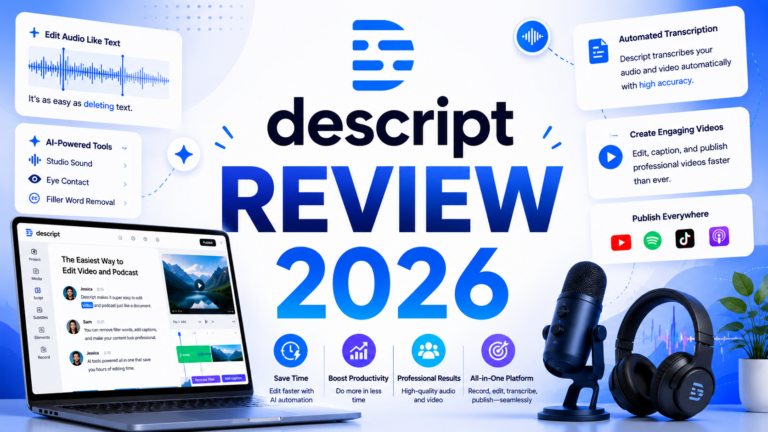
Descript takes a fundamentally different approach to editing: instead of a traditional timeline, you edit your video by editing the text transcript. Delete a sentence and it disappears from the video. Remove every instance of “um” in one click and they are gone from the recording. This sounds gimmicky until you have used it, and then you cannot go back.
AI handles significant portions of the editing workflow automatically: removing filler words and pauses, identifying best moments for short clips, and removing background noise through Descript Studio Sound. For interview-based content and educational videos where precise moment-by-moment editing matters more than timeline control, Descript is the most efficient editing environment available.
Key features: Transcript-based editing where text edits modify video, one-click filler word removal, Studio Sound for background noise elimination, Overdub for re-recording specific words in your voice, screen recording, and podcast export.
Pros: Best workflow for talking-head and interview-based YouTube content; filler word removal that would take hours manually takes seconds; Studio Sound meaningfully improves audio quality from imperfect recording environments.
Cons: Descript does not auto-generate shorts from a long video the way Opus Clip does. You still decide what to clip. Descript just makes the editing-after-selection part faster. Less suitable for B-roll-heavy or highly produced content where timeline control is essential. Pricing: Free tier (1 hour transcription per month); Hobbyist $16/month; Creator $24/month; Business $40/month.
Pricing: Free (1 hr transcription/month); Creator $24/month.
3. ElevenLabs
Best for faceless YouTube channels, multilingual content, and any creator who needs professional-quality AI voiceover without recording audio.
ElevenLabs is the benchmark for AI voice naturalness in 2026, used by 41 percent of Fortune 500 companies and generating over $330 million in annual recurring revenue. For faceless YouTube channels covering topics from finance to history to tech tutorials, ElevenLabs converts a script into a voiceover that sounds indistinguishable from professional human narration in standard listening comparisons.
The Creator plan at $22 per month unlocks Professional Voice Cloning, which creates a replica of your own voice from 10-plus minutes of audio. For creators who want to narrate content without being on camera, a cloned voice provides the authenticity of a real voice without the recording sessions. The AI Dubbing feature translates and re-voices existing videos in 29-plus languages, enabling international content distribution without separate recording.
Key features: Multilingual v2 and Eleven v3 models for natural speech, Professional Voice Cloning on Creator tier, AI dubbing for multilingual distribution, 70-plus language support, conversational AI agents layer, and audio generation API for programmatic content production.
Pros: Most natural AI voice quality in the category; Professional Voice Cloning accessible at $22/month; multilingual dubbing enables international channels without re-recording; free tier provides 10,000 characters per month for evaluation.
Cons: Commercial rights require Starter plan at minimum ($5/month); effective cost for full-featured use is higher than the headline; non-English quality varies by language.
Pricing: Free (10K chars/month, no commercial rights); Starter $5/month; Creator $22/month (Professional Voice Cloning).
4. Canva AI
Best for thumbnail design, channel art, and visual social content without a graphic design background.
Canva AI is the visual content layer for creators who cannot justify a Photoshop subscription or the learning curve. Thumbnail design with proven contrast, text hierarchy, and emotion triggers; channel art that maintains visual consistency; shorts cover frames and social graphics all emerge from Canva’s template library with AI assistance that compresses the design process.
The AI features specifically useful for YouTube creators: Magic Resize adapts a thumbnail to YouTube Shorts cover, Instagram post, and Twitter card dimensions without manual rework. Background Remover isolates subjects from backgrounds for composite thumbnails. Text effects and AI image generation create original visual elements without stock photo licenses. The Brand Kit on Pro maintains channel-specific fonts, colors, and logo usage consistently across every piece of content.
Key features: Thumbnail templates with proven format patterns, Magic Resize for multi-format adaptation, Background Remover for subject isolation, AI image generation from text prompts, Brand Kit for channel consistency, and direct social media export.
Pros: Most accessible thumbnail design workflow for non-designers; Brand Kit ensures visual channel identity without per-design decisions; free plan covers basic thumbnail needs; integration with Canva’s video tools extends to YouTube Shorts.
Cons: Advanced AI image quality trails Midjourney for stylized creative thumbnails; some features require Pro upgrade; not a replacement for Photoshop for complex composite thumbnails.
Pricing: Free; Pro $15/month.
5. TubeBuddy
Best for established creators who want data-driven thumbnail A/B testing, channel optimization, and keyword research in a YouTube-native interface.
TubeBuddy shines when it comes to optimization after upload: A/B testing thumbnails, bulk processing tags, and managing cards and end screens at scale. For creators who are past the growth inflection point and want to optimize what is already working, TubeBuddy’s YouTube Studio integration provides the analytics and testing tools that YouTube’s native analytics do not offer.
Thumbnail A/B testing is the highest-ROI TubeBuddy feature for most creators: testing two thumbnail variants and automatically serving the higher-performing option after statistical significance is reached compresses the thumbnail iteration cycle from months to weeks. Keyword research inside YouTube’s interface surfaces suggested tags, search volume estimates, and competitive analysis without leaving YouTube Studio.
Key features: Thumbnail A/B testing with automatic winner promotion, keyword research within YouTube Studio, bulk processing for tags and metadata, channel health scorecard, competitor video analysis, and best time to publish recommendations.
Pros: Only tool offering native YouTube Studio integration for thumbnail A/B testing; keyword research provides YouTube-specific search data that generic tools miss; free plan covers basic optimization; Pro at $4.99/month is the most affordable meaningful paid tier in this comparison.
Cons: Less useful for channels under approximately 1,000 subscribers where A/B test sample sizes are too small to reach statistical significance; YouTube-platform-specific with no cross-platform functionality.
Pricing: Free (limited features); Pro $4.99/month; Legend $19.99/month.
6. Claude
Best for scripting, research synthesis, and long-form video concept development that requires nuanced instruction-following and natural-sounding spoken delivery.
Claude is the best general-purpose AI tool for YouTube script writing in 2026 due to its long context window, strong instruction-following, and natural-sounding output. For creators who maintain a consistent on-screen voice, Claude’s ability to apply precise style instructions produces scripts that sound like the creator rather than generic AI output. The 200,000-token context window allows uploading research sources, previous video transcripts, and audience feedback in a single session for synthesis.
Claude‘s Projects feature maintains a persistent context for an ongoing channel: voice guidelines, topic areas, audience persona, and recurring structural patterns persist across every scripting session without re-entering that context each time. The highest-ROI tools for new creators are Claude for scripting speed and a free editing tool. The $20 per month for Claude pays off quickly if it saves 3 to 4 hours of scripting time per video.
Key features: Best-in-category instruction-following for voice-consistent scripting, 200K token context for multi-source research synthesis, Projects for persistent channel context, natural spoken language output, and no-training default on paid plans protecting unpublished script content.
Pros: Most natural-sounding script output for spoken YouTube delivery; Projects maintain channel voice across sessions; 200K context handles extensive research synthesis; $20/month is the highest-value scripting investment per hour saved.
Cons: No YouTube-specific templates or formatting; daily message limits on Pro interrupt high-volume scripting days; not a dedicated YouTube tool.
Pricing: Free (daily limits); Pro $20/month.
7. Synthesia
Best for educational, corporate, and faceless presenter channels that need professional AI avatar videos without filming.
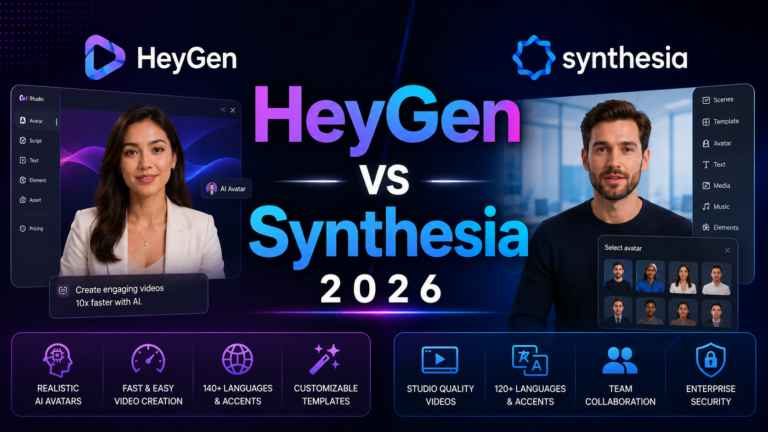
Synthesia generates presenter videos from text scripts using AI avatars across 140-plus languages. Type the script, select an avatar, and Synthesia produces a professional video with the avatar delivering the content on camera without recording equipment, lighting setups, or on-camera appearance. For corporate YouTube channels, e-learning content, and educational faceless channels where a consistent presenter presence matters, Synthesia provides a solution that neither text-to-video tools nor traditional filming covers as efficiently.
The SCORM export is the feature that separates Synthesia for educational creators: video content can be delivered directly to LMS platforms for structured learning without a separate conversion step. 230-plus diverse avatar options and the ability to create custom avatars from your own video recording extend the use case from corporate to independent creator applications.
Key features: 230-plus AI avatars across multiple appearances and styles, 140-plus language support for multilingual channels, custom avatar creation from video recording, SCORM export for educational platforms, branded templates, and screen recording for tutorial content.
Pros: Professional presenter videos without filming equipment or on-camera appearance; multilingual support enables international channel versions from one script; custom avatar maintains creator identity without requiring on-camera recording.
Cons: Avatar quality is visually professional but recognizable as AI at close inspection; Starter at $18/month limits monthly video minutes; not suited for personality-driven entertainment channels where authentic human presence is the content.
Pricing: Free (3 videos); Starter $18/month (annual); Creator $64/month.
8. CapCut
Best for free mobile and desktop video editing with AI captions and effects, particularly for short-form content creators.
CapCut has over 300 million monthly active users and is the default free editing tool for the short-form creator ecosystem. Templates, auto-captions, background removal, AI Enhance, and transitions are all free. For creators beginning their YouTube journey or for creators whose primary content format is YouTube Shorts where simple edits and auto-captions cover production requirements, CapCut’s free tier is the most functional zero-cost option in the market.
Important 2026 note for US creators: CapCut was removed from the US Apple App Store and Google Play Store on January 19, 2026, following legislation requiring ByteDance divestiture of TikTok. The mobile app is no longer available for new US downloads. The web version remains accessible at capcut.com for US users, and existing mobile app users who already have it installed can continue using it. Non-US creators and existing users with the app installed are not affected by this restriction.
Key features: Auto-captions with customizable styling, background removal, templates for short-form formats, AI Enhance for video quality improvement, transitions and effects library, and direct TikTok and Shorts integration.
Pros: CapCut has 300 million-plus monthly active users and almost everything is free; best free option for creators who do not mind manual clip selection; auto-captions are the strongest free caption tool in the market.
Cons: US mobile app removed from app stores in January 2026; web-only access for US new users reduces mobile editing convenience; ByteDance data routing concerns apply per the legislation that triggered the app removal.
Pricing: Free (core features); CapCut Pro $7.99/month for additional effects and export options.
Frequently Asked Questions
What is the best AI tool combination for a creator who is just starting out on YouTube?
Start with ChatGPT and one SEO tool. Add Descript or Opus Clip when ready to speed up production or repurposing. The minimum viable stack for a new creator costs $20 per month: Claude Pro for scripting and Canva’s free plan for thumbnails. TubeBuddy’s free plan adds YouTube SEO research at no additional cost. CapCut’s web version handles editing for free. This $20 per month stack covers scripting, thumbnails, editing, and keyword research before any investment in specialist tools. Add Opus Clip’s Starter plan at $15 per month when the first backlog of long-form videos exists to repurpose. Add ElevenLabs at $22 per month when voiceover quality becomes a constraint or a faceless channel format is the goal.
Is a good microphone worth buying before AI audio enhancement tools?
Yes, and the reason is that AI audio enhancement improves the quality of mediocre audio. It cannot recover truly bad audio. Descript’s Studio Sound removes background noise and improves clarity, but it works on a foundation of audible speech. A USB condenser microphone placed close to the speaker in a reasonably quiet environment gives Studio Sound strong enough input to work with. Recording 8 feet from a built-in laptop microphone in a reverberant room produces audio that AI enhancement cannot make broadcast-quality.
A USB cardioid condenser microphone mounted on a desk arm is the single highest-ROI hardware investment for new YouTubers — it makes every AI audio tool in the stack more effective, improves viewer retention, and costs less than one month of a professional editing subscription. Check USB microphone options on Amazon → [AFFILIATE LINK PLACEHOLDER — replace with your Amazon Associates tracking link]
Does AI handle the full YouTube workflow, or does a human touch remain essential?
AI can handle significant portions of the editing workflow automatically, but it cannot yet make high-level creative editing decisions like pacing choices, B-roll selection, or narrative arc adjustments without human oversight. The accurate frame is that AI handles the mechanical and repetitive work while humans make the strategic and creative decisions. AI removes filler words faster than human editors. AI identifies clip candidates from long-form video. AI generates thumbnail concepts and voiceovers. AI drafts scripts faster than manual writing. What AI does not currently do is decide what makes a video worth watching, develop a channel’s point of view, or make the editorial judgments that separate engaging content from technically produced content. The creators who benefit most from AI tools in 2026 are those who use them to protect time for the strategic and creative work that only humans can do.
Final Recommendation
The complete YouTube AI workflow stack in 2026 is modular by design. Build it in stages as each bottleneck becomes the binding constraint.
Foundation ($35/month): Claude Pro at $20/month for scripting plus TubeBuddy Pro at $4.99/month for channel optimization plus Canva free for thumbnails plus CapCut web free for editing. This stack covers the full creation workflow for a new or growing creator before any specialist tool is justified.
Short-form expansion (+$15/month): Add Opus Clip Starter at $15/month when the video library is large enough to generate a consistent Shorts output without manually clipping every video.
Voiceover or faceless channel (+$22/month): Add ElevenLabs Creator at $22/month when AI narration quality, voice cloning, or multilingual distribution becomes a workflow requirement. The Creator plan’s Professional Voice Cloning at $22/month is the most accessible high-quality voice solution in the market.
Professional editing (+$24/month): Replace CapCut with Descript Creator at $24/month when transcript-based editing and professional filler word removal become a documented time cost on each video.
Faceless AI presenter (+$18/month): Add Synthesia Starter at $18/month when faceless presenter video is the channel format and avatar quality meets the content’s requirements.
The maximum full-stack monthly cost covering all eight tools is approximately $134 per month, which represents a meaningful investment justified by meaningful volume. For most individual creators, the $35 foundation stack covers 80 percent of the available AI time savings. Add tools only when specific bottlenecks are documented rather than theoretical.
Disclosure: This article contains affiliate links. OnyxRanked may earn a commission on qualifying purchases made through links. This does not affect our editorial recommendations. Prices and availability are subject to change.