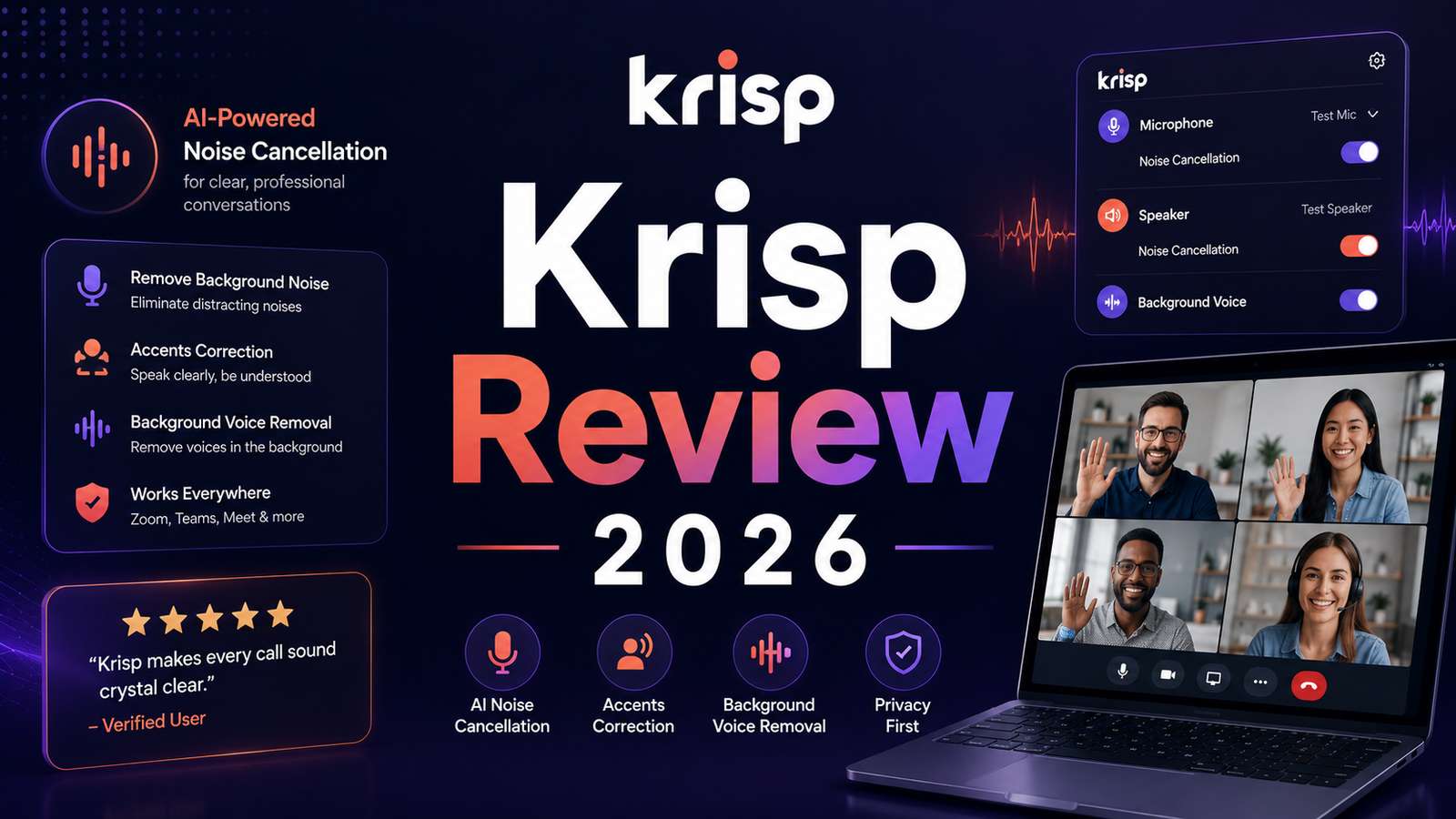
Krisp Review 2026: The Voice AI That Actually Cleans Up Your Calls?
The moment that converts most Krisp skeptics into Krisp subscribers happens during a client call. A lawn mower starts next door, or a construction crew fires up a jackhammer down the street, or the dog decides that the precise moment of a board presentation is the ideal time to bark at a passing bicycle. Without Krisp, you mute yourself and apologize. With Krisp, the client hears nothing except your voice.
That moment captures both the strongest argument for Krisp and its most honest positioning: it is primarily an audio quality tool that happens to also include meeting notes. It is not primarily a meeting intelligence platform that happens to include audio features. That distinction matters significantly when comparing it to dedicated note-taking tools and when deciding whether the subscription is worth it for your specific situation.
Krisp was founded in 2017 and is headquartered in Berkeley, California. The platform now processes over one billion minutes of voice audio monthly and serves remote professionals, contact centers, international teams, and anyone whose work depends on clear spoken communication from imperfect acoustic environments.
Plan Comparison Table
| Plan | Best For | Starting Price | Free Plan |
|---|---|---|---|
| Free | Remote workers who need limited daily noise cancellation and basic AI notes | $0 (60 min/day noise cancellation, 2 AI notes/day) | Yes |
| Core (Personal) | Individual professionals needing unlimited noise cancellation and AI notes | $8/month (annual) / $16/month (monthly) | No |
| Advanced (Personal) | Professionals who need accent conversion and Salesforce or ConnectWise integration | $15/month (annual) / $30/month (monthly) | No |
| Business | Teams needing manager view, usage analytics, and multi-user administration | Custom per-seat pricing | No |
| Call Center | Contact centers needing enterprise voice AI including VIVA and Agent Assist (40-seat minimum) | Custom enterprise pricing | No |
“Pricing is subject to change. Always verify current pricing directly at krisp.ai before purchasing.”
What Krisp Is
Krisp is a Voice AI platform that processes audio locally on the user’s device to remove background noise from both the outgoing microphone signal and the incoming audio from other call participants, simultaneously. Unlike cloud-based audio processing that routes audio through external servers, Krisp’s noise cancellation runs entirely on the local device. No audio leaves the computer for the noise cancellation process. This architecture produces two advantages: near-zero processing latency and a privacy posture that cloud-based tools cannot match for the audio processing itself.
The platform expanded from noise cancellation into a full Voice AI suite through 2024 and 2025. The current feature set covers bidirectional noise cancellation, echo and voice isolation, AI meeting notes and transcription without a visible bot participant, accent conversion for clearer cross-language communication, and, for enterprise call centers, a VIVA model for voice agent optimization and AI Agent Assist for post-call summaries.
The honest framing for 2026: Krisp is the only meeting tool that treats audio quality as a primary product requirement rather than a secondary feature. Every other AI meeting assistant prioritizes transcript quality, CRM sync, and conversation intelligence. Krisp prioritizes what the audio sounds like before the transcript is generated, which turns out to matter significantly for both human-to-human and human-to-AI call quality.
Key Features
Bidirectional noise cancellation. Most noise cancellation tools clean only what goes out through your microphone. Krisp cleans both directions simultaneously: background noise from your environment is removed before it reaches other participants, and background noise from other participants’ environments is removed before it reaches your speakers. This two-sided operation means the entire call sounds professional regardless of where any participant is calling from. Tests demonstrate noise reduction exceeding 40 decibels, effectively silencing everything from typing to traffic to barking dogs while preserving the primary speaker’s voice with natural quality. One independently verified comparison found Krisp preserves natural voice quality where competing filters make speakers sound like they are calling from underwater during heavy noise events.
Bot-free AI meeting notes and transcription. Krisp records meeting audio and generates transcriptions, summaries, and action items without sending a visible bot to join the meeting as a participant. Unlike Otter.ai, Fireflies, and most other meeting tools, there is no “Krisp has joined the meeting” notification. The recording runs silently through system audio capture. For confidential meetings, sensitive client calls, therapy sessions, and any context where a visible recording bot creates friction or concern, this bot-free architecture is the practical differentiator over services that require participant consent via bot visibility.
Transcription accuracy holds well on clean English audio and the noise cancellation layer helps by providing cleaner input. English is processed on-device for maximum privacy. Fifteen-plus additional languages are processed server-side. The transcription is solid for business meeting purposes but is not specialist-level for legal or medical contexts. One independent reviewer describes the output accurately: “Not Otter.ai level but sufficient for meeting notes. The AI summaries capture key points reliably.”
Accent conversion. Real-time accent conversion adjusts English speech with regional accent characteristics, including Indian English, Filipino English, and Latin American English, toward clearer pronunciation patterns without changing voice identity. Version 3.5 covers 85 percent of Spanish-speaking dialect groups in Latin America with 200ms latency. TTEC reported a 54% reduction in language-barrier complaints after deploying it. For individual professionals on international calls, the effect is described as subtle but helpful in reducing communication friction. For contact centers where accent clarity directly affects customer satisfaction scores, it is a documented operational differentiator.
VIVA and Call Center platform. Launched at CCW Vegas in June 2025, Krisp’s Voice AI Platform for contact centers combines noise cancellation, accent conversion, real-time speech-to-speech translation in 80-plus languages, and AI Agent Assist for post-call summaries. The VIVA model specifically optimizes AI voice agent performance: it processes audio in under 20 milliseconds, improves accuracy by up to 3.5 times, and reduces dropped calls by approximately 50 percent. This enterprise tier positions Krisp as Voice AI infrastructure rather than a consumer productivity tool.
Free tier with genuine daily utility. The free plan provides 60 minutes of noise cancellation per day, unlimited transcription and recording, 2 AI meeting notes per day, and 7-day meeting history. For a professional with one to two important calls per day where audio quality matters, the free plan provides genuine production value rather than a crippled demo. The 60-minute daily cap is a hard limit: when it runs out, noise cancellation stops mid-call without warning, which can be jarring. Set a timer on heavy-use days.
Pros and Cons
Pros:
- Best-in-class noise cancellation that preserves natural voice quality where competing filters introduce audio artifacts
- On-device processing for noise cancellation keeps sensitive audio local; no audio leaves the device for the core noise removal function
- Bot-free meeting notes eliminate the participant notification that creates friction in sensitive or confidential meetings
- Bidirectional noise cancellation removes background noise from both sides of every call, not just the user’s outgoing audio
- Free plan provides genuine daily utility at 60 minutes per day rather than a time-limited trial
- Accent conversion is uniquely positioned for contact centers and international teams
- Works across 800-plus platforms at the system audio level without per-app configuration
Cons:
- Noise cancellation only works on desktop (Windows and macOS). Mobile apps for iOS and Android handle in-person recording and post-call transcription but do not provide live noise cancellation during calls. For professionals whose primary calling device is a phone, this is a decisive limitation
- CPU and RAM consumption is documented by multiple reviewers as meaningful on older or lower-spec hardware. Running Krisp alongside Chrome, Zoom, and other standard meeting tools on an older laptop can cause slowdown and reduced battery life
- Very loud sudden noise events, a door slamming, a sudden shout, can briefly pass through the cancellation even at full settings. The technology handles sustained background noise far better than sudden loud events
- AI meeting notes quality trails dedicated tools. The summaries and action item detection are functional but less structured and less polished than what Fathom, Fireflies, or Otter produce on equivalent meetings
- No Linux support, a consistent complaint in user forums
- Krisp interprets music and instruments as noise and filters them out, making it incompatible with scenarios involving music playback or music production
Pricing Breakdown
Free: $0. 60 minutes of noise cancellation per day (hard limit), unlimited transcription and recording, 2 AI meeting notes per day, 7-day meeting history. This is a genuine free tier providing real daily value for light users. The hard limit on noise cancellation deserves emphasis: when the 60 minutes expire mid-call, the cancellation stops without notification unless you are monitoring the app dashboard.
Core (Personal): $8/month (annual) or $16/month (monthly). Unlimited noise cancellation and AI meeting notes, integrations, mobile app for transcription, 5 GB storage. This is the plan where Krisp’s primary value fully delivers. For a remote professional whose work involves 3 or more calls per week in environments with any background noise, the $8 monthly cost is justified within the first week of use.
Advanced (Personal): $15/month (annual) or $30/month (monthly). Everything in Core plus accent conversion with 4 hours per day of speaker-side conversion and unlimited listener-side conversion, Salesforce and ConnectWise CRM integrations, manager view, 30 GB storage. For customer-facing professionals in sales or support roles where CRM sync and accent conversion have documented operational impact, Advanced is the appropriate tier.
Business: Custom per-seat pricing. Team-level administration, usage analytics across team members, manager view across all users, and compliance features. Contact Krisp for current business pricing.
Call Center: Custom enterprise pricing. All features plus the VIVA Voice AI model, AI Agent Assist, real-time speech-to-speech translation in 80-plus languages, and enterprise security. Minimum 40 seats. Contact Krisp for current enterprise rates.
How It Compares to Otter.ai and TL;DV
Krisp vs Otter.ai
The comparison between Krisp and Otter.ai reveals why category framing matters before evaluation. Otter is a meeting intelligence tool: its primary value is transcript quality, AI Chat for querying meeting content, and searchable meeting history. Its audio processing is whatever the platform provides. Krisp is an audio quality tool: its primary value is what the call sounds like before and during transcription.
If your primary need is the most capable AI meeting notes with searchable history and conversational querying across a library of past meetings, Otter is the stronger specialized tool. Its AI Chat and custom vocabulary features for technical terminology deliver more sophisticated meeting intelligence than Krisp’s more functional note system. If your primary need is noise-free audio on calls in imperfect environments, Krisp is the only tool that addresses that problem at the core. And because Krisp’s noise cancellation produces cleaner audio input, its transcription is often more accurate than what Otter produces from uncleaned audio in noisy environments.
The ideal combination for professionals with both needs is running Krisp for audio quality while using Otter or Fathom for meeting notes. Krisp can disable its Meeting Assistant if the user has a preferred transcription tool, retaining noise cancellation as the standalone value.
Krisp vs TL;DV
TL;DV’s primary strength is cross-meeting pattern analysis, identifying themes and insights across a library of conversations rather than within individual meetings. For sales and customer success teams who want to analyze what customers say across dozens of calls, TL;DV provides intelligence that neither Krisp nor Otter generates. Krisp does not attempt cross-meeting analysis. It processes audio quality and captures individual meeting notes. The tools address fundamentally different workflow needs, and the comparison is most useful for professionals deciding whether audio quality or cross-meeting intelligence is their primary bottleneck.
Frequently Asked Questions
Does Krisp work on mobile devices for live calls?
No, and this is the most important limitation for mobile-primary users. Krisp’s real-time noise cancellation runs on Windows and macOS desktops only. The iOS and Android mobile apps support recording in-person meetings for post-meeting transcription, but they do not provide live noise cancellation during active phone calls or video calls on mobile. For professionals who conduct most of their calls from a smartphone rather than a computer, Krisp’s core value proposition is not available. A dedicated USB microphone with a cardioid pattern, used with a desktop system running Krisp, provides the cleanest audio result. For mobile-only workflows, hardware solutions or platform-native noise suppression are the more appropriate path.
How significant is the CPU impact, and will it slow down my computer?
The CPU impact varies meaningfully by hardware. On modern laptops with current-generation processors (2021 and newer), Krisp runs as a background process with minimal perceptible impact on other applications. On older hardware, particularly thin-and-light laptops from 2018 to 2020 with limited thermal headroom, running Krisp alongside Chrome, Zoom, and standard office applications can produce noticeable slowdown, increased fan noise, and reduced battery life. The practical guidance from multiple independent reviewers: test Krisp on your specific hardware configuration during the free tier before committing to a paid plan, specifically during a call that mirrors your normal meeting conditions with your usual applications running simultaneously. The performance impact is real and hardware-dependent rather than universally negligible.
Is Krisp the right tool if I work in a quiet environment and only need meeting notes?
Probably not as the primary meeting notes tool. If your recording environment is consistently quiet and audio quality is not a documented problem for your calls, Krisp’s primary differentiator does not apply to your situation. Fathom’s unlimited free plan provides more generous meeting notes with stronger CRM integration at zero cost. Otter.ai provides more sophisticated AI Chat for querying meeting history. Both serve the pure meeting notes use case more completely than Krisp for users whose audio quality is already adequate. Krisp adds clear, documented value when the environment is noisy, when call audio quality is visibly impacting call experience, or when bot-free recording is specifically required. For quiet office environments or professionally treated home offices with good microphones, the meeting notes tools that prioritize intelligence depth over audio processing are the more appropriate choice.
Final Verdict
Krisp in 2026 occupies a specific and genuinely valuable niche: the only meeting tool that solves the audio quality problem at the source rather than working around it. The noise cancellation is best-in-class, the on-device processing architecture is the strongest privacy posture for audio in the category, and the bot-free recording addresses a real professional friction point for sensitive meetings. For remote professionals whose work involves regular calls from imperfect acoustic environments, Krisp’s Core plan at $8 per month is one of the most clearly justified productivity subscriptions available.
The limitations require the same emphasis as the strengths. Noise cancellation is desktop-only. Mobile users get transcription but not live call noise removal. CPU impact on older hardware is real. The AI meeting notes, while functional, trail the dedicated intelligence that Otter.ai and Fathom provide on equivalent meetings. And Krisp does not provide cross-meeting pattern analysis or the conversation intelligence that sales-focused tools offer.
The correct positioning for 2026: Krisp is the infrastructure layer for call audio quality. It belongs in the stack alongside, not instead of, the meeting intelligence tool your workflow requires. For professionals in noisy environments, it is arguably the highest-ROI $8 monthly subscription in the remote work stack. For professionals in quiet environments with a good microphone, the meeting notes tools that specialize in intelligence depth are the more efficient starting point.
Rating: 4.3 / 5 — Best-in-class audio quality tool with solid bot-free meeting notes. Desktop-only noise cancellation is the decisive limitation for mobile workers.
Disclosure: This article may contain affiliate links. OnyxRanked may earn a commission on qualifying purchases or subscriptions made through links on this page. This does not affect our editorial recommendations or ratings.