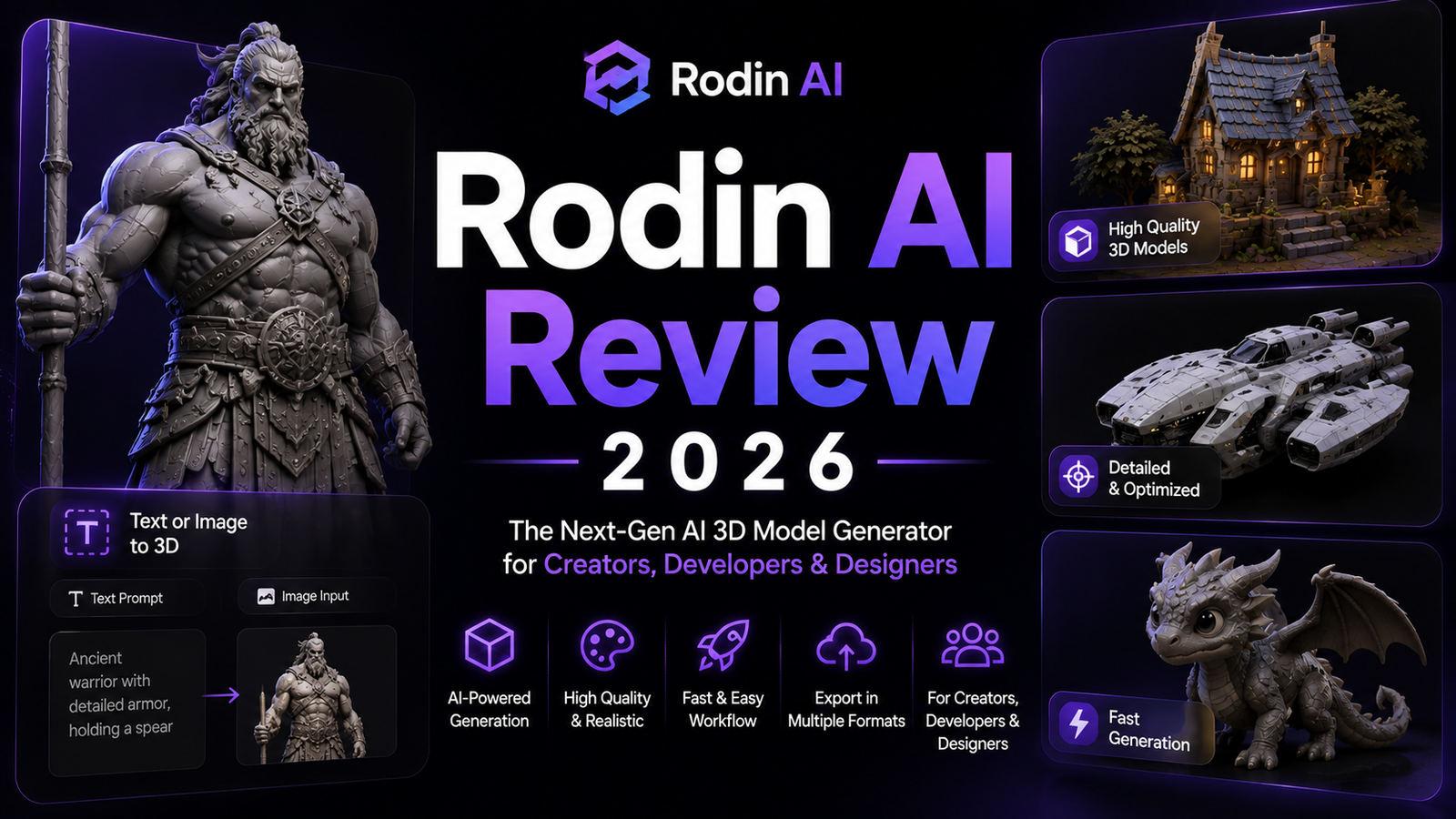
Rodin AI Review 2026: The Highest-Quality AI 3D Generator Worth the Price?
The clearest summary of Rodin’s position in the AI 3D market in 2026 comes from an independent nine-tool benchmark published in April 2026: “Hyper3D.ai (Rodin) is the only tool I tested that consistently delivered assets I could drop into a real production pipeline without two hours of cleanup.” That is the specific claim that separates Rodin from every other AI 3D tool in the category, and the claim is backed by four converging signals: the SIGGRAPH Best Paper Awards Deemos has received for its research, its Gen-2.5 architecture with 10 billion parameters, the free-to-generate pay-to-download model that costs nothing to test, and its use in production by ByteDance, Amazon, and Unity.
The pricing structure reflects the premium quality position. Not because you pay to generate, you do not, but because downloading the results you want costs credits, and at meaningful production volume those credits add up above what Tripo AI and Meshy AI charge per equivalent output. For studios where quality per asset justifies higher per-asset cost, Rodin is the right tool. For indie developers who need 200 props per month on a constrained budget, it is the wrong one.
This review covers what Rodin actually delivers, what it costs, and who it is built for.
Plan Comparison Table
| Plan | Best For | Starting Price | Free Generate? |
|---|---|---|---|
| Free (pay-per-download) | Unlimited generation, pay $0.50-$1.50 per model downloaded | $0 to generate | Yes, unlimited |
| Creator | Individual artists and indie studios doing regular production | $30/month | Yes (subscription credits for downloads) |
| Business | Studios needing API access, 4K texture packs, high-poly quad downloads | $120/month | Yes (higher credit allocation) |
| Enterprise | Custom deployment, team controls, fine-tuning, volume pricing | Custom | Contact sales |
“Pricing is subject to change. Direct credits cost $1.50 per credit. Subscription credits renew each billing cycle. HighPack 4K textures and high-poly quad mesh downloads consume more credits per model than standard exports. Always verify current pricing and credit costs at hyper3d.ai/pricing before purchasing.”
What Rodin AI Is
Rodin is developed by Deemos Technologies Inc., incubated at Shanghai University of Science and Technology and now operating under the Hyper3D brand at hyper3d.ai. The platform is centered on the Rodin Gen-2.5 model, released November 2025, which generates 3D models with up to 10 million-plus polygons from text prompts or reference images. The Hyper3D ecosystem around Rodin includes ChatAvatar for realistic facial asset generation, OmniCraft for post-generation mesh editing and optimization, and API access via fal.ai for production pipeline integration.
The pricing model is genuinely distinctive in the category: generation is free and unlimited. You test, iterate, and explore as many prompts and variations as you want without spending a cent. Credits are consumed only when you choose to download a final model, at $0.50 to $1.50 per model depending on quality tier. This means the real cost of Rodin is visible in the results rather than visible in the iteration process, which is the model that best aligns with production workflows where only a subset of generated options are worth keeping.
The platforms that trust Rodin in production provide the clearest signal of its market positioning: ByteDance, Amazon, and Unity are documented users, placing Rodin in enterprise production pipelines where alternative free or lower-cost tools would face quality objections.
Key Features
Gen-2.5 with 10 billion parameters and multi-million polygon output. <cite index=”2-1″>The Rodin Gen-2.5 model generates 1M-poly models in approximately 4 seconds, with full PBR texture sets completing in approximately 5 seconds, and supports 10M-plus polygon output for high-fidelity applications.</cite> That speed combined with polygon density is what independent testers describe as the most significant technical advance from Gen-2 to Gen-2.5: <cite index=”2-1″>cleaner meshes, sharper surface detail, and stronger multi-angle coherence that feels much closer to something you would actually iterate on inside a real workflow.</cite>
Native quad-mesh topology at 18K or 50K face density. <cite index=”3-1″>The geometry is quad-mesh by default at either 18K or 50K face density depending on the tier selected. Quad-mesh matters because it is what game engines and animation rigs actually want; triangle-mesh output from competing tools often needs retopology before it can be used in production.</cite> Rodin delivers quads natively, which is rare in the AI 3D category and is specifically what separates it from diffusion-based mesh generators that produce dense triangle output requiring retopologizing before animation.
4K PBR textures including albedo, normal, roughness, and metallic maps. <cite index=”3-1″>Best-in-class PBR textures: leather, metal, and fabric all look right out of the box.</cite> The independent nine-tool benchmark specifically identifies Rodin as the winner on texturing quality, and Mehul Gupta’s comparative analysis reaches the same conclusion. The HighPack tier on Business plans provides the full 4K resolution material set; standard downloads use lower-resolution textures.
Multi-image fusion modes (concat and fuse). <cite index=”3-1″>Rodin takes three input types: a text prompt, a single reference image, or multiple reference images that get fused into one model. Concat mode stacks them; fuse mode blends them.</cite> For creators working from multi-angle product photos or character concept sheets with multiple views, the fusion mode produces more geometrically accurate results than single-image reconstruction.
T/A pose control for character assets. Rodin supports T-pose and A-pose output control for character generation, ensuring rigging-ready posture alignment that other AI generators do not guarantee. Characters generated in T or A pose can be imported directly into rigging pipelines without manual pose correction.
OmniCraft for post-generation editing. Generated assets flow directly to OmniCraft for mesh simplification, format conversion, texture adjustment, and optimization. For studios that need specific polygon budgets or texture resolutions after initial generation, OmniCraft provides the editing layer that most pure generators lack.
Free-to-generate, pay-to-download model. <cite index=”3-1″>Generate and iterate for free; only spend credits on finals.</cite> This model eliminates the credit anxiety that affects iteration workflows on platforms that charge per generation attempt, and is specifically described as a key reason one independent reviewer made Rodin their daily driver after burning credits on other platforms.
Engine plugins for Blender, Unity, and Unreal. Native add-ons integrate directly with the DCC tools and engines where 3D artists work. The fal.ai API provides batch processing with webhooks for automated production pipeline integration at Business tier.
Pros and Cons
Pros:
- <cite index=”7-1″>The only tool tested that consistently delivered assets droppable into a real production pipeline without two hours of cleanup</cite> per an independent nine-tool benchmark
- Free-to-generate pay-to-download model eliminates credit risk during iteration; you only spend on models you decide to keep
- Native quad-mesh topology at 18K/50K face density is production-ready for animation pipelines without manual retopologizing
- Best-in-class PBR texture quality across tested platforms, with leather, metal, and fabric surfaces that respond correctly to real-time lighting out of the box
- Gen-2.5 generates 1M-poly models in approximately 4 seconds with full PBR completing in approximately 5 seconds
- T/A pose control produces rigging-ready character posture without manual correction
- Used in production by ByteDance, Amazon, and Unity, validating enterprise production readiness
- SIGGRAPH Best Paper recognition for underlying research provides academic credibility that other platforms lack
Cons:
- Heavier mesh output than Tripo or Meshy: 10M-plus polygon models require significant decimation before real-time engine use, and the dense polygon count makes DCC manipulation slower than cleaner lightweight alternatives
- More expensive at production volume: a Creator subscription at $30/month plus per-download credit costs adds up above what Tripo or Meshy charge per equivalent final asset count for high-volume workflows
- Organic shapes, particularly complex foliage, flowing fabric, and highly detailed character faces, still require cleanup and are documented as weaker relative to the platform’s hard-surface strengths
- No built-in animation library or auto-rigging; T/A pose control produces correct posture but animation still requires a separate rigging pipeline in Blender or dedicated tools
- HighPack 4K textures require Business plan or additional credit spend; standard Creator plan exports use lower resolution materials that require verification before client delivery
- Auto-rigging listed as “coming soon” in independent testing as of April 2026
Pricing Breakdown
Rodin’s pricing is the most distinctive in the AI 3D category because the generation step is free.
Pay-per-download (no subscription). Direct credits cost $1.50 per credit. Each model download costs approximately $0.50 to $1.50 depending on quality tier and polygon density. For occasional users or studios evaluating before subscription, this covers genuine production output without a monthly commitment.
Creator: $30/month. Includes subscription credits that cost less than direct credits per model, core export formats in GLB, FBX, OBJ, USDZ, and STL, Blender and engine plugin access, and ChatAvatar previews. Subscription credits renew each billing cycle. This is the individual artist and indie studio tier.
Business: $120/month. Full API access via fal.ai with batch processing and webhooks, HighPack 4K texture downloads, high-poly quad mesh downloads at 50K face density, higher Rodin redo credits, featured image and video model access, and ChatAvatar commercial license benefits. This is the production pipeline tier for studios integrating Rodin programmatically.
Enterprise: Custom pricing. Custom deployment, team controls, custom fine-tuning on proprietary datasets, and volume pricing. Contact Hyper3D directly.
Education pricing is available with verification for eligible students, educators, and learning programs at Creator tier pricing.
How It Compares to Tripo AI and Meshy AI
The positioning across all three platforms is consistent with independent benchmark findings: <cite index=”7-1″>for the best assets, Rodin. For iterating inside Blender or Unity all day, Meshy. For shipping a game on a budget, Tripo.</cite>
Rodin vs Tripo AI
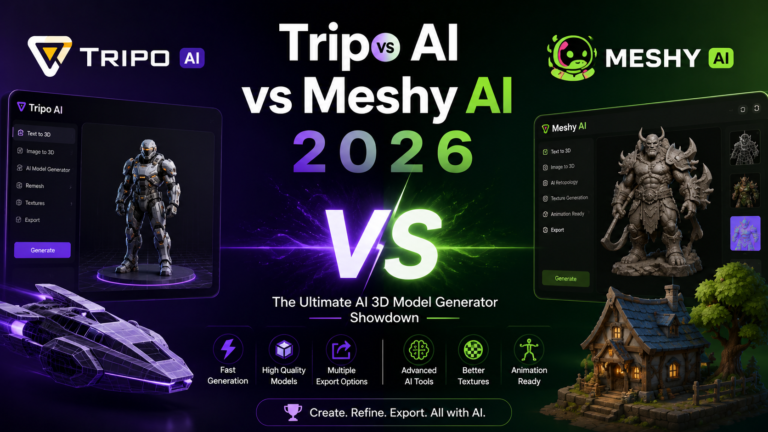
See our full Tripo AI Review 2026 for Tripo’s complete feature breakdown.
<cite index=”3-1″>Tripo wins on editability. Tripo’s topology is cleaner quads that import nicely into Blender for post-editing. Rodin’s quads are functional but heavier; you’ll feel the polygon count when you start manipulating the mesh in your DCC tool.</cite>
Tripo generates models in approximately 10 seconds versus Rodin’s 4 to 5 seconds for Gen-2.5, making them comparable on raw generation speed. Where the difference is most visible is per-model cost at volume: Tripo’s 300 free credits per month and approximately $10 per month entry pricing produces significantly more final models per dollar than Rodin’s per-download credit model at equivalent production volume.
For indie developers who need 50 to 200 props per month on a constrained budget, Tripo AI is the more economical choice without sacrificing acceptable production quality on standard game assets. For studios where per-asset quality on hero assets justifies higher per-asset cost, Rodin’s texture quality and polygon density produce results that Tripo does not match.
Rodin vs Meshy AI
See our full Meshy AI Review 2026 for Meshy’s complete feature breakdown.
<cite index=”4-1″>Meshy is built for speed. It is great for quickly making many assets for concepts or prototypes. While its quality has improved, it usually does not match the realistic detail of Rodin’s generation modes. Choose Meshy for speed, and Rodin for quality.</cite>
Meshy’s 500-plus animation presets with auto-rigging are a genuine advantage that Rodin does not yet match; Rodin lists auto-rigging as coming soon. For game developers who need animated characters without a separate animation pipeline investment, Meshy AI covers an end-to-end workflow at $20 per month that Rodin cannot currently replicate at any price.
For studios whose primary output is photorealistic static assets, product visualization, and cinematic pre-visualization where the animation pipeline is handled separately in Blender or Maya anyway, Rodin’s texture quality and polygon fidelity justify the premium over Meshy.
Frequently Asked Questions
How does the free-to-generate model actually work, and when does it cost money?
Generation is genuinely free and unlimited. You can run as many text prompts and image-to-3D generations as you want without spending anything. The cost trigger is download: when you find a generated model you want to keep, downloading it consumes credits. Direct credits cost $1.50 each, with standard model downloads costing approximately $0.50 to $1.50 per model depending on quality tier. HighPack 4K texture downloads and high-poly 50K face density exports consume more credits than standard resolution downloads and require Business tier subscription. The practical workflow this enables: generate 20 variations of a prop concept, review them in the browser preview, identify the two worth keeping, and pay only for those two downloads. This eliminates the common problem of spending credits on generation attempts that do not produce usable results before you can assess them.
Is Rodin’s mesh quality actually better enough to justify the premium over Meshy and Tripo for a solo indie developer?
<cite index=”3-1″>An honest benchmark across the AI 3D space from SimInsights ran approximately 40 trials across Rodin, Meshy, and Tripo. Their finding: only about 1 in 10 generations from any tool is client-ready without rework.</cite> That finding complicates the “Rodin is always better” framing: at approximately 10 percent clean pass rate, the quality difference is real on the best outputs but the majority of outputs from all three platforms require some attention before final delivery. For hero assets where a developer will spend Blender time on the final cleanup regardless, Rodin’s higher-quality starting point reduces cleanup time. For background and environmental assets where acceptable-quality from Tripo or Meshy is sufficient, Rodin’s premium is harder to justify. The practical recommendation for a solo indie developer: use Tripo or Meshy for volume prop production at lower cost, and use Rodin’s free-to-generate model for the hero assets that will receive the most screen time and need the highest starting quality.
What are Rodin’s strongest asset categories, and where does it produce weaker results?
Hard-surface objects are consistently Rodin’s strongest category: weapons with engraved detail, helmets with panel line precision, footwear matching photographic reference, and architectural elements with sharp edge geometry. One independent tester describes a sci-fi helmet with crisp panel lines, a sword with clean engravings, and a sneaker as the closest match to reference of any tool tested. Organic shapes are Rodin’s documented weaker category: complex foliage, flowing cloth, and highly detailed character faces with fine skin detail show more variance in quality and more frequently require cleanup. The platform’s photorealistic texture quality is strongest on inorganic materials, specifically leather, metal, wood, and fabric, where the PBR physics responses look correct out of the box. Biological and organic skin textures are improving with Gen-2.5 but remain below the hard-surface quality ceiling.
Final Verdict
Rodin in 2026 is the highest-quality AI 3D generator available for studios and professional creators who need production-ready assets with clean quad-mesh topology and best-in-class PBR textures. The free-to-generate pay-to-download model is the most risk-aligned pricing in the category, allowing unlimited quality evaluation before any financial commitment. ByteDance, Amazon, and Unity production deployments provide the strongest enterprise validation signal in the AI 3D space.
The limitations define the use case equally clearly. Rodin is not the right tool for indie developers who need 100-plus assets per month on a $20 to $30 budget; Tripo AI and Meshy AI are more economical for that profile. It is not the right tool for animated character workflows until the coming soon auto-rigging feature ships; Meshy AI‘s 500-plus animation presets cover that pipeline at $20 per month. And it is not the right tool for developers who need fast iteration across many prop variations in a single session; Tripo AI‘s 10-second generation and 300 free monthly credits serve that workflow more efficiently.
For studios and professional creators who need the best output on hero assets, are willing to pay per-download for the quality ceiling, and have a separate animation and rigging pipeline: Rodin is the tool the benchmarks consistently recommend. The free generation model makes testing that claim completely risk-free.
See our Tripo AI Review 2026 and Meshy AI Review 2026 for the accessible alternatives we recommend for most individual creators and indie developers who do not need Rodin’s quality ceiling.
Rating: 4.3 / 5 — Highest quality AI 3D generator for studio production. Not optimized for high-volume budget workflows or animated character pipelines.
Disclosure: This article contains affiliate links.