
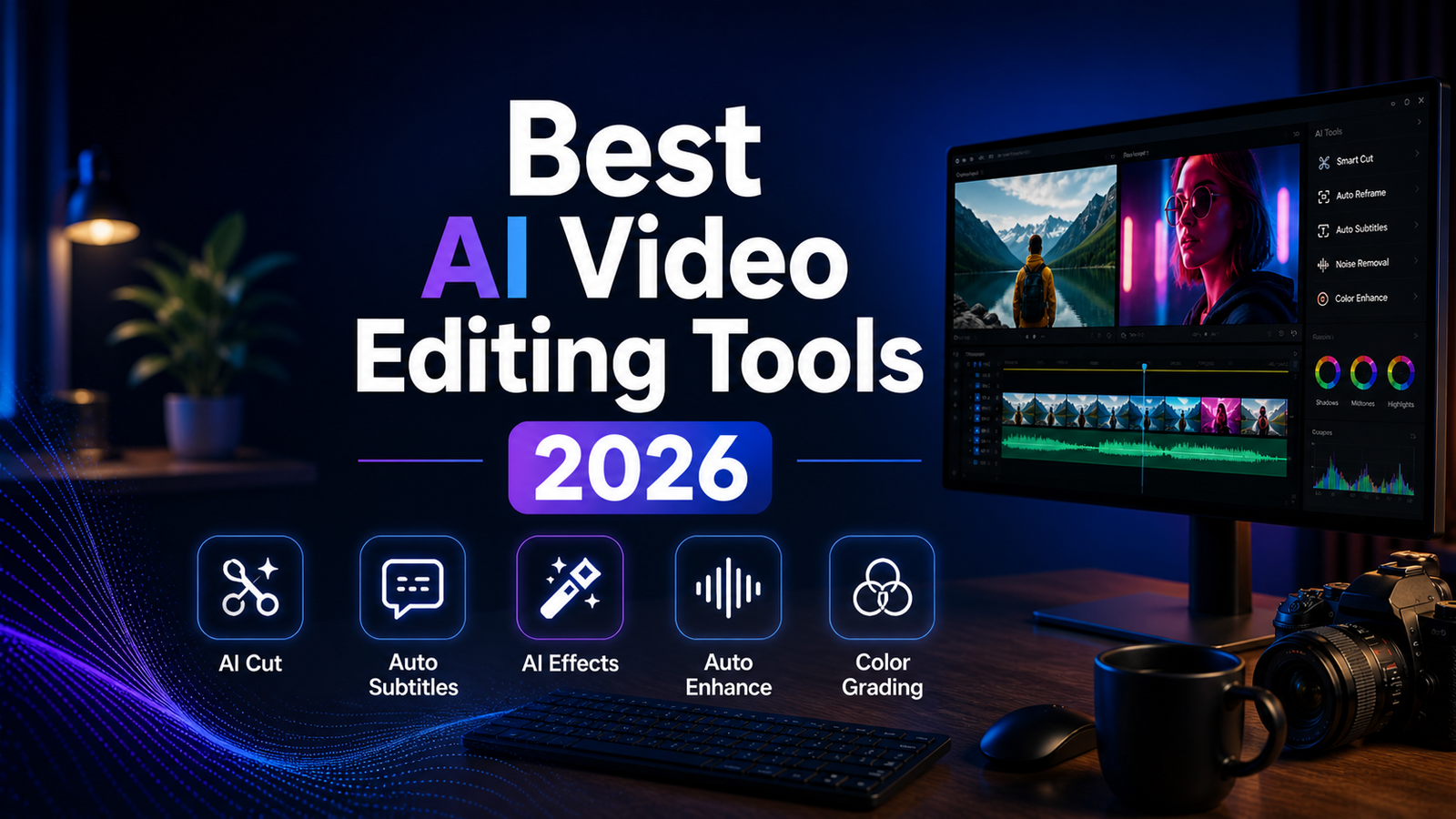
Best AI Video Editing Tools 2026: Ranked, Reviewed and Compared
Professional video editing used to be one of the most time-consuming skills in content production. A 10-minute YouTube video required hours of timeline scrubbing, manual cuts, subtitle transcription, color correction, and audio leveling before anything was publishable. In 2026, AI has compressed most of that mechanical work from hours to minutes.
According to benchmarks published by independent testing in 2026, AI-powered tools like Opus Clip can turn a 60-minute podcast into 12 platform-ready short clips in under 4 minutes, a task that previously consumed 3 hours of human editing time. Tools like CapCut and Veed.io apply automatic captions with 95 to 97 percent accuracy, eliminating manual subtitle entry. Adobe Premiere Pro’s Generative Extend generates photorealistic additional frames when a clip is too short, replacing reshoots.
The category has also divided clearly into four distinct subcategories in 2026: text-based editing tools that let you edit video by editing a transcript (Descript), traditional editing augmented with AI features (Adobe Premiere Pro), browser-based tools optimized for fast social content production (Veed.io, CapCut), generative AI video creation from prompts (Runway ML, Pika, InVideo AI), and long-form-to-short-form repurposing tools (Opus Clip). Choosing the right tool requires knowing which part of your video workflow is the actual bottleneck.
One note on setup: AI handles the editing but the right gear makes the whole workflow faster. A Stream Deck lets you map repetitive editing actions to physical keys, cutting down on the clicking and menu diving that AI tools can’t eliminate for you.
Comparison Table: Best AI Video Editing Tools 2026
| Tool | Best For | Starting Price | Free Plan |
|---|---|---|---|
| Descript | Text-based podcast and interview editing with transcript-driven cuts | Free (1hr) / $24/month (Creator) | Yes |
| Adobe Premiere AI | Professional production with Generative Extend and AI-powered timeline tools | $34.49/month (standalone) | No (7-day trial) |
| CapCut AI | Mobile-first social content with fast AI captions and templates | Free / $19.99/month (Pro, all platforms) | Yes (see data warning) |
| Runway ML | Cinematic AI video generation, Gen-4.5 editing and professional VFX | $12/month (Standard) | Yes (limited) |
| Pika | Fast physics-aware AI video generation for social content | Free / $8/month (Basic) | Yes |
| Veed.io | Browser-based editing with best-in-class caption accuracy and B-roll | Free / $18/month (Lite) | Yes |
| InVideo AI | Text-to-video generation from prompts with multi-model AI integration | Free (10 min/wk) / $25/month (Plus) | Yes |
| Opus Clip | Repurposing long-form video into viral-scored social shorts | Free (limited) / $15/month (Starter) | Yes |
“Pricing is subject to change. Always verify current pricing on the tool’s official website before purchasing.”
Detailed Reviews
1. Descript
Best for podcasters, interviewers, and long-form content creators who want to edit audio and video by editing a text transcript.
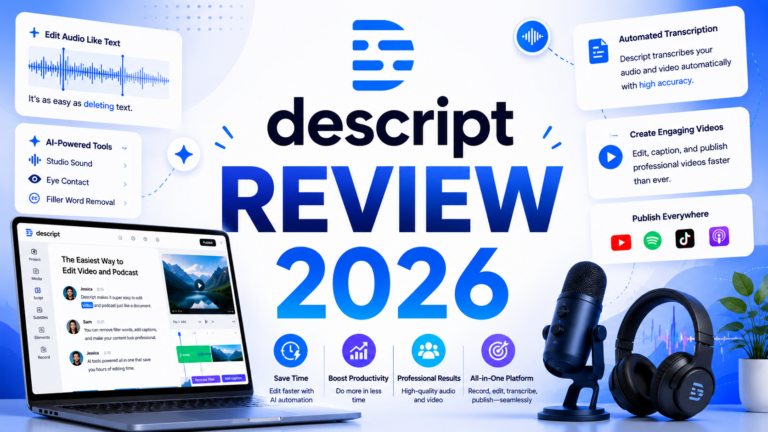
Descript pioneered the transcript-based editing paradigm and still executes it more completely than any competitor. Import a recording and Descript synchronizes a transcript to every word. Delete a sentence from the transcript and the corresponding audio and video are removed. Find every filler word in the transcript and remove them all in one action. The editing session feels like editing a document rather than scrubbing through a timeline.
The AI Underlord feature generates show notes, chapter markers, social clips, and newsletter summaries from the completed transcript after the edit. Studio Sound improves audio quality from suboptimal recording environments in one click. For content creators who spend most of their production time on dialogue-heavy interviews and podcasts, Descript’s time savings versus traditional timeline editing are significant and immediate.
Key Features: Word-level transcript synchronization for text-based audio and video editing, AI filler word detection and bulk removal, Studio Sound one-click audio enhancement, Overdub voice cloning for word corrections without re-recording, social clip generation and chapter markers from the transcript, and multi-track support for interview recordings.
Pros:
- Text-based editing is transformative for dialogue-heavy content; most users describe it as the biggest time-saver in their production workflow
- Free tier with 1 hour of transcription allows genuine evaluation of the core editing experience
- Studio Sound meaningfully improves home-studio and conference-room recording quality
- Show notes, chapters, and social clips generate automatically from the transcript
Cons:
- Multi-speaker files consume transcription minutes per speaker, depleting Creator plan allocation faster for interview shows
- Overdub voice cloning is reliable for single-word corrections; longer AI-generated passages sound noticeably synthetic
- Less suitable than Premiere Pro or DaVinci for non-dialogue visual content requiring precise timeline control
- Transcription accuracy on technical jargon and proper names requires review
Pricing:
- Free: 1 hour transcription, watermarked exports
- Creator: $24/month ($16/month annual), unlimited transcription, full AI editing suite
- Business: $40/user/month (annual), team features
2. Adobe Premiere Pro AI
Best for professional video editors and studios who need the most advanced AI-augmented traditional editing suite available.
Adobe Premiere Pro remains the industry standard for professional video production, and its 2026 AI feature set has substantially elevated what that standard means. The Generative Extend feature is the standout: when a clip is too short for a clean cut, drag the edge and Premiere’s AI generates seamless, photorealistic additional frames that match the original footage’s lighting, motion, and texture. This single feature eliminates reshoots for a category of editing problem that previously had no good solution.
The new Object Mask tool enables complex motion graphics integration into live-action scenes by tracking and masking specific objects across frames. Captions generate automatically from the timeline. AI-powered noise reduction, color matching, and scene cut detection handle the technical work that previously required manual frame-by-frame attention.
Key Features: Generative Extend for AI-generated photorealistic additional frames, Object Mask for object tracking and motion graphics integration, automatic caption generation from the timeline, AI-powered noise reduction and audio cleanup, Remix for adapting music to different clip lengths, and integration across the full Adobe Creative Cloud suite.
Pros:
- Generative Extend solves the “clip too short” problem without reshoots, a genuinely new capability with no competitor equivalent
- Full professional editing power with AI features layered on top of an already mature timeline editor
- Deep Creative Cloud integration for projects moving between Premiere, After Effects, and Audition
- Adobe’s AI is trained on extensive licensed professional footage for high-quality outputs
Cons:
- $34.49 per month standalone or $59.99-plus per month as part of Creative Cloud All Apps is the highest starting price on this list
- Significant learning curve; Premiere Pro is not accessible to beginners without training
- No free plan; 7-day free trial only
- AI feature quality is highest on professionally shot footage; heavily compressed or low-quality source material limits what Generative Extend can produce
Pricing:
- Premiere Pro standalone: $34.49/month
- Creative Cloud All Apps: $59.99-plus/month
- 7-day free trial available
3. CapCut AI
Best for mobile-first social media creators who want the most complete feature set at the lowest possible cost. Important data privacy warning below.
CapCut is the most feature-rich free video editor for social content creation in 2026, with AI auto-captions, background removal, voice isolation, beat sync, trend-based templates, and auto-reframe for different platform dimensions all available on the free plan. For creators producing TikTok, Reels, and YouTube Shorts at volume who do not have editing experience or budget, the free tier delivers more capability than most paid alternatives.
Critical disclosure for US users: CapCut was banned from US app stores on January 19, 2026, under the Protecting Americans from Foreign Adversary Controlled Applications Act due to its ownership by ByteDance. It remains unavailable for new downloads in US app stores as of April 2026. Additionally, CapCut’s June 2025 terms of service grant ByteDance perpetual, royalty-free rights to all uploaded content including private drafts. US-based creators with professional, client, or brand content that cannot be shared with a foreign-owned platform should evaluate Veed.io, Descript, or InVideo AI instead.
Key Features: AI auto-captions with animated styling, background removal without green screen, Isolate Voice for separating vocals from music, beat sync for music-matched cuts, auto-reframe for multi-platform formatting, trend-based templates optimized for TikTok and Reels, and full mobile and desktop editing with cloud sync.
Pros:
- Most generous free plan in the social video editing category
- Mobile app is exceptionally well-designed and full-featured
- TikTok integration is native; CapCut is ByteDance’s official editing tool
- AI caption generation is fast and accurate for standard speech
Cons:
- Banned from US app stores as of January 2026; unavailable for new US downloads
- ByteDance data rights grant broad content usage rights that may be unacceptable for professional work
- Pro plan required for 4K export on all platforms; free tier caps at lower resolution for desktop
- Not appropriate for any content involving confidential, client, or commercially sensitive material
Pricing:
- Free: Core features, limited resolution and export
- Pro (mobile only): $5.99/month
- Pro (all platforms): $19.99/month
4. Runway ML
Best for creative filmmakers, visual effects artists, and professionals who need the most advanced generative AI video capability available.
Runway Gen-4.5 is the cinematic AI video generation standard in 2026, following Sora’s discontinuation in April 2026. The platform produces text-to-video and image-to-video generations with the strongest character and scene consistency in the category, led by the Aleph directed editing system that allows targeted adjustments to existing clips through natural language without full regeneration. The Motion Brush feature provides granular control over which elements move and how within a generated scene.
For content that goes beyond social media templates into creative filmmaking, visual effects, and commercial production where the visual output will be scrutinized closely, Runway’s quality ceiling is higher than any other tool on this list.
Key Features: Gen-4.5 text-to-video and image-to-video generation with character consistency, Aleph AI editing for targeted natural language adjustments to existing clips, Motion Brush for element-level motion control, Act-Two for character motion capture and animation, video upscaling, timeline editor for multi-shot assembly, and professional software integrations with Adobe Premiere, Final Cut, and After Effects.
Pros:
- Highest creative ceiling for generative AI video in 2026 following Sora’s discontinuation
- Aleph editing reduces iteration time by allowing targeted adjustments rather than full regeneration
- Professional software integrations fit into established production workflows
- Timeline editor handles multi-shot assembly within the platform
Cons:
- Standard plan at $12 per month with limited credits produces approximately 12 to 20 clips before depletion
- Generation speed averages 20-plus minutes per clip, the slowest of the generative tools on this list
- Credits do not roll over; unused allocation lost at billing cycle reset
- Learning curve is steeper than consumer tools; best value for users with production backgrounds
Pricing:
- Standard: $12/month, 625 credits/month
- Pro: $28/month, 2,250 credits/month
- Unlimited: $76/month, 2,250 credits plus unlimited Explore Mode
5. Pika
Best for social media creators who need fast, physics-aware AI video generation with creative effects at the most accessible entry price.
Pika’s core value proposition is generation speed alongside creative effects that no competitor matches. The Pikaffects library, including explode, inflate, melt, deflate, and crumble physics simulations, produces visually distinctive content that consistently performs well on algorithm-driven feeds. Standard 5-second clip generation runs in approximately 12 seconds, compared to 20-plus minutes for Runway. The Pikaframes start-and-end frame control provides precise compositional boundaries for generated clips.
For social content that benefits from creative physics-driven effects and needs to be generated quickly enough to support a daily publishing cadence, Pika’s speed and effects library are genuine production advantages.
Key Features: Pika 2.5 physics-aware generation, Pikaffects physics simulation library (explode, inflate, melt, crumble, deflate), Pikaframes start and end frame control, Pikaswaps for object replacement within scenes, integrated sound effect generation, and generation times of approximately 12 seconds for standard clips.
Pros:
- Fastest generation speed in the AI video category at approximately 12 seconds per standard clip
- Pikaffects physics library is unique; no comparable creative effects library exists in competing tools
- Basic plan at $8 per month removes the watermark at the lowest entry price in the generative video category
- Free tier provides 80 monthly credits with no credit card required for genuine evaluation
Cons:
- 10-second maximum clip duration limits narrative sequence length; longer content requires stitching
- Photorealistic human content shows visible AI generation artifacts more than Runway or Kling
- No motion brush or director-mode camera control
- Commercial use rights require the Pro tier at $35 per month rather than the $10 Standard plan
Pricing:
- Free: 80 credits/month, watermarked
- Basic: $8/month, watermark-free (no commercial rights)
- Standard: $10/month, commercial rights, 700 credits
- Pro: $35/month, full commercial rights, 2,300 credits
6. Veed.io
Best for marketing teams and social creators who want browser-based video editing with the highest caption accuracy tested and strong B-roll AI tools.
Veed.io is the most capable browser-based video editor in 2026, eliminating software installation while providing a feature set that covers auto-captioning, AI B-roll generation, Eye Contact correction, background noise removal, multi-language translation, and template-based editing for social formats. Independent testing found Veed’s transcription requiring only 3 corrections per 750 words, accuracy that outperformed every tested competitor including tools with dedicated transcription models.
For marketing teams producing regular social video content on a content calendar without video production specialists on staff, Veed’s ability to run entirely in a browser without GPU requirements means it works on any device including older machines.
Key Features: AI captions with 97 percent accuracy in independent testing, AI B-roll generation from transcript content, Eye Contact AI for correcting off-camera gaze in recorded videos, Clean Audio one-click noise removal, safe zone indicators for social platform interface elements, multi-language subtitle translation, and brand kit for consistent visual identity across team videos.
Pros:
- Best transcription accuracy in independent testing: 97 percent on accented speech
- Browser-based with no installation; runs on any device including older hardware
- Eye Contact AI addresses a common problem with recorded talking-head content
- Safe zones for social platforms prevent content being obscured by platform UI elements
- Strong collaboration features for marketing teams
Cons:
- Free plan includes Veed.io branding on exports; Lite plan at $18 per month required for clean export
- Less powerful than Descript for purely dialogue-heavy editing requiring deep transcript control
- Advanced features require the Pro or Business plan at higher price points
- Not a generative AI tool; best for editing existing footage rather than creating from prompts
Pricing:
- Free: Veed branding on exports, 720p, limited minutes
- Lite: $18/month ($9/month annual), no watermark, 25GB storage
- Pro: $30/month ($24/month annual), full AI features, brand kit
- Business: $59/month ($49/month annual), team features
7. InVideo AI
Best for marketers and creators who want to generate complete videos from text prompts without any existing footage.
InVideo AI has evolved from a template-based editor into a fully conversational video generator. Describe your video in plain language: topic, tone, target platform, and duration, and InVideo builds a complete video from a 16 million-plus stock footage library, adds an AI voiceover, synchronizes captions, and selects background music. The 2026 update integrated Google Veo and Kling models alongside InVideo’s native generation, significantly improving visual quality for generated scenes.
The AI Twins feature allows creators to clone their voice and avatar for faceless content production, enabling an entire YouTube channel or social media presence to be produced without on-camera recording.
Key Features: Text-to-video generation from natural language prompts, multi-model AI integration including Google Veo and Kling for scene generation, 16 million-plus stock footage library for automated B-roll selection, AI voiceover with voice cloning via AI Twins, automatic caption synchronization, multi-platform export formatting, and team collaboration features.
Pros:
- Fastest path from written idea to complete publishable video with no footage required
- Multi-model access including Google Veo and Kling elevates visual quality beyond single-model generators
- AI Twins enables consistent faceless content production at scale
- Plus plan at $25 per month provides 75 credits per month for meaningful weekly production
Cons:
- AI-generated footage, even with premium models, is recognizable as AI to informed viewers
- Limited creative control compared to traditional editing; best for structured explainer and marketing content
- Free plan caps at 10 minutes per week with watermarked exports
- Stock footage-based generation produces more generic visual results than custom filming
Pricing:
- Free: 10 minutes/week, watermarked
- Plus: $25/month ($17/month annual), 75 credits/month, 80 iStock images/month
- Max: $60/month, 200 credits/month, 320 iStock images/month
8. Opus Clip
Best for podcasters, YouTubers, and content creators who want to repurpose long-form recordings into platform-optimized social shorts automatically.
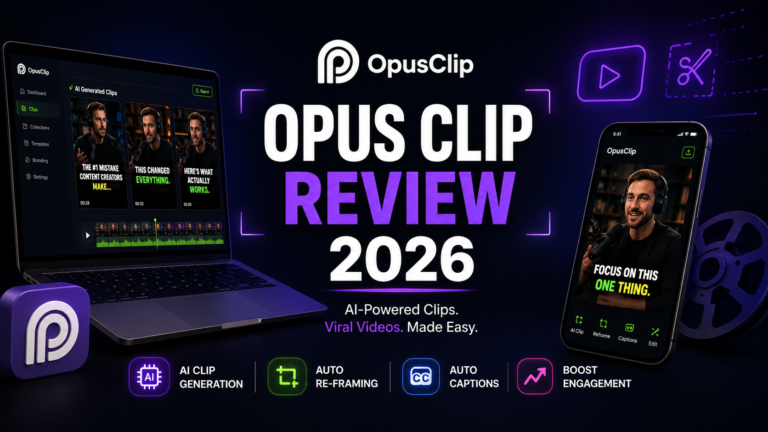
Opus Clip does one thing better than any other tool: it analyzes long-form video and automatically extracts the most engaging segments as platform-ready short clips. Upload a YouTube video URL, Zoom recording, or podcast episode file and Opus Clip’s AI scans the entire footage, scores each potential clip for virality using a proprietary model, adds auto-captions, enhances audio, and formats the clips for TikTok, Reels, and YouTube Shorts simultaneously. The Viral Score assigns each clip a letter grade (A-plus through B) predicting its social performance.
For creators with a regular long-form content cadence who want a consistent short-form social presence without separate production time, Opus Clip converts one recording session into a month of social content with minimal manual intervention.
Key Features: AI clip detection scanning for high-engagement moments across long-form footage, Viral Score predicting social performance for each extracted clip, automatic captions with animated styling, audio enhancement, auto-censor for platform-appropriate content, multi-format export for TikTok, Reels, and Shorts simultaneously, and URL input support from YouTube and Zoom.
Pros:
- Purpose-built for long-to-short repurposing; outperforms every general editor for this specific workflow
- Viral Score provides useful guidance for prioritizing which clips to post from a set of generated options
- Reduces 3 hours of manual clip selection and editing to under 4 minutes for a typical 60-minute recording
- Starter plan at $15 per month includes 150 credits without watermarks
Cons:
- Works only with existing long-form footage; not useful for creators who produce only short-form content
- Free tier is restrictive for meaningful production volume; paid plan required for regular use
- Clip detection quality varies by content type; structured interviews and podcasts outperform unstructured conversations
- Pro plan at $29 per month required for AI B-roll enhancement features
Pricing:
- Free: Limited clips, Opus Clip watermark
- Starter: $15/month ($9/month annual), 150 credits, no watermark
- Pro: $29/month ($19/month annual), 360 credits, AI B-roll, premium export
Frequently Asked Questions
What is the best free AI video editor in 2026?
The answer depends on your specific workflow and location. For non-US creators, CapCut’s free plan provides the most complete feature set including AI captions, background removal, beat sync, and social-optimized templates at zero cost. For US-based creators, CapCut is unavailable for new downloads in US app stores and carries significant data rights concerns under its June 2025 terms. The strongest US-accessible free alternatives are Descript’s free tier with 1 hour of transcription for dialogue-heavy editing, Veed.io’s free plan for browser-based social video with limited exports, and Opus Clip’s free tier for evaluating the long-form-to-shorts repurposing workflow. For professional production, DaVinci Resolve remains completely free with no watermarks and no export restrictions, though its learning curve is steep.
Can AI video tools produce content that competes with professionally produced video?
For social media content, yes, in many cases. AI avatar videos from HeyGen and Synthesia are now used by Fortune 500 companies for training and marketing, and AI-generated clips from Runway and InVideo are suitable for social media, ads, and product demos. The key is matching the tool to the use case. AI performs best for explainer videos, social clips, product demonstrations, and marketing content where the viewer’s engagement with the message matters more than cinematic production values. For brand commercials, narrative storytelling, and any content where authenticity and emotional resonance are critical differentiators, human production still consistently outperforms AI-generated content by meaningful margins. The practical standard in 2026 is that AI handles the production of structured informational and promotional content at speed and volume, while human production is reserved for flagship brand content where the production quality itself is part of the message.
How should creators choose between Descript, Veed.io, and Adobe Premiere Pro for editing existing footage?
The choice maps cleanly to content type and production stage. Descript is the right tool for dialogue-heavy recordings including podcasts, interviews, webinars, and any content where most of the editing involves cutting speech. The transcript-based editing paradigm makes it faster than either alternative for this specific content type. Veed.io is the right tool for social media content production where browser accessibility, caption accuracy, and marketing-focused features like brand kits and safe zones are the priority, and where the production does not require frame-level precision or audio mixing. Adobe Premiere Pro is the right tool when the production requires professional-grade timeline control, color grading, complex audio mixing, visual effects, or deliverable standards that browser-based tools cannot meet. Premiere’s AI features are most valuable to users already working in the traditional editing paradigm who want AI to handle specific tasks rather than users looking for a simpler editing workflow.
Final Recommendation
The right AI video editing stack in 2026 depends on whether you are editing existing footage, generating new video, or repurposing long-form content.
For dialogue-heavy long-form content including podcasts, interviews, and recorded sessions, Descript Creator at $24 per month is the highest-impact single investment available. The transcript-based editing workflow recovers more editing time per episode than any other tool.
For professional video production that demands the highest quality ceiling available, Adobe Premiere Pro at $34.49 per month provides the most capable AI-augmented traditional editing environment with Generative Extend as a standout feature unavailable elsewhere.
For browser-based social video production with maximum caption accuracy, Veed.io Lite at $18 per month (or $9 per month annual) is the strongest value for marketing teams building a consistent social content cadence.
For generating complete videos from written prompts with no footage, InVideo AI at $25 per month provides the most accessible path from text to publishable video with multi-model AI quality.
For extracting social short clips from existing recordings, Opus Clip at $15 per month is purpose-built for this workflow and outperforms general editors by a significant margin on speed and clip quality.
For generative AI filmmaking and visual effects work, Runway Standard at $12 per month provides the highest creative ceiling in the generative video category.
For US-based creators evaluating CapCut alternatives, Veed.io covers the same social content use cases with stronger data privacy protections and without the US availability issues.
Start with the free tier or trial for whichever tool addresses your primary production bottleneck. Most tools on this list offer enough free access to evaluate whether the core workflow fits before committing to a subscription.
As an Amazon Associate, OnyxRanked earns from qualifying purchases.
The details in Best AI Video Editing Tools 2026: Ranked, Reviewed and Compared – OnyxRanked are useful to compare with a practical reference. I prefer keeping game information organized by mechanics, updates, and player questions, so I saved this Halloween quests as a reference for readers who want to check the topic further.