Luma AI Review 2026: The 3D and Video Generator That Surprised Everyone?
Luma AI launched in 2021 as a 3D capture tool. By 2026 it holds approximately 15 to 20 percent of the AI video generation market, positioned between experimental social tools and full professional production platforms, and its flagship Dream Machine runs on Ray3 and Ray3.14, what Luma describes as the world’s first reasoning video model and the first to output native HDR.
The “surprised everyone” framing in this review’s title is genuine. Luma Labs started as a NeRF and 3D scanning company, not as a video generator. Its path to becoming one of the most credible AI video platforms in 2026 ran through its 3D spatial understanding roots: when Ray3 produces realistic camera movements, natural physics, and consistent scene geometry, that quality comes from Luma’s original expertise in understanding three-dimensional space. The results show it.
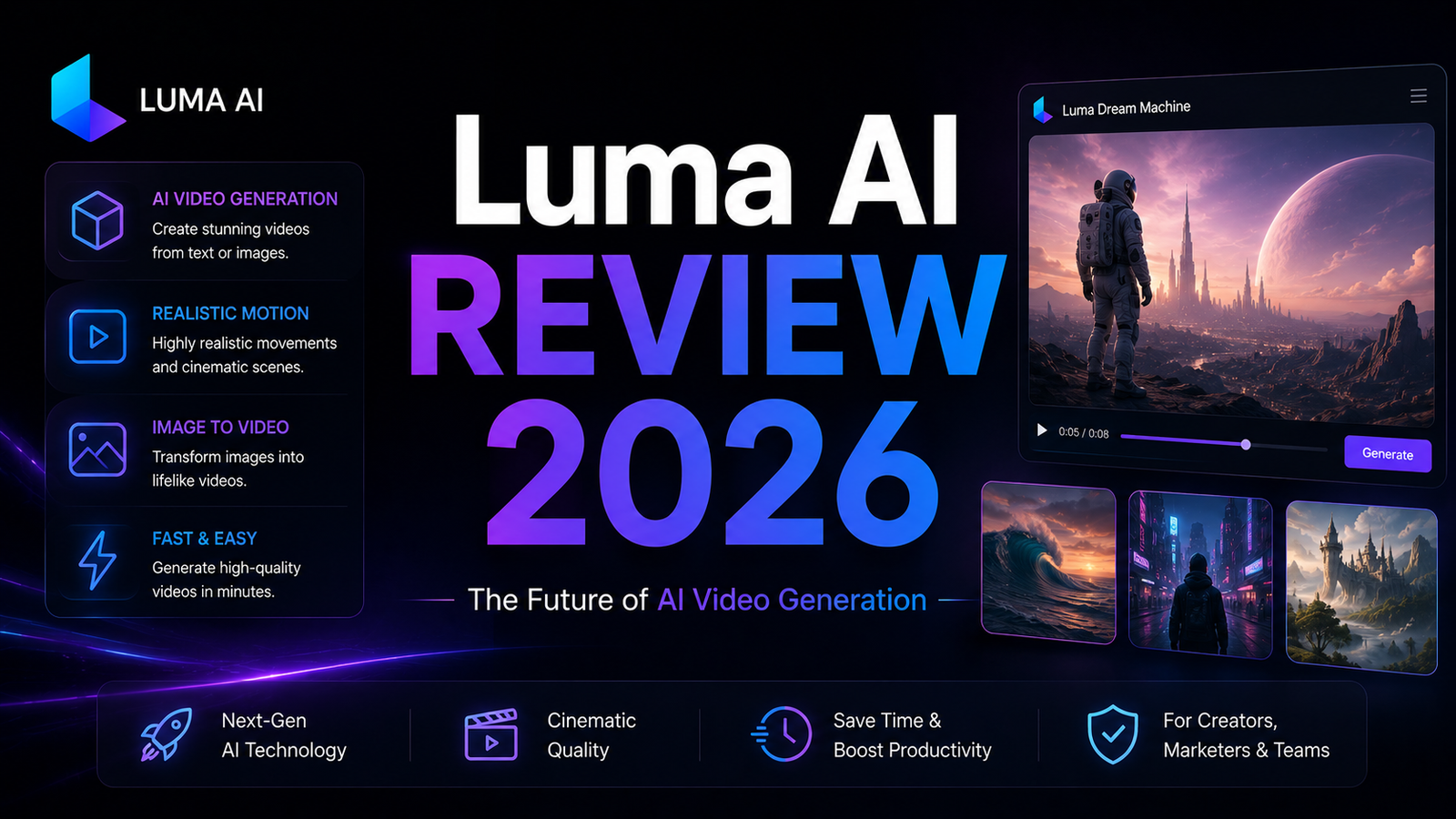
Dream Machine now covers text-to-video, image-to-video, video-to-video editing, keyframe control, character reference across shots, and 4K upscaling. At $30 per month for commercial-use Plus, it sits in a competitive segment alongside Runway ML and Pika AI. Whether it earns that slot depends on your use case and how much you value cinematic output quality versus feature breadth or pricing.
Plan Comparison Table
| Plan | Best For | Starting Price | Free Trial |
|---|---|---|---|
| Free | Evaluating quality with limited output; non-commercial personal use only | $0 | Yes (8 draft videos/month) |
| Lite | Occasional creators needing basic commercial video with modest volume | $9.99/month | Free tier |
| Standard | Active creators needing full commercial rights, 10-second clips, and regular use | $29.99/month | Free tier |
| Pro | Professional creators and small studios needing high volume and 4K upscaling | $99.99/month | Free tier |
| Premier | Production studios needing maximum credits and all advanced features | $499.99/month | Free tier |
“Pricing is subject to change. Always verify current pricing on the tool’s official website before purchasing.”
What Luma AI Is
Luma Labs is a generative video and 3D company founded in 2021 in Palo Alto, California. It is one of the few Western platforms competing at the frontier of AI video alongside Google Veo, OpenAI Sora, and Kling AI. The platform is accessible via web and iOS, with credit-based generation available across all paid tiers.
Dream Machine is the primary product: an AI video generator that converts text prompts, reference images, and existing video into cinematic clips up to 10 seconds per generation, extendable to approximately 30 seconds. The Ray3 model underlying Dream Machine was launched in 2025 as the first reasoning video model, meaning it applies multi-step reasoning to understand physics, geometry, and scene logic rather than simply predicting pixel patterns. Ray3.14, shipped in early 2026, delivers native 1080p resolution, 4x faster generation than Ray3, and approximately 3x lower credit cost at 720p, making the speed and cost improvements from this incremental update more significant than the version number suggests.
Luma also provides UNI-1.1, a unified understanding-and-generation API for developers building production multimodal applications, and Photon, the companion image generation model for still frames up to 1080p.
Key Features
Ray3 and Ray3.14 reasoning video model. The reasoning architecture is Dream Machine’s most significant technical differentiator. Rather than generating video as pixel prediction, Ray3 applies multi-step logical reasoning to understand cause and effect, spatial relationships, and physics before generating motion. The practical result is that generated video has more coherent object trajectories, more natural camera movement, and fewer instances of objects behaving in physically impossible ways. HDR output, native to Ray3, means generated video holds up when imported into professional color grading workflows without obvious AI-induced artifacts. Independent testing consistently rates Ray3’s per-shot quality among the highest of any consumer AI video platform.
Draft Mode for credit-efficient iteration. Draft Mode generates at 720p at approximately half the credit cost and half the time of full-quality generation. For iterating on prompts before committing full credits to a final render, this is the most practical workflow innovation in AI video generation as of 2026. The ability to validate a concept cheaply before producing the high-quality version eliminates the expensive credit waste that characterizes iterative video generation on platforms without a draft equivalent.
Ray3 Modify for video-to-video editing. Modify accepts an existing video clip, an edit prompt, and optional keyframe references, and applies the changes while preserving the original’s structure and motion. For making targeted changes to a generated clip, like altering the color palette, changing an object’s appearance, or adjusting the mood without regenerating the entire scene, this capability produces more controlled editing than full regeneration.
Keyframe control and character reference. Keyframes allow defining start and end visual states and generating the motion between them, enabling consistent camera paths and scene transitions that prompt-only generation cannot reliably produce. Character reference uploads maintain a specific person, character, or object’s visual identity across multiple separate generations in the same project, addressing the consistency problem that makes AI video challenging for ongoing content series.
Image-to-video with spatial intelligence. Luma’s 3D origins are most visible in image-to-video performance. Uploading a still photograph and generating video that adds camera movement, object animation, or environmental motion produces results that match the original image’s spatial geometry more accurately than most competing tools, because Ray3’s reasoning architecture understands depth relationships rather than treating the source image as a flat texture.
4K upscaling on higher tiers. Pro and Premier plans include 4K upscaling for generated clips, taking 1080p outputs to 4K resolution. For professional content that will appear on large screens or in high-resolution contexts, this upscaling pipeline avoids the external tools that workflows without native upscaling require.
Pros and Cons
Pros:
- Highest per-shot cinematic quality of consumer AI video platforms tested in independent reviews, driven by Ray3’s reasoning architecture and HDR output
- Ray3.14 delivers 4x speed improvement over Ray3 and approximately 3x lower credit cost at 720p, meaningfully improving the economics of regular use
- Draft Mode is the most workflow-efficient iteration approach in the category; reduces credit waste during prompt experimentation significantly
- Video-to-video Modify capability enables targeted edits without full regeneration
- Character reference and keyframe control address the consistency problem that makes AI video challenging for series content
- Flexible credit-based pricing with 12-month validity on purchased top-ups avoids the monthly expiration pressure of competitor credit systems
- Web and iOS access with no desktop installation requirement
Cons:
- No native audio generation; every generated clip requires external audio added in post-production
- Free plan limited to 8 draft-mode videos per month at 720p with watermarks; comprehensive platform evaluation before upgrading is not possible on the free tier
- Clips cap at 10 seconds per generation, extendable to approximately 30 seconds; for longer narrative content, Kling AI supports up to 3 minutes per generation
- Documentation lacks clear published specifications on frame rate caps, maximum resolution ceilings, and commercial licensing edge cases, creating ambiguity for professional teams during procurement
- Premier plan at $499.99 per month is the highest monthly subscription price in consumer AI video, positioning it above what individual creators can justify
Pricing Breakdown
Luma AI uses a credit-based model across all tiers. Standard quality generation consumes more credits than Draft Mode. Ray3.14’s reduced credit cost at 720p meaningfully extends the practical generation volume per plan compared to earlier model versions.
Free: $0. Approximately 8 draft-mode videos per month at 720p with Luma watermarks. Non-commercial use only. Suitable for quality evaluation; not suitable for production use or full feature evaluation.
Lite: $9.99/month. Basic commercial-use rights, standard generation volume at Lite tier credits, 720p output, and access to core Dream Machine features without advanced capabilities. For occasional social content with light usage requirements.
Standard: $29.99/month. Full commercial rights, 10-second clips per generation, 1080p output, Ray3.14 model access, keyframe control, and character reference. The appropriate entry plan for active creators producing regular content commercially. Commercial rights begin at Standard, not Lite; this distinction matters for monetized channel creators.
Pro: $99.99/month. Higher monthly credit allocation, 4K upscaling, priority generation queue, and expanded storage. For professional creators and small studios where generation volume and 4K output are documented requirements.
Premier: $499.99/month. Maximum credit allocation, all advanced features, and production studio-level support. Priced for production teams where AI video is a primary content production tool rather than a supplement.
Credit top-ups are available for purchase on any plan with 12-month validity, unlike competitor platforms where unused monthly credits expire. This flexibility reduces the pressure to generate content specifically to avoid credit loss, which is practically significant for users with variable monthly usage.
How It Compares to Runway ML and Pika AI
Luma AI vs Runway ML
The most honest frame: Luma and Runway serve overlapping professional creator audiences with genuinely different strengths. Runway ML Gen-4.5 leads on character consistency across multiple separate generations, making it the more reliable tool for narrative film work where the same character must appear in multiple scenes. Runway’s Motion Brush and Act-Two motion capture have no Luma equivalent; for precise compositional control over which elements move and in what direction, Runway wins by a significant margin.
Luma counters with per-shot cinematic quality that independent reviewers consistently rate at or above Runway’s Gen-4.5 output on single clip evaluations, faster generation through Ray3.14, Draft Mode for cost-efficient iteration, and credit top-ups with 12-month validity versus Runway’s monthly expiry. Runway’s pricing starts at $12 per month compared to Luma Standard at $29.99 per month, making Runway more accessible for casual professional use.
For filmmakers who need multiple scenes with consistent characters and precise motion control, Runway is the more capable platform. For creators who need the highest per-shot quality on individual clips and appreciate the Draft Mode workflow, Luma is genuinely competitive at Standard pricing.
Luma AI vs Pika AI
Pika AI and Luma serve different ends of the professional-to-experimental spectrum. Pika’s strength is creative experimentation: its Pikaffects and scene transition tools enable whimsical, stylized results that prioritize creative surprise over photorealistic fidelity. For social media content, artistic exploration, and stylized visual effects, Pika’s approach often produces more engaging results than Luma’s photorealism-first architecture.
Luma’s strength is cinematic quality that holds up for professional use cases. Ray3’s HDR output and physics-aware generation produces footage that imports into professional editing timelines without obvious AI artifacts; Pika’s more stylized output is harder to integrate into grounded, realistic productions. For social-first creators who want creative tools and experimental effects, Pika at its entry price point is strong value. For creators whose work requires production-grade fidelity, Luma’s quality ceiling is higher.
Frequently Asked Questions
Is Luma AI’s free tier actually useful for evaluating whether to subscribe?
Marginally. The free tier provides approximately 8 draft-mode videos per month at 720p with Luma watermarks and non-commercial restrictions. Draft Mode output is lower fidelity than Standard quality generation, which means the free tier shows the platform’s motion logic and scene coherence but not the full-quality output that a Standard or Pro subscription produces. For evaluating whether Luma’s approach to video generation matches your creative style before paying, the free tier is useful. For evaluating whether the specific quality level of 1080p Ray3.14 output meets professional standards for your work, the free tier understates what the paid tiers produce. The most honest evaluation path is subscribing to Standard for one month, testing at full quality against the content you actually produce, and making the renewal decision from that experience.
How does Luma AI handle the 10-second clip limit for longer-form content?
Single generations cap at 10 seconds, which can be extended to approximately 30 seconds by chaining generations together. For narrative content requiring longer continuous shots, this workflow involves generating sequential clips, using character reference and keyframe controls to maintain visual continuity between clips, and assembling the sequence in a standard video editor. This is not a seamless long-form generation workflow; it is an assembly process that works adequately for short social content and less well for scenes requiring truly continuous motion over longer durations. For content types requiring clips longer than 30 seconds without assembly, Kling AI’s 3-minute generation ceiling is the more appropriate platform for that specific requirement. Luma’s strengths are cinematic quality per clip rather than long-duration generation.
Is the pricing for commercial rights clear, and does Standard cover everything a solo creator needs?
Commercial rights begin at the Standard plan at $29.99 per month; both Free and Lite plans restrict outputs to non-commercial personal use and include watermarks. For any YouTube creator, social media marketer, or professional whose AI video will appear on monetized platforms, Lite is not the appropriate plan despite its lower cost. The Standard plan at $29.99 per month covers full commercial rights, 10-second clips, 1080p resolution, and access to Ray3.14, keyframe control, and character reference. For most solo professional creators, Standard covers the feature set required without the higher credit volumes that Pro and Premier provide. The credit top-up with 12-month validity means Standard users can supplement their monthly credits for high-output months without upgrading permanently.
Final Verdict
Luma AI in 2026 has earned its position as one of the most credible AI video generation platforms. The surprise is real: a company that started as a 3D capture tool has produced a video generation model whose per-shot cinematic quality independent reviewers consistently rate among the highest available. Ray3’s reasoning architecture, HDR output, and the workflow innovation of Draft Mode collectively make Dream Machine a genuinely distinctive platform rather than another GPT wrapper with a video generation feature.
The limitations are real alongside the strengths. No native audio generation means every clip requires external audio, which adds workflow friction that platforms providing integrated audio do not create. The 10-second clip ceiling requires multi-clip assembly for anything beyond social content length. The free tier underrepresents the quality of paid outputs. And at Standard pricing, Luma is more expensive than Runway ML‘s entry point for professional creators who need precise motion control tools that Luma does not offer.
The clearest use case for Luma over its competitors: professional creators and filmmakers who prioritize per-clip visual quality and HDR cinematic output over precise motion control, long-form generation, or lower entry pricing. For that audience, Dream Machine at $29.99 per month Standard is a justified subscription. For creators who need Runway’s Motion Brush and Act-Two, or who need Kling’s 3-minute generation ceiling, those specific capabilities remain reasons to choose alternatives.
Start with the free tier to evaluate motion logic and scene coherence. Subscribe to Standard for one month to evaluate full quality before a longer commitment. For anyone building a professional AI video workflow, also read our Runway ML Review 2026 to compare against the platform that most directly competes at Luma’s quality level.
Rating: 4.2 / 5 — Best for cinematic per-clip quality and HDR output. Limited by the 10-second ceiling, no native audio, and higher entry price than some comparable tools.