Cursor vs GitHub Copilot 2026: Which AI Coding Assistant Is Actually Worth It?
The two most widely used AI coding tools cost $10 and $20 per month respectively. The $10 one scores slightly higher on accuracy benchmarks. The $20 one completes tasks 30 percent faster and provides genuinely more powerful agentic capabilities. Both have grown into something meaningfully more capable than they were in 2024, and choosing between them requires understanding exactly what you do at work on a typical Tuesday.
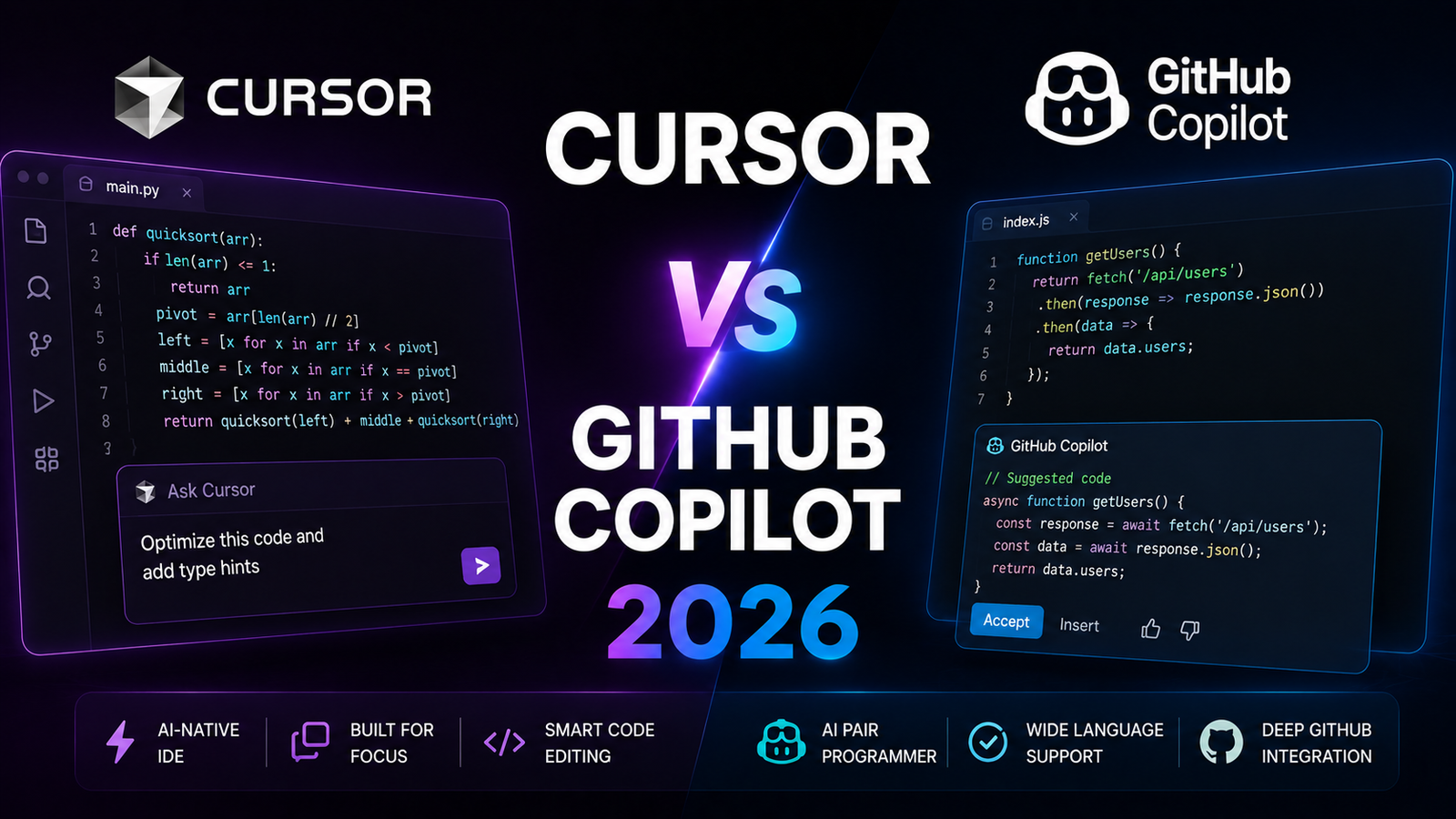
Cursor is an AI-native IDE built as a VS Code fork by Anysphere. It is where developers go when they want the most capable agentic multi-file editing available and are willing to commit to it as their primary editor. GitHub Copilot is an AI extension built into VS Code, JetBrains, Visual Studio, Eclipse, Neovim, and Xcode. It is where developers stay when IDE flexibility, lower cost, and GitHub ecosystem integration matter more than Cursor’s depth.
The honest summary from six months of independent testing across 50-plus developers: Cursor wins for agentic workflows and developers doing complex multi-file tasks daily. Copilot wins for budget-conscious developers, JetBrains users, and anyone whose primary AI coding need is inline autocomplete and chat without full IDE replacement. The answer depends entirely on what you do all day.
Side-by-Side Comparison Table
| Feature | Cursor | GitHub Copilot |
|---|---|---|
| Model | Multi-model: GPT-5, Claude, Gemini, DeepSeek | Primarily GPT-4o, Claude 3.5, limited selection |
| SWE-bench Verified | 51.7% (61.3 on CursorBench after Composer 2) | 56.0% (leads on standard benchmark accuracy) |
| Task resolution speed | 30 to 45% faster than Copilot on complex tasks | 20 to 30% faster than no AI baseline |
| IDE support | VS Code fork only | VS Code, all JetBrains, Visual Studio, Eclipse, Neovim, Xcode |
| Agentic coding | Composer 2, Background Agents, MCP tool integration | Coding Agent (PR generation from GitHub issues) |
| Autocomplete latency | 30 to 45ms average | 43 to 50ms average |
| Context system | Full codebase indexing, .cursorrules, custom context | Workspace-aware, GitHub code search integration |
| Free tier | Yes (limited premium requests) | Yes (60 completions + 10 chats/month in VS Code) |
| Starting paid price | $20/month (Pro) | $10/month (Pro) |
| Business plan | $40/user/month | $19/user/month |
| Billing model | Credit-based since June 2025 | AI Credits starting June 1, 2026 |
| Multi-model flexibility | 4-plus model options including DeepSeek | Tested stable models; fewer frontier options |
| Terminal integration | Yes, AI-aware terminal inside IDE | Limited |
| Learning curve | 1 to 2 weeks to master parallel agents | 2 to 3 days to proficiency |
| Privacy option | Privacy mode (no training on code) | Business/Enterprise: no code retention by default |
“Pricing is subject to change. Always verify current pricing on the tool’s official website before purchasing.”
Cursor: Detailed Breakdown
For the complete review, see our Cursor AI Review 2026.
What It Is
Cursor is an AI-native IDE built as a VS Code fork by Anysphere. The company reached a reported $2 billion in annual recurring revenue in February 2026, doubling from $1 billion in November 2025. That growth reflects what the developer community has concluded after extended use: for agentic multi-file coding, Cursor is the most capable consumer AI coding tool available.
The fundamental architecture difference: Cursor is not a plugin added to a text editor. It is a complete IDE rebuilt with AI as a core component rather than an afterthought. This enables multi-file context awareness, Background Agents running on cloud VMs, and Composer-based task delegation that plugin architecture cannot match.
Key Features
Composer 2 and autonomous execution. Composer 2 accepts natural language task descriptions and autonomously plans, executes, and iterates on multi-file implementations. The autonomy slider allows setting how much independence the agent takes between human checkpoints. For complex feature implementations, refactors, and bug investigations that span multiple files, Composer compresses implementation time in ways that line-by-line autocomplete cannot replicate. In independent testing, Cursor shows 35 to 45 percent faster feature completion on complex tasks versus 20 to 30 percent for Copilot on equivalent work.
Background Agents on cloud VMs. Background Agents run on cloud virtual machines independently of the developer’s active session. Assign a task, close the laptop, and the agent continues working. For long-running tasks and overnight refactors, this represents a qualitative workflow shift beyond what Copilot’s agent mode offers.
Full codebase indexing and .cursorrules. Cursor indexes the entire codebase in the background and allows defining project conventions in a .cursorrules file: architecture patterns, coding standards, internal library preferences, and context that should inform every suggestion. Teams with .cursorrules properly configured report 70 percent fewer PR review comments from style and convention violations.
Multi-model access. GPT-5, Claude 4, Gemini 2.5, and DeepSeek are all available within Cursor. Developers can route different task types to the most appropriate model within the same editing session.
Pros
- 30 to 45% faster feature completion on complex multi-file tasks versus Copilot
- Composer 2 enables genuine multi-step agentic execution unavailable in plugin-based tools
- Background Agents allow task execution to continue after the developer’s session ends
- Multi-model flexibility with 4-plus frontier model options within one subscription
- .cursorrules configuration produces measurably better convention adherence
Cons
- VS Code only; JetBrains, Visual Studio, Neovim, and Xcode users cannot use Cursor without switching editors
- 1 to 2 week learning curve before Background Agents and Composer 2 are used productively
- $20/month Pro is double the $10/month Copilot entry price
- Credit-based billing since June 2025: heavy Composer users exhaust monthly allocations
- SWE-bench Verified at 51.7% trails Copilot’s 56.0% on standard benchmark accuracy
Pricing
- Hobby (Free): Limited premium model requests, basic completions
- Pro: $20/month or $16/month (annual), 500 premium requests, full Composer and Background Agent access
- Business: $40/user/month, admin controls, team analytics, privacy mode default
- Enterprise: Custom pricing with SSO, compliance controls
GitHub Copilot: Detailed Breakdown
For the complete review, see our GitHub Copilot Review 2026.
What It Is
GitHub Copilot is the AI coding extension built into six IDEs and the GitHub platform itself. With approximately 4.7 million paid subscribers and distribution through every major editor, it serves the broadest developer audience of any AI coding tool. The core principle has not changed since launch: AI assistance embedded in whatever editor you already use, without requiring editor replacement.
The 2026 release cycle added a Coding Agent that converts GitHub Issues into pull requests autonomously, running as an asynchronous background task that the developer can review and merge. This brings GitHub-native agentic workflow into the Copilot subscription without requiring a separate tool.
Key Features
Multi-IDE support across 6 editors. VS Code, IntelliJ IDEA, PyCharm, WebStorm, Rider, GoLand, Visual Studio, Eclipse, Neovim, and Xcode all support Copilot natively. For development teams running mixed IDE environments or for individual developers on JetBrains tools, this coverage is Copilot’s clearest structural advantage over Cursor.
SWE-bench Verified accuracy at 56.0%. In independent benchmarks as of March 2026, Copilot solves 56.0 percent of SWE-bench Verified tasks, 4.3 percentage points ahead of Cursor’s 51.7 percent. For developers whose primary concern is first-pass suggestion accuracy, this benchmark gap matters for daily autocomplete quality.
GitHub Coding Agent for PR generation. Assign a GitHub Issue to Copilot and the Coding Agent autonomously implements the change, creates a branch, commits code, runs CI, and opens a pull request. This GitHub-native agentic workflow is uniquely positioned for teams whose work is already organized around GitHub Issues and Actions.
AI Credits billing from June 1, 2026. Copilot migrated to a GitHub AI Credits system on June 1, 2026, following Cursor’s credit model shift from June 2025. The headline $10/month Pro price is maintained as the entry point; credits govern access to premium model completions above the base allocation.
Pros
- SWE-bench Verified leads at 56.0% versus Cursor’s 51.7%; most accurate AI completions in standard benchmark testing
- $10/month Pro is half the price of Cursor Pro for equivalent inline autocomplete and chat quality
- 6-IDE support including JetBrains, Visual Studio, Neovim, and Xcode; no editor replacement required
- GitHub Coding Agent converts Issues into PRs natively within the GitHub workflow
- 2 to 3 day learning curve versus 1 to 2 weeks for Cursor
Cons
- Agentic workflow depth is less capable than Cursor’s Composer 2 and Background Agents for complex multi-file tasks
- Limited multi-model flexibility; fewer frontier model options than Cursor’s 4-plus model access
- No .cursorrules equivalent for deep project convention customization
- GitHub Coding Agent works best for teams already organized around GitHub Issues and Actions; less useful for other workflow structures
- Credit-based model as of June 1, 2026 changes the unlimited-feeling previous model for heavy premium request users
Pricing
- Free: 60 completions and 10 chat interactions per month in VS Code
- Pro: $10/month, unlimited completions, standard AI credits allocation
- Pro+: $39/month, higher AI credits, o3 and o4-mini reasoning models, additional Copilot features
- Business: $19/user/month, organization controls, audit logs, no code retention by default
- Enterprise: $39/user/month, GitHub Enterprise platform features, advanced policy controls
Head-to-Head Comparison
Benchmark accuracy Copilot wins. SWE-bench Verified shows Copilot at 56.0 percent versus Cursor at 51.7 percent. For developers who care most about first-pass suggestion correctness on standard coding tasks, Copilot’s accuracy edge is real and consistent.
Agentic task execution speed Cursor wins. Independent testing across 50-plus developers shows Cursor completing complex tasks 30 to 45 percent faster, compared to 20 to 30 percent for Copilot. Composer 2 and Background Agents enable task delegation that extends beyond the active session. For developers doing multi-file feature implementation daily, this speed advantage justifies the price premium.
IDE flexibility Copilot wins decisively. Six supported IDEs versus Cursor’s VS Code-only approach is not a close comparison. For any developer on JetBrains, Neovim, Visual Studio, or Xcode, Cursor requires editor replacement. Copilot does not.
Pricing value Copilot wins for the majority of developers. At $10 per month, Copilot saves $108 to $180 per developer annually versus Cursor. For teams where the productivity gain from Cursor’s agentic capabilities does not clearly exceed that cost difference, Copilot is the more defensible subscription. For teams where Cursor’s complex task speed advantage is documented, the cost gap closes in ROI terms.
GitHub ecosystem integration Copilot wins by default. Native GitHub Issue to PR generation, Actions integration, and the full GitHub platform connection serve teams already invested in the GitHub workflow. Cursor has no equivalent GitHub-native integration.
Multi-model flexibility Cursor wins. GPT-5, Claude 4, Gemini 2.5, and DeepSeek are all available within Cursor. Copilot offers fewer frontier model options with a stability-over-novelty approach to model selection.
Who Should Choose Each Tool
Choose Cursor if:
- Your daily work involves complex multi-file refactors, large feature implementations, or codebase-wide changes where agentic workflow depth matters
- You use VS Code as your primary IDE and are willing to commit to it as your only editor
- Speed of task completion matters more than benchmark accuracy; you iterate heavily and value throughput over first-pass correctness
- You want the most flexible model access and the ability to route tasks to the best available frontier model
- Background Agents for overnight or long-running tasks would change how you structure your work
Choose GitHub Copilot if:
- You use JetBrains, Visual Studio, Neovim, Xcode, or any IDE other than VS Code
- $10 per month versus $20 is a meaningful cost consideration
- Benchmark accuracy on standard coding tasks is the primary metric you optimize for
- Your team is already organized around GitHub Issues and the Coding Agent’s PR generation workflow fits naturally
- You want a 2 to 3 day learning curve rather than 1 to 2 weeks before full productivity
- Enterprise governance, audit logs, and Microsoft-grade security documentation are requirements
Frequently Asked Questions
Is Cursor actually faster than Copilot in daily use, or just on benchmarks?
The speed advantage is real in daily use for a specific category of work. Independent testing across multiple development teams over six months shows Cursor completing complex multi-file tasks 35 to 45 percent faster than Copilot on equivalent assignments. For straight-line autocomplete on single-file work, the difference is smaller. Cursor’s Supermaven completions average 30 to 45ms latency versus Copilot’s 43 to 50ms, a difference barely perceptible on single-line suggestions but noticeable on multi-line predictions. The practical summary: Cursor’s speed advantage is most pronounced for developers who use agentic Composer workflows regularly, and less significant for developers who primarily use AI for inline completion and occasional chat.
How does the credit-based billing change the real cost of each tool?
Both tools moved to credit-based premium model access in 2025 and 2026. Cursor switched in June 2025; Copilot’s GitHub AI Credits began June 1, 2026. The headline monthly price covers a base allocation of premium requests; usage above that allocation depletes credits faster than a simple subscription model would suggest. For developers who primarily use inline autocomplete, the change is imperceptible. For developers who delegate extensive Composer workflows to Cursor or run the Coding Agent heavily in Copilot, the monthly credit allocation can be exhausted before the billing cycle resets. Heavy agentic users on either platform should monitor their monthly consumption during the first billing period rather than assuming unlimited access at the headline price.
Can I use both Cursor and GitHub Copilot simultaneously?
Technically yes; some developers run Copilot as a background extension within Cursor. However, the two tools compete for the same autocomplete and chat input, which produces conflicting suggestions rather than compounding benefits. The more practical multi-tool setup that experienced developers describe is using Cursor as the primary IDE for daily coding and supplementing with Claude Code in the terminal for long-running autonomous tasks that Cursor’s Background Agents handle less efficiently. Adding Copilot on top of Cursor adds subscription cost without the additive value that pairing genuinely complementary tools produces.
Final Verdict
Both tools have earned their place at the top of the AI coding market, but they serve different workflows and the right choice is determined by your daily development patterns rather than any general quality ranking.
GitHub Copilot wins on accessibility: $10 per month, six IDEs, the highest standard benchmark accuracy at 56.0 percent SWE-bench, and a 2 to 3 day learning curve that makes it the right starting point for developers beginning their AI coding journey and for any developer who uses an IDE other than VS Code.
Cursor wins on agentic depth: 30 to 45 percent faster on complex multi-file tasks, Composer 2 for project-level reasoning, Background Agents for asynchronous task execution, and multi-model flexibility that keeps it at the frontier as new models launch. At $20 per month, the premium is justified for developers who use these capabilities daily. It is not justified for developers whose AI coding use is primarily inline completion where Copilot performs at equal or better accuracy for half the price.
The honest starting recommendation: if you are evaluating both for the first time, start with Copilot’s free tier. If you exhaust its limits within two weeks and find yourself wanting the multi-file agentic capabilities that Cursor provides, that is the signal to upgrade. If Copilot’s free tier and $10 Pro plan cover your actual daily workflow, save the $120 per year.
Cursor Rating: 4.5 / 5 — Best for agentic multi-file workflows and developers prioritizing throughput over first-pass accuracy.
GitHub Copilot Rating: 4.3 / 5 — Best for IDE flexibility, benchmark accuracy, GitHub integration, and value at $10/month.