tl;dv Review 2026: The Best Free AI Meeting Assistant for Sales Teams?
tl;dv stands for “too long; didn’t view.” The name itself is the value proposition: meetings are important and also largely unwatched after the fact. The AI handles the watching, the summarizing, and the CRM logging so the humans can move on.
Founded in 2020 and headquartered in Cologne, Germany, tl;dv has grown to over two million users and is an official partner of Anthropic. The platform records, transcribes, and summarizes Zoom, Google Meet, and Microsoft Teams calls with a visible bot participant, generates AI notes and multi-meeting intelligence reports, and for sales-focused teams on paid plans, applies BANT, MEDDIC, and SPIN qualification frameworks to every call automatically. GDPR compliance is built into the consent mechanism, which notifies participants when recording begins, rather than requiring manual consent collection.
The most genuinely impressive thing about tl;dv in 2026 is not the AI intelligence. It is the free plan. Unlimited recordings with full video, unlimited transcription in 40-plus languages, and unlimited basic summaries at zero cost puts it ahead of almost every direct competitor on free tier generosity. The caveats are real and will be covered in detail. But for remote and hybrid teams that need meeting documentation without a software budget, tl;dv is one of the most defensible zero-cost starting points in the category.
Plan Comparison Table
| Plan | Best For | Starting Price | Free Plan |
|---|---|---|---|
| Free | Remote teams needing unlimited recordings with video, transcription, and basic summaries | $0 | Yes |
| Pro | Individual professionals and small teams needing unlimited AI summaries and 5,000+ integrations | $18/user/month (annual) / $29/user/month (monthly) | No |
| Business | Sales and CS teams needing CRM sync, BANT/MEDDIC coaching, and multi-meeting intelligence | $59/user/month (annual) / $98/user/month (monthly) | No |
| Enterprise | Organizations requiring privately hosted AI, SSO, and advanced compliance | Custom pricing | No |
“Pricing is subject to change. tl;dv is currently running a 40% annual discount that has been active since 2025. Always verify current pricing directly at tldv.io before purchasing.”
What tl;dv Is
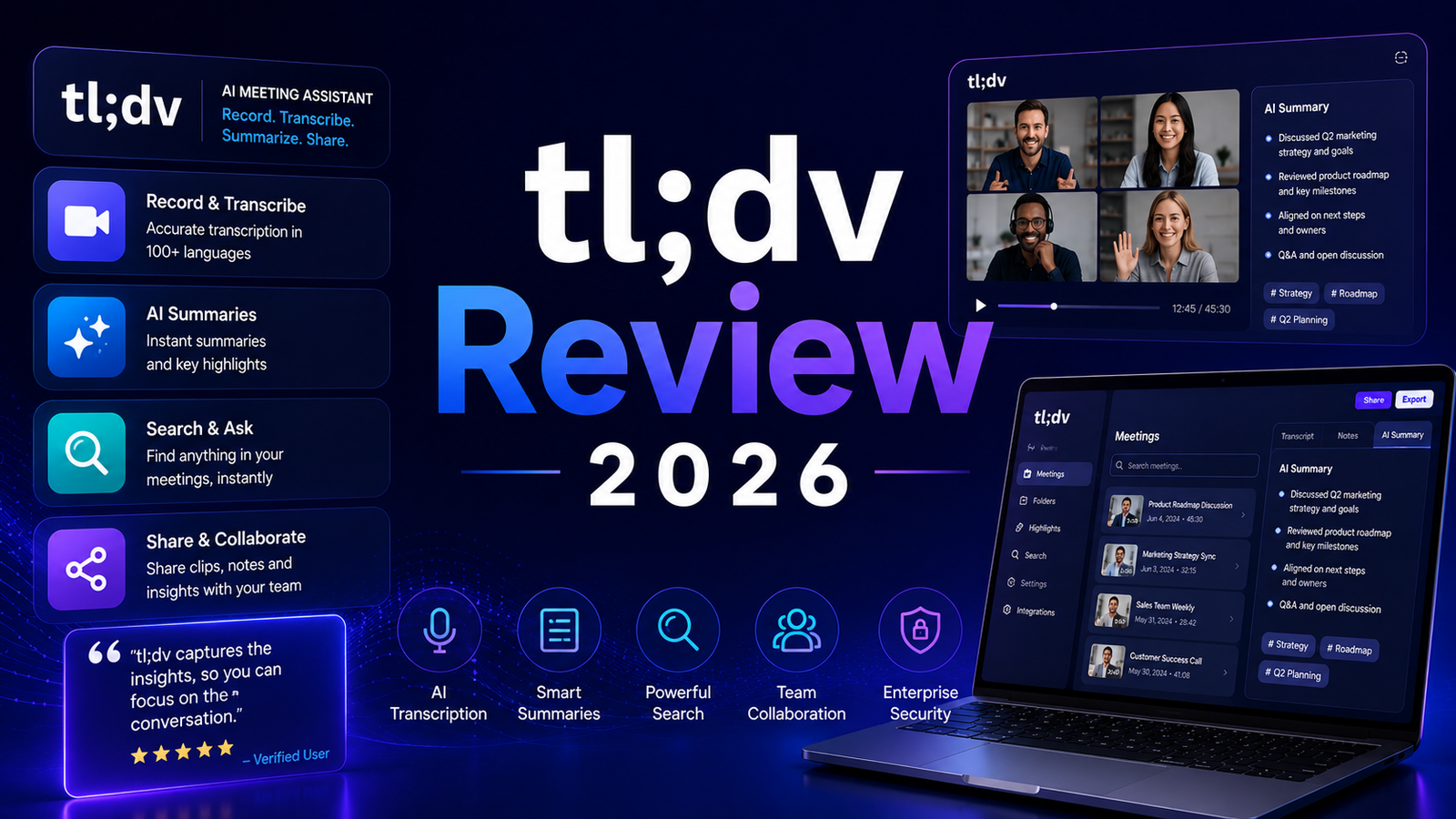
tl;dv is an AI meeting assistant that sends a visible bot to join scheduled Zoom, Google Meet, and Microsoft Teams calls. The bot records audio and video, generates a synchronized transcript during the meeting, and produces AI summaries with action items when the call ends. On paid plans, it syncs insights directly to CRM platforms and provides cross-meeting analytics for sales coaching.
The product serves three meaningfully different profiles. Individual professionals and remote teams who want meeting documentation without manual note-taking. Sales and customer success teams who want automatic CRM logging and qualification tracking. And sales managers who want coaching intelligence across a library of recorded calls without listening to each call in full.
The GDPR compliance architecture is worth noting for European teams: tl;dv’s consent mechanism automatically notifies meeting participants when recording begins, which addresses the legal requirement in many jurisdictions without requiring the meeting host to manually collect consent or communicate the recording separately.
One important limitation before evaluating any other feature: tl;dv is an online meeting tool only. It does not record in-person meetings. There is no microphone input from a mobile device capturing room audio during a face-to-face meeting. For teams whose important conversations happen in conference rooms or at client sites rather than on video calls, tl;dv covers none of that workflow.
Key Features
Unlimited recordings with video on the free plan. This is where tl;dv genuinely stands out from its closest competitors. Where Otter.ai’s free plan limits transcription to 300 minutes per month and Fathom’s free plan caps AI summaries at 5 per month despite unlimited recording, tl;dv provides unlimited meeting recordings including full video alongside unlimited transcription in 40-plus languages on the free tier. The catch is that recordings auto-delete after 3 months on the free plan with a 4-week warning before deletion. Miss that window and recordings are gone, even if you upgrade to paid later.
40-plus language transcription. Transcription covers 40-plus languages with speaker recognition, making tl;dv the most accessible multilingual transcription tool at the free price point. For teams with international members or customers across language boundaries, this breadth at zero cost is a meaningful capability. Accuracy holds well on clear English and major European languages; heavy accents and technical jargon reduce accuracy, as with all AI transcription tools in the category.
Multi-meeting AI reports and Ask tl;dv chatbot. On Pro and Business plans, tl;dv generates reports that analyze patterns across multiple meetings simultaneously: which topics come up most frequently, which objections appear across customer calls, which action items from past meetings were followed up on. The Ask tl;dv chatbot answers natural language questions about meeting content across the entire call library. These cross-meeting intelligence features are the clearest functional differentiation from tools that summarize individual meetings without synthesizing patterns across them.
BANT and MEDDIC sales coaching playbooks. The Business plan applies structured sales qualification frameworks to recorded calls automatically. Every discovery call is scored against BANT (Budget, Authority, Need, Timeline) or MEDDIC (Metrics, Economic Buyer, Decision Criteria, Decision Process, Identify Pain, Champion) criteria without the sales manager manually reviewing the call. For sales teams running 50 or more discovery calls per week across a team, this automated coaching scorecard compresses manager review time significantly. One independent analysis frames the value directly: tl;dv Business at $59 per user per month competes directly with Gong, which starts at $108 to $250 per user per month plus a platform fee of $5,000 to $50,000 per year. The Business plan delivers roughly 80 percent of Gong’s features at approximately 5 percent of Gong’s cost for smaller sales teams.
CRM sync without manual entry. Pro plan integration connects to HubSpot, Salesforce, Notion, Slack, and Linear, automatically pushing meeting notes and action items to deal records after each call. Business plan adds direct CRM field mapping, where specific information from the call populates specific CRM fields rather than pushing a bulk text note. This automation eliminates the post-call data entry that most sales reps perform inconsistently if at all.
Timestamped highlight clipping. During or after a meeting, key moments can be tagged with a single click and shared as short video clips via Slack or email link without downloading or editing. For sales managers sharing a specific customer objection with a product team, or for training new reps on how to handle a particular discovery call moment, this clip-and-share workflow compresses what would otherwise be a manual screen-recording process.
Pros and Cons
Pros:
- Genuinely the most generous free plan in the meeting notes category: unlimited recordings with full video and unlimited transcription in 40-plus languages at zero cost
- BANT and MEDDIC coaching playbooks on Business plan are the most accessible sales intelligence framework at that price relative to dedicated conversation intelligence platforms
- Multi-meeting AI reports surface cross-meeting patterns that single-meeting summarizers cannot generate
- GDPR consent mechanism is built into the bot’s participant notification rather than requiring manual consent processes
- CRM sync to HubSpot, Salesforce, Pipedrive, Notion, and Slack on Pro eliminates manual post-call data entry
- 40-plus language transcription is the broadest free-plan multilingual transcription in the category
- Two million-plus users with a G2 rating reflecting strong user satisfaction for the core recording and transcription workflow
Cons:
- tl;dv is online-meeting-only. No in-person recording capability whatsoever. Teams that meet face-to-face or in conference rooms get zero value from tl;dv for those conversations
- The bot joins meetings as a visible participant. In client-facing enterprise calls, this creates visible notification and potential IT security objections from organizations that block bot-based tools
- Free plan AI limits are less obvious than the “unlimited” marketing suggests: only 10 lifetime AI full meeting summaries are included, and only the first 10 minutes of AI summaries are generated per call after that until Pro is active. AI prompts are also lifetime-capped at 10 on the free tier
- Speaker identification and transcription accuracy degrade with heavy accents, overlapping speech, and technical jargon, a limitation documented across user reviews
- The $59 per user per month Business plan is expensive for small sales teams; a 5-person team pays $295 per month annually, which requires clear CRM and coaching value realization to justify
- Some users document data privacy concerns about meeting content stored on tl;dv’s servers, specifically regarding who has access to recorded client conversations. European teams on the free plan should verify the current data residency and storage policies before recording sensitive client calls
- Automatic emails sent when transcripts are accessed have been flagged in user reviews as a disruption to client workflows
Pricing Breakdown
Free: $0. Unlimited meetings and viewers, unlimited video recordings, unlimited transcription in 40-plus languages, 10 lifetime AI full meeting notes (after which only first 10 minutes of AI summaries per call), 10 lifetime AI prompts, 3-month recording retention with auto-deletion after 4-week warning, Slack and email integrations. This is a genuine free tier providing production value for teams that need documentation without intelligence depth.
Pro: $18/user/month (annual) or $29/user/month (monthly). Unlimited AI meeting notes, unlimited AI queries, unlimited uploads, multi-meeting AI reports, 5,000-plus app integrations via Zapier, global transcript search, team folders, CRM integrations with HubSpot and Salesforce, AI speaker insights, and permanent recording storage. This is the plan where tl;dv’s full recording and summarization value is available without lifetime caps. The annual plan saves $132 per user per year compared to monthly billing.
Business: $59/user/month (annual) or $98/user/month (monthly). Everything in Pro plus BANT, MEDDIC, and SPIN sales playbook monitoring, AI coaching hub with objection handling analysis, multi-meeting AI insights across the entire call library, scheduled recurring reports, direct CRM field mapping to HubSpot, Salesforce, and Pipedrive, API and webhooks, and multi-team management. This is a full sales intelligence platform, not just a meeting notes tool.
Enterprise: Custom pricing. Privately hosted AI, advanced admin controls, SSO via SCIM provisioning, dedicated customer success manager, custom invoicing, and advanced data management. For organizations with strict compliance requirements or data residency rules.
A 40 percent annual discount has been active since 2025 and was still running as of June 2026. Verify current promotional pricing at tldv.io before budgeting.
How It Compares to Otter.ai and Krisp
tl;dv vs Otter.ai
The most useful framing for the tl;dv versus Otter.ai comparison is that they are both meeting notes tools with different strengths in the intelligence layer. Otter’s AI Chat for querying meeting content is more sophisticated and easier to use than tl;dv’s equivalent at comparable plan levels, particularly for finding specific information within a single meeting history. Otter also supports in-person meeting recording through its mobile app, which tl;dv cannot do.
tl;dv’s free tier is dramatically more generous than Otter’s. Otter’s free plan limits transcription to 300 minutes per month. tl;dv’s free plan provides unlimited recordings with video and unlimited transcription. For teams on a strict budget who need meeting documentation volume, tl;dv’s free tier covers substantially more ground. For teams who prioritize query-based meeting intelligence and in-person meeting coverage over free tier generosity, Otter serves those needs more completely.
tl;dv vs Krisp
This comparison is useful specifically to clarify that these tools are not competing for the same need. Krisp is an audio quality and noise cancellation tool with meeting notes as a secondary capability. tl;dv is a meeting intelligence and recording tool with no audio processing capability. They serve different primary problems and stack together naturally: Krisp handles what the audio sounds like during the call, tl;dv handles what happens to the transcript after the call. The professional with both a noisy recording environment and a need for CRM-synced meeting intelligence benefits from both tools simultaneously rather than choosing between them.
Frequently Asked Questions
What are the real limits of the tl;dv free plan that the marketing does not make obvious?
The “unlimited” framing in tl;dv’s free plan marketing is accurate for recordings and transcriptions but misleading for AI features. Recordings and transcriptions are genuinely unlimited in volume and in 40-plus languages at zero cost. Where the limits appear: the free plan includes only 10 lifetime AI full meeting summaries, after which only the first 10 minutes of AI summary per call are generated. AI prompts for querying meeting content are capped at 10 lifetime uses on the free tier and do not renew. Recordings auto-delete after 3 months with a 4-week warning email before deletion. If you miss that window or do not upgrade to a paid plan in time, recordings are permanently gone. For teams that want the recording and transcription value without AI intelligence depth, the free plan is genuinely useful. For teams that expect unlimited AI summaries from the “unlimited” marketing, the actual limits will be a surprise within the first few weeks of active use.
Is tl;dv Business plan worth $59 per user per month compared to Gong?
For small to mid-size sales teams, yes in specific circumstances. Gong’s pricing starts at $108 to $250 per user per month with a separate platform fee of $5,000 to $50,000 per year, making it effectively accessible only to enterprise sales organizations with significant software budgets. tl;dv Business at $59 per user per month with no platform fee delivers automated BANT and MEDDIC coaching playbooks, cross-meeting pattern analysis, and CRM field mapping at a cost that smaller teams can justify with a single additional closed deal per quarter. The independent assessment that tl;dv Business delivers roughly 80 percent of Gong’s capabilities at approximately 5 percent of Gong’s total cost is the relevant comparison for a 5 to 20 person sales team evaluating conversation intelligence tools. For teams that need the full depth of Gong’s deal forecasting, revenue intelligence, and manager workflow features, those advanced capabilities justify Gong’s premium. For teams primarily wanting call coaching and CRM automation, tl;dv Business is the defensible budget option.
Does tl;dv raise any data privacy concerns, and how should sensitive client calls be handled?
Several independent reviewers and user forum discussions flag data privacy concerns about meeting content stored on tl;dv’s servers. The specific concerns include: who at tl;dv has access to recorded client conversations, how long recordings are stored on paid plans (permanently unless deleted), and whether client consent to being recorded by a third-party AI tool is adequately addressed by the bot notification alone. For teams recording standard internal meetings or customer calls where the bot notification constitutes adequate consent documentation, these concerns are manageable within normal commercial software practices. For teams recording legally sensitive calls, medical consultations, financial advising sessions, or any content where third-party data storage creates regulatory exposure, the recording should either be avoided or the tl;dv enterprise plan with privately hosted AI should be evaluated to understand whether data residency requirements can be met. European teams recording EU residents should verify that tl;dv’s current data storage configuration satisfies their specific GDPR obligations, particularly for special category data.
Final Verdict
tl;dv is the best free AI meeting assistant for remote and hybrid teams in 2026 at the free tier, and a compelling sales intelligence platform at the Business tier for teams who would otherwise consider Gong.
The free plan’s unlimited recordings with video and unlimited transcription in 40-plus languages is genuinely the most generous offering in the category. The 10 lifetime AI summary limit and 3-month recording retention are real constraints that teams should understand before building workflows around the free plan, but for teams that primarily need documentation volume rather than AI intelligence depth, those constraints are manageable.
The Business plan at $59 per user per month is where tl;dv makes its clearest case for sales-focused teams: BANT and MEDDIC playbook coaching, multi-meeting intelligence reports, and direct CRM field mapping at a cost that teams between 5 and 50 reps can justify without an enterprise procurement process.
The decisive limitations: tl;dv is strictly an online meeting tool. No in-person recording. Teams that conduct important conversations in conference rooms or at client offices receive zero value from tl;dv for those meetings. The visible bot participant creates notification and potential IT friction in enterprise client calls. And teams expecting AI intelligence features at the free tier will hit the lifetime limits quickly.
For a full comparison of how tl;dv stacks up against Otter.ai on real-time transcription quality and in-person meeting support, see our Otter.ai Review 2026. For teams whose primary need is audio quality rather than transcript intelligence, Krisp addresses that problem from a fundamentally different direction and pairs naturally with tl;dv in the same workflow.
Rating: 4.1 / 5 — Best free plan in the meeting notes category. Excellent sales intelligence on Business. Not suitable for in-person meetings.
Disclosure: This article may contain affiliate links. OnyxRanked may earn a commission on qualifying purchases or subscriptions made through links on this page. This does not affect our editorial recommendations or ratings.