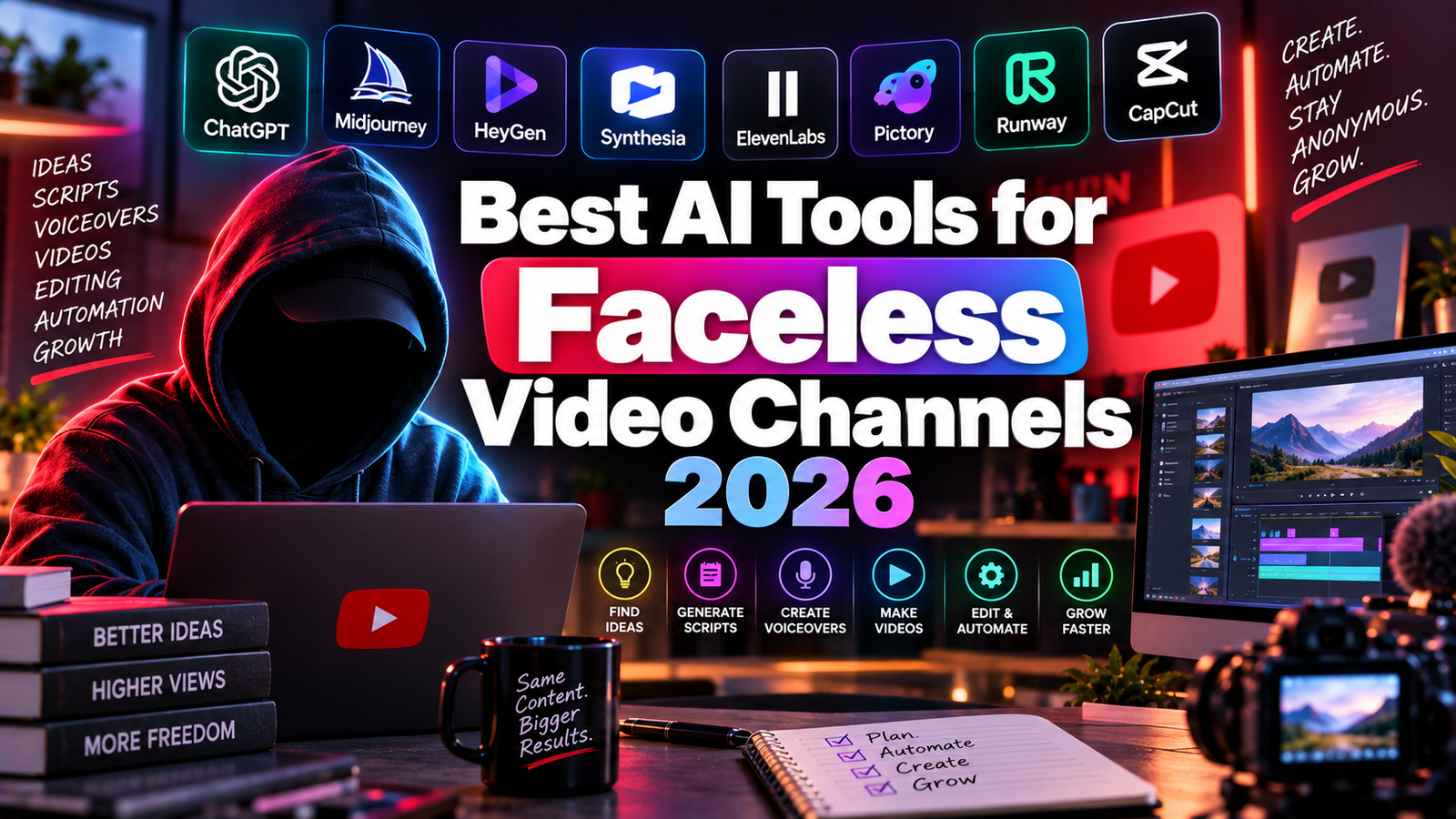
Best AI Tools for Faceless Video Channels 2026: Build and Scale Without Showing Your Face
Faceless content has moved from a workaround for camera-shy creators to a mainstream publishing model. On YouTube, entire niches like history explainers, finance breakdowns, true crime recaps, and story narration run on channels where the creator never appears on screen. On TikTok and Instagram Reels, voiceover-led clips, text-on-screen explainers, and AI presenter videos fill feeds in every category. The format scales well because the audience is following a topic and a style rather than a personality, which also means a channel can keep publishing without the creator needing to be camera-ready every day.
What changed in the last two years is how much of the production pipeline AI now covers. Scripts can be drafted and refined with a writing assistant. Narration can be generated in a cloned or stock voice that sounds natural. A digital presenter can deliver the script in dozens of languages. Stock footage can be matched to each line automatically. Thumbnails and cover frames can be designed from templates, and a finished long video can be cut into a week of Shorts, Reels, and TikToks without opening an editor.
The part AI does not cover is the reason a viewer stays. Channels that grow in 2026 still have a person making editorial decisions: choosing the angle, tightening the hook, picking a voice that fits the niche, and adding something a template could not. Platforms are also getting stricter about mass-produced, near-identical uploads, which makes the human layer more important rather than less. This guide covers eight tools across the full faceless workflow and is honest about where each one helps and where it falls short.
Comparison Table: Best AI Tools for Faceless Video Channels 2026
| Tool | Best For | Starting Price | Free Plan |
|---|---|---|---|
| ElevenLabs | Natural AI voiceover for narration-led channels | $5/month (Starter) | Yes (10K chars/month, no commercial rights) |
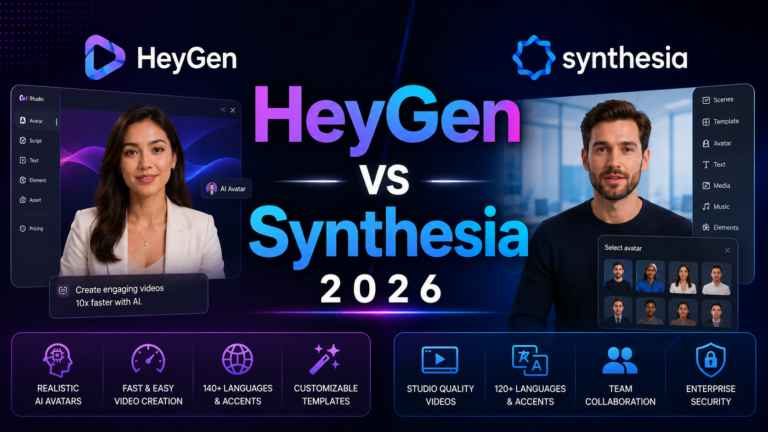
| Synthesia | Structured avatar narration for explainers and tutorials | $14/month (annual Starter) | Yes (10 min/month) |
| HeyGen | Expressive avatars and lip-synced multilingual translation | $29/month (Creator, credit-based) | Yes (limited) |
| Pictory | Turning scripts or blog posts into stock-footage video | $23/month (annual Starter) | No (trial) |
| Fliki | Text-to-video with a very large multilingual voice library | $21/month (annual Standard) | Yes (5 min/month, watermarked) |
| Canva | Thumbnails, cover frames, and channel graphics | Free / $15/month (Pro) | Yes |
| Opus Clip | Repurposing long videos into Shorts, Reels, and TikToks | Free / $15/month (Starter) | Yes (60 min/month, watermarked) |
| Claude or ChatGPT | Scriptwriting, hooks, and research synthesis | $20/month (Pro or Plus) | Yes |
“Pricing is subject to change. Always verify current pricing on each tool’s official website before purchasing. HeyGen moved to credit-based pricing in 2026, and Fliki’s plan limits are reported differently across sources, so check both before budgeting.”
Detailed Reviews
1. ElevenLabs
Best for narration-led channels where voice quality decides whether viewers stay past the first fifteen seconds.
ElevenLabs is the standard for natural AI voice in 2026, and for most faceless channels it is the single most important tool in the stack. A large share of the category runs on a narrator voice over stock footage or simple visuals with no avatar at all, which means the voice carries the entire production. A flat or obviously synthetic voice sends viewers away quickly, while a natural one makes the channel feel professionally produced. See our full ElevenLabs Review 2026 for the complete breakdown.
Key features: Natural multilingual text-to-speech, Professional Voice Cloning on the Creator plan, AI dubbing to translate finished videos into new languages, sound effects generation, and an API for automated narration pipelines.
Pros: The most natural-sounding voices in the category; voice cloning lets a channel keep one consistent narrator across hundreds of uploads; dubbing opens international audiences from a single script.
Cons: Commercial rights require a paid plan; quality varies by language outside English, so test a voice before committing a channel’s identity to it.
Pricing: Free (10K characters/month, no commercial rights); Starter $5/month; Creator $22/month with Professional Voice Cloning.
Best for: Any voiceover-first channel, especially in storytelling, history, finance, and educational niches.
2. Synthesia
Best for educational and tutorial channels that want a calm, consistent on-screen presenter without filming anyone.
Synthesia turns a script into a video with a digital presenter, and its delivery style is built for clarity and repeatability rather than dramatic expressiveness. That fits explainers, how-to series, and finance or history content where the information is the draw. A 2026 pricing change made it far more accessible for solo creators: a custom personal avatar is now included in the $14 per month annual Starter plan, which used to be an expensive enterprise add-on. See our full Synthesia Review 2026 for details.
Key features: 230-plus stock avatars, a custom personal avatar on Starter, 140-plus languages, a scene-based editor that makes similar videos fast to batch, and brand kit controls.
Pros: The cheapest route to a branded recurring presenter; the structured editor suits series production; strong multilingual narration.
Cons: Delivery is more neutral than HeyGen, which suits some niches and undersells others; Starter limits annual video minutes, so heavy daily publishers will outgrow it.
Pricing: Free (10 min/month); Starter $14/month annual (120 minutes/year); Creator $29/month annual.
Best for: Tutorial, explainer, and course-style faceless channels.
3. HeyGen
Best for expressive avatar content and for repurposing one video into many languages.
HeyGen leads on avatar realism. Its latest avatars show natural micro-expressions and gestures, and its video translation feature re-voices an existing video in 175-plus languages with matched lip movement. For creators who want a presenter with more personality than a neutral explainer avatar, or who want to run one channel in several languages, that combination is hard to beat. See our full HeyGen Review 2026 for the complete picture.
The important 2026 change is pricing. HeyGen retired unlimited plans in May and moved to credits, so the $29 per month Creator plan with 600 credits covers only a handful of premium avatar videos each month in practice. Daily publishers need to model their credit usage before subscribing.
Key features: Expressive stock avatars, custom avatar creation from a short clip, lip-synced video translation across 175-plus languages, voice cloning, and fast script-to-video production.
Pros: The most natural avatars in the category; translation is a genuine growth lever for international reach; fast to produce.
Cons: Credit-based limits cap monthly volume; avatar-led formats are not right for every niche.
Pricing: Free tier available; Creator $29/month (600 credits with rollover); higher tiers for teams.
Best for: Personality-driven faceless formats and multilingual channel expansion.
4. Pictory
Best for converting a script or blog post straight into a stock-footage video.
Pictory takes written content and builds a video around it: it splits the script into scenes, matches stock footage to each line, adds an AI voiceover, and generates captions. For anyone repurposing a blog, newsletter, or research notes into video, it removes the slowest manual step, which is hunting for footage line by line.
The tradeoff is aesthetic. Pictory output has a recognizable stock-footage look, and on platforms where viewers favor original or stylized visuals, that can hurt retention. It is better suited to informational content than to entertainment formats.
Key features: Script-to-video and blog-URL-to-video, AI voiceover, auto-captions, and a large stock media library.
Pros: Fastest path from written content to finished video; solid voice quality; easy for beginners.
Cons: Generic stock look; monthly video caps; refund eligibility can be affected by downloading content during the trial window, so read the current terms first.
Pricing: Starter $23/month annual ($29 monthly); Professional $47/month annual.
Best for: Blog and newsletter owners adding a video channel.
5. Fliki
Best for text-to-video with one of the largest multilingual voice libraries available.
Fliki converts text, blog URLs, or scripts into videos with matched stock visuals, subtitles, and AI narration. Its distinguishing feature is range: sources report more than 2,000 voices across 80-plus languages, plus voice cloning on higher tiers and a standalone text-to-speech mode. That makes it a strong fit for channels that publish in several languages or want to experiment with many narrator styles.
It was not built specifically for vertical short-form content, so TikTok and Reels creators who need caption-forward, fast-cut edits may prefer to finish clips elsewhere.
Key features: Text, blog, and idea-to-video generation, a very large voice library, voice cloning on Premium, one-click dubbing, and basic AI avatars.
Pros: Excellent voice variety; strong for non-English channels; fast from text to a finished draft.
Cons: Video customization is basic compared with a full editor; paid plan limits are described differently across reviews, so confirm minutes and voice access on the current pricing page.
Pricing: Free (5 minutes/month, watermarked); Standard around $21/month annual ($28 monthly); Premium around $66/month annual.
Best for: Multilingual faceless channels and voice-first experimentation.
6. Canva
Best for thumbnails, cover frames, and the graphics that earn the click.
On a faceless channel, the thumbnail does the work a recognizable face would otherwise do, so visual packaging matters more than many creators expect. Canva AI covers thumbnail templates, Background Remover for composite images, Magic Resize for adapting one design across YouTube, Shorts, Reels, and TikTok, and a Brand Kit that keeps every upload visually consistent.
Key features: Thumbnail and cover templates, Background Remover, Magic Resize, AI image generation, and Brand Kit.
Pros: The easiest design tool for non-designers; Magic Resize saves real time on multi-platform channels; a usable free plan.
Cons: It is not a video editor; highly stylized AI imagery trails specialist image tools.
Pricing: Free; Pro $15/month.
Best for: Any faceless channel that needs consistent, clickable visuals.
7. Opus Clip
Best for turning one long video into a week of short clips.
Opus Clip scans a long video, finds the strongest segments, and produces captioned vertical clips ranked by a Virality Score. For faceless channels this is a growth lever, since Shorts, Reels, and TikTok run on discovery systems separate from long-form search, giving finished content a second chance to find viewers. Expect to review the output: roughly six to eight in ten clips are usable with light edits.
Key features: AI clip detection, animated captions, automatic vertical reframing, and direct scheduling on the Pro plan.
Pros: Converts existing work into extra distribution with little effort; Virality Score helps prioritize what to post.
Cons: Credits are charged by source video length, not output clips; projects can be deleted shortly after cancellation, so download what you need first; the free plan is watermarked.
Pricing: Free (60 minutes/month, watermarked); Starter $15/month; Pro $29/month ($14.50 annual).
Best for: Channels with a backlog of long-form videos.
8. Claude or ChatGPT
Best for the script, because nothing downstream fixes a weak one.
A general-purpose AI assistant is the foundation of the stack. Claude Pro and ChatGPT Plus both cost $20 per month and both handle the core faceless tasks: researching a topic, drafting a script in a consistent voice, writing a strong first-five-seconds hook, and adapting one script for a long video and a short. The creators who get good results treat the output as a first draft, working from a detailed brief with a specific angle and sources, then editing for pacing before the voice is generated.
Key features: Long-context research synthesis, tone matching, iterative revision, and the ability to adapt one script into multiple formats.
Pros: The best raw writing quality in the stack; useful for fact-heavy niches; flexible across every platform.
Cons: Neither tool is built for YouTube specifically, so hook and pacing guidance has to come from your prompts; unedited output tends to read as generic, and facts need checking.
Pricing: Free tiers available; Claude Pro and ChatGPT Plus $20/month each.
Best for: Every faceless channel, whatever the format.
Frequently Asked Questions
Can faceless AI channels still be monetized, and what should I worry about?
Yes, but the risk is real and specific. YouTube’s Partner Program policy on inauthentic or repetitive content targets mass-produced, template-made videos with little variation or original value, and it applies whether a human or an AI made them. Reporting in 2026 indicates the policy was reworded again in July, but the principle is unchanged: a channel that swaps a topic into the same script skeleton, voice, and stock footage hundreds of times is the pattern at risk, while faceless channels with original scripts, real curation, and a point of view remain eligible. Using AI for scripting help, voice, editing, or thumbnails is not itself the problem. YouTube also asks creators to disclose realistic altered or synthetic content in Studio. Policies change, so read the current Partner Program rules directly instead of relying on any summary, including this one.
What copyright and licensing issues should I check before publishing?
Four areas come up most. First, tool licensing: free plans often exclude commercial use, as with ElevenLabs, so confirm that your plan covers monetized content before you publish. Second, stock footage and music: Pictory and Fliki supply licensed libraries, but confirm the license terms cover monetized videos on your plan, and avoid pulling in unlicensed clips or songs. Third, voices: use your own cloned voice or a stock voice you are licensed to use, and never clone a real person’s voice without permission. Fourth, factual claims and sources: AI scripts can contain errors or invented details, so verify anything you state as fact. None of this is legal advice, and a short read of each tool’s terms is worth the time.
What is the best minimum stack for a new faceless channel?
Start with three roles: a script tool, a voice tool, and a visual tool. A $20 assistant for scripts, ElevenLabs Starter at $5 for narration with commercial rights, and Canva’s free plan for thumbnails total about $25 per month, with footage sourced through a text-to-video tool like Pictory or Fliki once you are ready to publish consistently. Add an avatar tool like Synthesia or HeyGen only if the format calls for a presenter, and add Opus Clip once you have enough long videos to repurpose. Make one complete video end to end on free tiers first. The friction points show you which upgrade is actually worth paying for.
Final Recommendation
The right stack depends on the format, but most channels fit one of three patterns.
For voiceover-led channels with no presenter, build around ElevenLabs for narration, Claude or ChatGPT for scripts, and Canva for thumbnails. These three cover the factors that most directly drive watch time and click-through, at roughly $25 to $50 per month.
For tutorial, explainer, or course-style channels that want a presenter, Synthesia is the more affordable and structured choice, especially now that a custom avatar is included in the $14 annual Starter plan.
For personality-driven formats or channels growing across languages, HeyGen offers the most expressive avatars and the strongest translation feature, as long as the credit model fits your publishing volume.
Add Pictory or Fliki when you need footage and voice assembled from text quickly, and add Opus Clip once a backlog of long videos exists. Whatever the stack, keep a human in charge of topic, angle, and script quality. That is both what makes the content worth watching and what keeps a faceless channel on the right side of platform policies.
Disclosure: This article contains affiliate links.