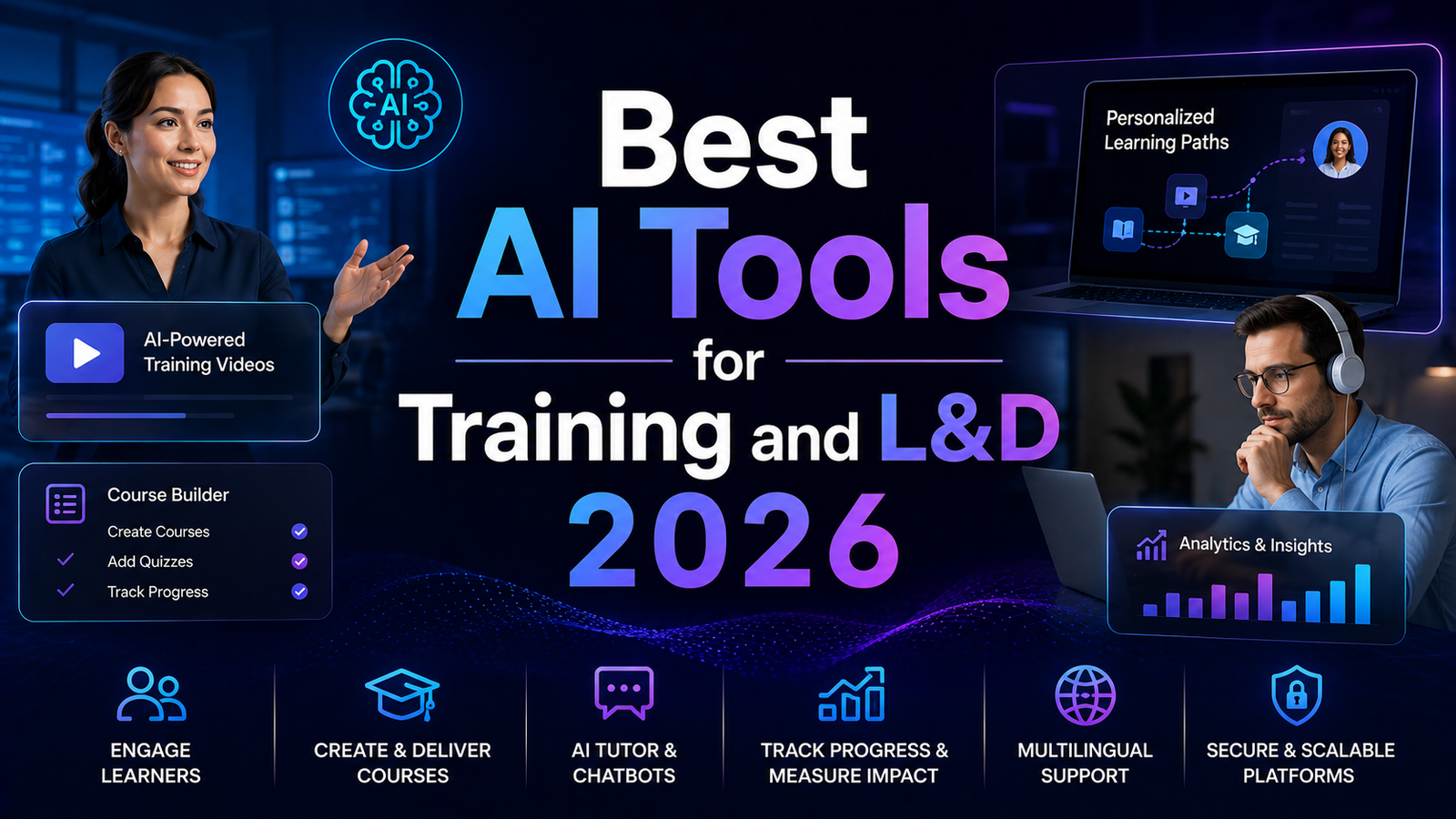
Best AI Tools for Training and L&D 2026: Build Courses Faster
Corporate learning and development changed more between 2024 and 2026 than in the previous decade. What used to require a video crew, a voiceover artist, a translation agency, and weeks of authoring time can now be assembled by a single L&D professional in an afternoon. The shift came from a handful of AI capabilities maturing at once: avatar-led course video that needs no camera or on-screen talent, interactive assessments that branch based on learner answers, instant localization into dozens of languages, and authoring tools that turn a document or a slide deck into a finished course.
The result is that the bottleneck in training has moved. It is no longer production capacity. It is choosing the right stack. There are now dozens of tools claiming to speed up course creation, and they are not interchangeable. Some are avatar video studios. Some are course authoring platforms. Some are narration or editing tools that slot into a larger workflow. Picking the wrong combination means paying for overlap or discovering mid-project that your tool cannot export to your LMS.
This roundup covers eight tools that together handle the full modern L&D workflow, from scripting and narration to avatar video, interactivity, and final packaging. For each, we cover what it does, its key features, the honest pros and cons, pricing, and who it fits best.
Comparison Table
| Tool | Best For | Starting Price | Free Plan |
|---|---|---|---|
| Synthesia | Enterprise training video with LMS export | ~$18/mo (annual) | Yes, limited |
| Colossyan | Interactive training with quizzes and branching | ~$35/mo | Yes, Starter |
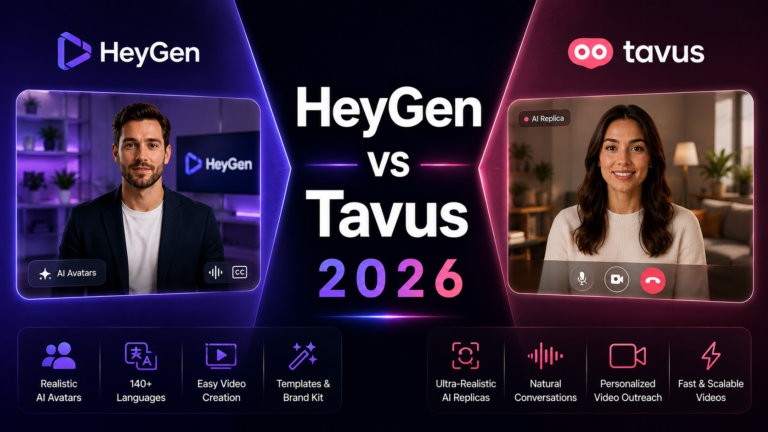
| HeyGen | Multilingual training and comms video | ~$29/mo | Yes, 3 videos |
| Articulate 360 | Course authoring and interactivity | ~$1,099/yr | Trial only |
| iSpring | Rapid PowerPoint-to-course | ~$770/yr | Trial only |
| ElevenLabs | AI voice narration for courses | ~$5/mo | Yes |
| Descript | Editing and screen recording | ~$12/mo | Yes |
| Google NotebookLM | Turning source docs into study material | Free / Plus | Yes |
Pricing is subject to change. Always verify current pricing on the tool’s official website before purchasing.
Synthesia
Synthesia is the enterprise standard for AI training video, and for good reason. It turns a script into a polished avatar-led video with no camera, no studio, and no on-screen talent, and it does it with the consistency and compliance features large organizations require.
Key features include a large library of professional avatars, support for 140 or more languages, a no-code scene-by-scene editor, SCORM export and LMS integration, screen recording, and brand kit controls for keeping content on-brand across a whole training library.
The pros are polish, reliability, and scale. Synthesia produces consistent, professional output that holds up across hundreds of videos, and its localization pipeline keeps lip-sync clean across languages, which matters enormously for global training rollouts. The cons are that it is more expensive than lightweight tools, and its focus on produced video means it is not an interactive-assessment platform on its own.
Best for: enterprise and mid-market L&D teams that need a large volume of polished, localized training video with proper LMS packaging.
Colossyan
Colossyan is the interactive-training specialist, built specifically for corporate learning rather than general avatar video. Where most avatar tools stop at producing a video, Colossyan adds the layer that actually makes training effective: interactivity.
Key features include in-video quizzes and knowledge checks, scenario branching that pauses and routes learners based on their answers, a Conversation Mode where multiple avatars talk to each other for realistic role-play and comparison scenarios, SCORM export with LMS reporting, and support for 70 or more languages with auto-translation.
The pros are the interactive features that genuinely differentiate it, branching and quizzes are native rather than bolted on, and the multi-avatar conversation mode is uniquely useful for sales training and scenario-based learning. The cons are a smaller avatar and language library than Synthesia or HeyGen, and a narrower focus that makes it less suited to general marketing or comms video. Pricing starts around $35 per month on Starter and climbs to roughly $120 per month on Pro.
Best for: L&D teams whose training depends on interactivity, assessments, branching scenarios, or avatar role-play.
HeyGen
HeyGen is the multilingual powerhouse of the group, and the most natural pick when training and communications content needs to reach a global workforce in many languages.
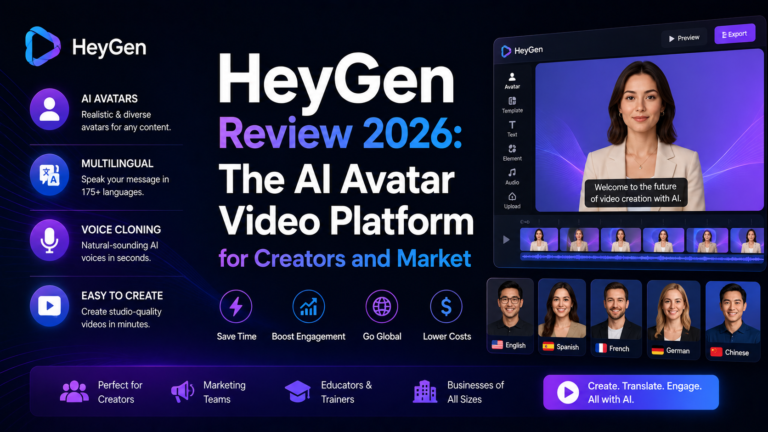
Key features include highly expressive, natural-looking avatars via its latest Avatar technology, support for 175 or more languages with lip-synced translation extending even wider, voice cloning, a no-code Studio editor, and a Streaming Avatar option for interactive experiences.
The pros are avatar realism and unmatched language coverage, HeyGen’s presenters are among the most natural in the category, and its localization reach is a decisive advantage for global training. The cons are that its interactivity features are lighter than Colossyan’s, and its Business plan gets pricey with per-seat fees. Pricing starts around $29 per month on the Creator plan.
Best for: teams producing multilingual training and internal communications video where avatar realism and language reach matter most.
Articulate 360
Articulate 360 is the long-standing heavyweight of course authoring, and in 2026 it added meaningful AI assistance to an already dominant toolset. It is less about avatar video and more about building structured, interactive e-learning courses.
Key features include Storyline for advanced custom interactions, Rise for fast responsive course building, AI-assisted content generation, quiz and assessment builders, and broad LMS compatibility.
The pros are depth and flexibility, Articulate can build almost any interaction an instructional designer can imagine, and it is an industry standard that integrates with virtually every LMS. The cons are a steep learning curve for Storyline and a high annual price, around $1,099 per year, that suits organizations rather than individuals.
Best for: dedicated instructional designers and L&D departments building sophisticated, fully custom interactive courses.
iSpring
iSpring is the pragmatic choice for teams that live in PowerPoint and want to turn existing decks into proper e-learning courses quickly. It works as a PowerPoint add-in, which flattens the learning curve dramatically.
Key features include PowerPoint-to-course conversion, quiz and assessment creation, dialogue simulations for soft-skills training, screen recording, and SCORM output for LMS delivery.
The pros are speed and familiarity, if your content already lives in slides, iSpring turns it into interactive courses with minimal retraining. The cons are that it is Windows and PowerPoint centric, and its output can feel more slide-based than tools built video-first. Pricing runs around $770 per year for the suite.
Best for: teams with heavy existing PowerPoint content that want to convert it into LMS-ready courses fast.
ElevenLabs
ElevenLabs is the narration engine that quietly upgrades every other tool in this list. Course video and slides both need voiceover, and ElevenLabs produces natural AI narration that removes the need for a voice actor.
Key features include highly realistic text-to-speech in many languages, voice cloning for a consistent branded narrator, fine control over pacing and emphasis, and an API for automating narration across large content libraries.
The pros are voice quality, ElevenLabs sets the benchmark for natural AI narration, and its consistency lets you keep the same voice across an entire course catalog. The cons are that it is a narration tool, not a full course builder, so it complements rather than replaces the others. Pricing starts around $5 per month with a usable free tier.
Best for: any L&D team that needs professional narration for course video, slide decks, or microlearning without hiring voice talent.
Descript
Descript is the editing and screen-recording layer that makes software training and talking-head content easy to produce and polish. Its document-style editing, where you edit video by editing the transcript, is a genuine time-saver for course production.
Key features include transcript-based video editing, screen recording for software walkthroughs, filler-word removal, AI voice and overdub for fixing narration without re-recording, and easy export.
The pros are speed and approachability, editing video like a document removes the intimidation factor for non-editors, and the screen-recording tools are ideal for software and process training. The cons are that it is a production tool rather than a course platform, and complex course logic lives elsewhere. Pricing starts around $12 per month.
Best for: teams producing software walkthroughs, screen recordings, and talking-head training that needs quick, clean editing.
Google NotebookLM
Google NotebookLM is the newest kind of tool on this list: an AI research and study assistant that turns your source documents into learning material. For L&D teams, it is a powerful front end for course creation.
Key features include ingesting your own documents, PDFs, and slides, generating summaries and study guides grounded in that source material, creating audio overviews that turn documents into podcast-style discussions, and answering questions with citations back to your sources.
The pros are that it grounds output in your actual materials rather than generic knowledge, which keeps training accurate to your organization’s real content, and the audio overviews are a fast way to create microlearning. The cons are that it is a study and synthesis tool, not a course builder or video platform, so it feeds the pipeline rather than finishing it. It offers a capable free tier with paid Plus options.
Best for: L&D teams turning dense internal documentation into digestible study material and microlearning audio.
Frequently Asked Questions
Do I need all eight of these tools?
No. Most L&D teams build a stack of two or three. A common combination is one avatar video tool (Synthesia, Colossyan, or HeyGen), one narration tool (ElevenLabs), and one authoring or editing tool (Articulate, iSpring, or Descript) depending on whether your training is video-first or course-first. Start with the video tool that matches your primary need and add narration and authoring only where your workflow actually requires them.
Which tool is best for interactive training with quizzes?
Colossyan for interactivity native to avatar video, since branching and quizzes are built in, and Articulate 360 for fully custom interactive courses if you have instructional-design resources. Synthesia and HeyGen are stronger on video polish and language reach but lighter on native interactivity, so pair them with an authoring tool if assessments are central to your program.
Can these tools export to my LMS?
Most can. Synthesia, Colossyan, Articulate, and iSpring all support SCORM export and LMS integration, which is essential for tracking completion and assessment results. If LMS reporting matters to you, confirm SCORM support on the specific plan you are considering, since it is sometimes gated to higher tiers.
Final Recommendation
The best AI training stack in 2026 depends on what kind of learning you build, but a few clear picks stand out.
For video-based training, Synthesia is the top overall choice, offering the polish, consistency, localization, and LMS packaging that enterprise L&D requires at scale. If your training depends on interactivity, Colossyan is the specialist pick, with native quizzes, branching, and multi-avatar conversation that no general video tool matches. For teams whose priority is reaching a global workforce in many languages, HeyGen wins on avatar realism and unmatched language coverage.
Layer in ElevenLabs for professional narration across whatever video and slides you produce, and add Articulate, iSpring, Descript, or NotebookLM depending on whether you need custom authoring, PowerPoint conversion, screen-recording, or document synthesis. Build the smallest stack that covers your actual workflow, and you will produce better training in a fraction of the time it used to take.
Pricing is subject to change. Always verify current pricing on the tool’s official website before purchasing.
Disclosure: This article contains affiliate links.