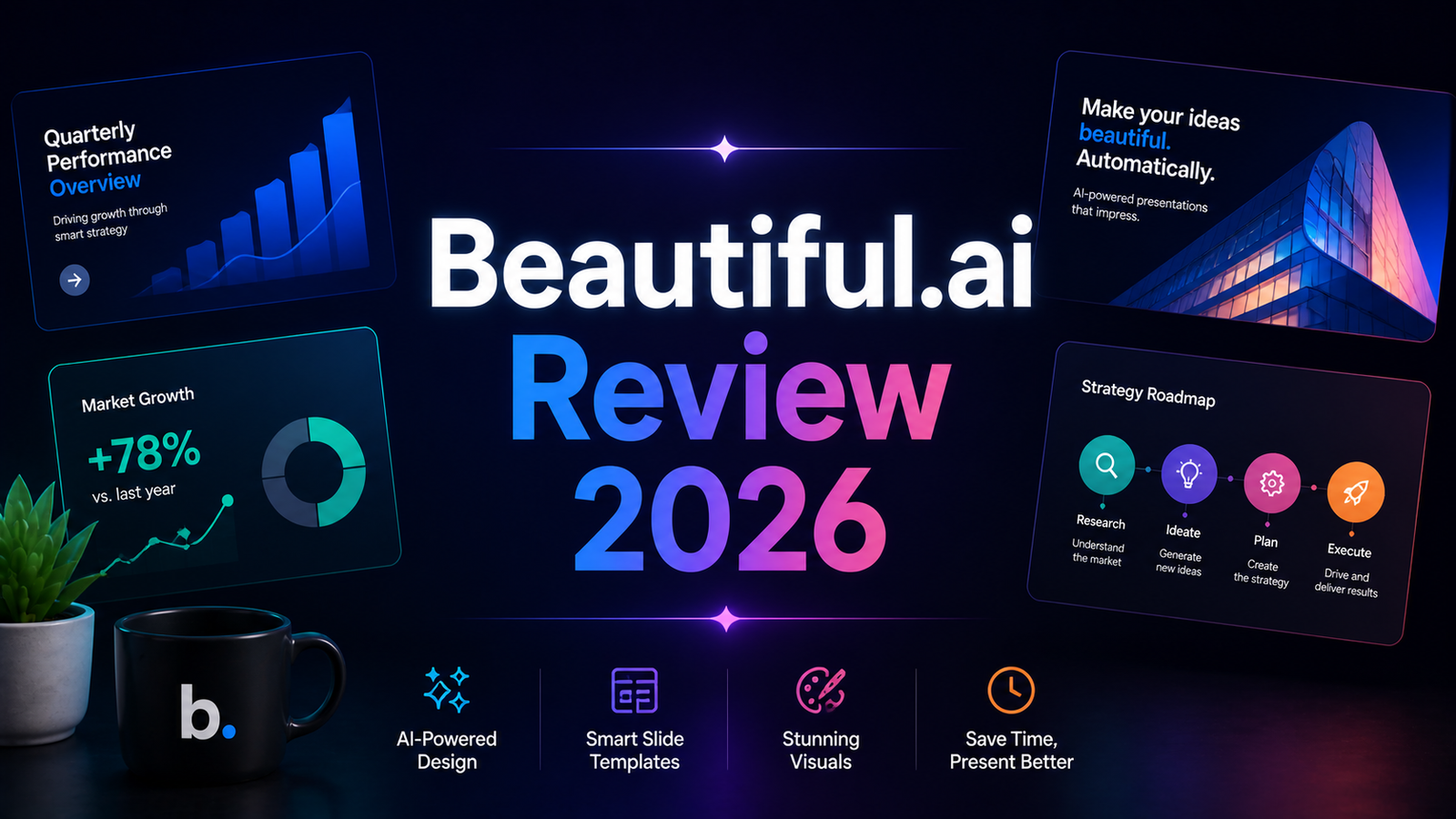
Beautiful.ai Review 2026: The AI Presentation Tool That Makes Bad Design Nearly Impossible
Most presentation tools give you a blank canvas and trust you to fill it well. Beautiful.ai starts from the opposite premise: it does not trust you to make good design decisions, so it makes them for you. The Smart Slides engine enforces professional spacing, alignment, typography hierarchy, and visual balance automatically as you add content. You cannot make things misaligned. You cannot create crowded slides. You cannot accidentally produce the kind of formatting inconsistency that makes presentations look assembled rather than designed.
That constraint is simultaneously Beautiful.ai’s most praised feature and its most frequent complaint. G2 users consistently describe it as both the best and the worst thing about the platform: the Smart Slides engine handles 90 percent of design decisions well, and when you disagree with the remaining 10 percent, there is no way to override it. Whether that trade-off is acceptable depends entirely on what you value more: design precision or design speed.
For most business users creating repeatable presentations, the answer is speed. Independent testers report cutting deck creation time from 3 to 4 hours to under an hour, and G2 reviewers report 50 to 75 percent reductions in design time compared to PowerPoint. That efficiency is what has made Beautiful.ai a standard tool in sales teams, marketing departments, and consulting practices that produce presentations at volume.
What Beautiful.ai Is and Who It Is For
Beautiful.ai is a browser-based AI presentation platform built around its patented Smart Slides engine, which automatically manages layout, spacing, and visual hierarchy as users add content to slides. The March 2026 “Create with AI” update, powered by Anthropic’s models, changed the core generation workflow: instead of generating slides immediately from a prompt, the platform now produces a text outline of the full presentation first. Users review the narrative, reorder sections, and edit talking points before committing to slide generation. This solves a problem every AI presentation tool faces, which is generating visually impressive slides built on a poorly structured argument.
Beautiful.ai serves four user profiles consistently well:
Sales and marketing teams creating pitch decks, proposals, and prospect presentations repeatedly. Clean layouts, quick editing for last-minute updates, and viewer analytics for tracking prospect engagement make it a solid choice for pitch decks that need to look polished without consuming hours of prep time.
Non-designers in business roles who need professional-quality presentation output and lack the design training to achieve it in PowerPoint or Keynote. The automatic layout adjustment removes the formatting anxiety that slows down most non-designers.
Enterprise teams that need brand governance at scale across dozens or hundreds of presenters. The Brand Kit on Team and Enterprise plans propagates brand updates across all presentations simultaneously and prevents unauthorized visual modifications.
Recurring internal presentation workflows such as weekly updates, quarterly business reviews, and board decks, where template consistency reduces preparation time and focuses stakeholder attention on content rather than format changes.
Beautiful.ai is less well-suited for designers who need pixel-level layout control, users who require reliable PowerPoint export for client deliverables, and teams building highly customized one-off presentations where the template structure feels constraining rather than helpful.
Key Features
Smart Slides engine with automatic layout enforcement. The flagship feature and Beautiful.ai’s patented technology. Drop in a third bullet point and the spacing redistributes. Add an image and the text reflows to accommodate it. Drag an element and it snaps to the grid rather than floating wherever you release it. This automatic adjustment means every slide in every presentation maintains visual coherence regardless of who created it or how much content they added. The constraint is real: you cannot place elements in arbitrary positions. For most business presentations, this produces clean results. For brand-specific frameworks requiring precise custom layouts, it creates friction.
DesignerBot AI generation with Context-Aware Workflow. The March 2026 product update was the most significant feature launch in the company’s history. DesignerBot now generates a text outline first, allowing users to review and refine the narrative argument before the AI designs any slides. A chat-style interface enables iteration without losing context. This solves the core frustration with AI presentation tools where beautiful slides are generated on top of a weak argument. Testing the feature with a competitor comparison prompt produced a clean four-column layout with placeholder content in about 8 seconds, with a finished slide ready in under 2 minutes after replacing the placeholder text.
Unlimited AI generation on all paid plans. Unlike tools that meter usage through a monthly credit system, Beautiful.ai does not cap AI generation on any paid plan. The AI writing assistant, DesignerBot slide generation, AI image generation, and AI language translation are all available without tracking usage. This is a meaningful structural advantage over Gamma, whose credit system requires monitoring and depletes for heavy users.
Brand Kit with multi-brand support. Beautiful.ai’s Brand Kit feature, available on Team and Enterprise plans, lets organizations store logos, color palettes, fonts, and footer styles in a centralized library. Updates to the Brand Kit propagate across all presentations that use it, eliminating the common problem of outdated brand elements lingering in old decks. For enterprises managing multiple brands or client identities, Beautiful.ai supports multiple Brand Kits within a single organization.
Viewer analytics for sales workflows. Slide-by-slide engagement analytics show which slides received the most attention, how long viewers spent on each section, and whether the presentation was opened at all. Salesforce integration enables analytics data to flow directly into CRM records, connecting presentation engagement to deal progression.
PowerPoint import and export. All paid plans include both PowerPoint import (converting existing PPTX files to Beautiful.ai’s format) and PowerPoint export. The export quality caveat is worth stating clearly: several users on Capterra and Reddit report that exported files can have formatting issues, where text that was a single block in Beautiful.ai sometimes breaks into individual text boxes in PowerPoint, and alignment can shift. For workflows requiring delivery of editable PPTX files to external parties, testing the export quality before committing is advisable.
Pros and Cons
Pros:
- Smart Slides engine enforces professional design quality automatically; G2 users consistently report 50 to 75 percent reduction in deck creation time versus PowerPoint
- Unlimited AI generation on all paid plans with no credit system to monitor or deplete
- Context-Aware AI Workflow (March 2026) generates narrative outline before slide design, solving the weak-argument problem
- Pro plan at $12 per month (annual) is among the strongest value propositions in the presentation software category
- Brand Kit with multi-brand support and automatic propagation handles enterprise brand governance at scale
- Viewer analytics with Salesforce integration is uniquely valuable for sales teams tracking deck engagement
- Students with verified .edu emails receive one free year, making it accessible for academic use
- 300-plus Smart Slide templates organized by purpose cover every standard business presentation format
Cons:
- No free plan; 14-day trial requires a credit card and auto-charges if not cancelled before the trial period ends
- Smart Slides constraint prevents pixel-level layout control; a deal-breaker for precise custom design requirements
- PowerPoint export formatting can shift; not reliable for delivering polished editable PPTX to external stakeholders
- Team plan at $40 per user per month (annual) represents a significant per-seat jump from the Pro plan
- Monthly billing rates are dramatically higher than annual: $45 per month for Pro versus $12 per month annual
- Template variety is finite; heavy users producing many presentations may find outputs looking visually similar over time
- No API access; limits programmatic workflow integration
Pricing Breakdown
Beautiful.ai’s pricing has a steep monthly-versus-annual gap that buyers should understand before signing up.
Pro: $12/month (annual billing) or $45/month (monthly billing). Unlimited slides, DesignerBot AI generation, AI writing assistant, AI image generation, AI language translation, PowerPoint import and export, viewer analytics, custom fonts, and stock media library access. The $12 annual rate is one of the strongest per-month prices in the AI presentation category. The $45 monthly rate makes short-term or project-based use expensive; a single one-off presentation purchase is available at $45 without a subscription.
Team: $40/user/month (annual billing) or $50/user/month (monthly billing). Everything in Pro plus Brand Kit and centralized brand libraries, real-time collaboration, shared presentation libraries, engagement analytics, and team administration controls. Brand Kit and collaboration features are gated entirely behind this tier, meaning solo Pro users cannot access brand enforcement tooling.
SMB Flat-Rate Plans. For teams approaching 50 users, Beautiful.ai offers an SMB 50 flat-rate plan at $6,000 per year, working out to approximately $120 per user per year compared to $480 per user per year on per-seat Team pricing at full capacity. These plans require a demo to initiate and include dedicated onboarding and priority support.
Enterprise: Custom pricing. Organizations of 20-plus users with advanced security, SSO, compliance requirements, and custom onboarding needs. Contact Beautiful.ai directly for enterprise pricing.
Education: Free for one year with a valid .edu email address.
“Pricing is subject to change. Always verify current pricing on the tool’s official website before purchasing.”
How It Compares to Gamma AI and Tome
Beautiful.ai vs Gamma
Gamma and Beautiful.ai are the two most capable AI presentation platforms in 2026 and they are designed for meaningfully different workflows.
Gamma generates faster: the Context-Aware AI Workflow solved the “AI ran ahead and ruined my story” problem that plagues most AI presentation tools in the March 2026 update, but Gamma’s general generation speed still outpaces Beautiful.ai. Gamma also covers more output formats, generating websites, documents, and social posts alongside presentations, while Beautiful.ai focuses exclusively on presentations.
Beautiful.ai wins on design enforcement and brand governance. The Smart Slides engine produces more consistently professional output than Gamma for non-designers who lack the design judgment to refine Gamma’s outputs. The Brand Kit with multi-brand support and automatic propagation has no Gamma equivalent. Unlimited AI generation without a credit system is a structural advantage for teams that produce many presentations monthly.
The export comparison is important: both tools have PPTX export quality concerns, but Beautiful.ai’s export is more established and generally more reliable than Gamma’s, which was noted for significant formatting loss in our Gamma review.
Beautiful.ai vs Tome
Tome pivoted in 2026 to focus exclusively on sales and marketing personas and removed AI features from its free plan, narrowing its competitive position significantly. The Tome comparison is now most relevant for teams deciding whether narrative depth or design enforcement is the higher priority.
Tome’s AI generates story-driven content with intentional narrative arc and emotional structure that Beautiful.ai’s more template-driven approach does not replicate. For startup pitch decks and sales presentations where the quality of the argument matters as much as the visual polish, Tome’s narrative generation is a genuine differentiator.
Beautiful.ai wins on design consistency, brand governance, unlimited AI generation without credit caps, and the analyst and compliance-friendly PPTX export option. Tome has no PowerPoint export at all; content is shared exclusively as web-based documents. For any workflow requiring file delivery, Beautiful.ai is the only viable option between the two.
Frequently Asked Questions
Does the 14-day trial actually auto-charge? What should I know before signing up?
Yes. Beautiful.ai’s 14-day trial requires a credit card and charges automatically at the end of the trial period unless you cancel before it ends. Set a calendar reminder for day 12 of your trial if you are evaluating rather than committing. The charge at trial end is the full annual rate if you selected annual billing, not a monthly prorated amount, so the financial exposure of missing the cancellation window is meaningful. Users on G2 and Capterra report varying experiences with support when they miss the cancellation deadline; Beautiful.ai’s policy is that monthly subscriptions are non-refundable and annual subscriptions may be eligible for a partial refund only within 24 hours of purchase or renewal. Evaluate this carefully before starting a trial if budget certainty is important.
Can I use Beautiful.ai as my primary tool for delivering presentations to clients?
For web-based sharing, yes without reservation. For delivering editable PPTX files to clients, with caution. Beautiful.ai includes PowerPoint export on all paid plans, but the export quality has documented inconsistencies: text formatting, alignment, and visual element placement can shift when opened in PowerPoint. For internal presentations and web-shared client presentations, the export quality is rarely a problem. For situations where a client needs to edit the PPTX file after receiving it, or where exact formatting fidelity is a contractual or professional requirement, test the export quality on a representative presentation before committing to Beautiful.ai for that workflow. Gamma’s export has similar limitations; for reliable PPTX delivery, Microsoft Copilot for PowerPoint or presentations built natively in PowerPoint with AI assistance remain the most dependable options.
Is Beautiful.ai worth the Team plan cost at $40 per user per month?
The value calculation depends on how heavily the team uses presentations in revenue-generating or external communications workflows. The features that justify the Team plan, specifically Brand Kit enforcement, shared presentation libraries, real-time collaboration, and viewer analytics with Salesforce integration, are all Team-only features unavailable to Pro subscribers. For sales teams that create and present client-facing decks regularly and can connect presentation engagement to deal outcomes through the Salesforce integration, the $40 per user per month is routinely justified. For teams creating presentations primarily for internal use or not regularly enough to leverage the analytics, the Pro plan at $12 per month per user typically covers the need. The SMB flat-rate plans become worth investigating when team size approaches 15 to 20 users, where the per-seat Team pricing starts to approach $6,000 to $10,000 per year and the flat-rate alternative at $6,000 per year for 50 users produces significant savings.
Final Verdict
Beautiful.ai earns its place as the strongest AI presentation tool for teams that prioritize design consistency, brand governance, and production efficiency over creative flexibility. The Smart Slides engine delivers on its core promise: presentations that look professionally designed regardless of who built them, produced in significantly less time than traditional tools require.
The March 2026 Context-Aware AI Workflow is a genuinely meaningful improvement. Generating the narrative outline before designing slides produces better presentations from AI assistance, and the chat-style refinement interface is the most functional AI generation workflow in the presentation category.
The limitations are consistent and should not be understated. No free plan. Auto-charging trial. PowerPoint export quality that requires testing before client-facing use. A design constraint system that occasionally frustrates precise layout requirements. And a Team plan price that requires honest assessment of whether the collaboration and analytics features justify the jump from the already-strong Pro tier.
At $12 per month annually for Pro, Beautiful.ai is one of the best-value presentation subscriptions available for any individual professional who creates business presentations regularly. At $40 per user per month for Team, it is the right tool for sales and marketing teams with presentation-heavy workflows and the analytics to justify the spend.
Rating: 4.4 / 5